
Carousel
This is documentation for Drupal 7, which is no longer supported. Learn more and find resources for Drupal 7 sites
The carousel will display your view content in slideshow carousel as documented.
- Create a view of the content you wish to display
- Under 'Format - Format:' instead of something like 'Unformatted List' or 'Grid' select 'Bootstrap Carousel'. You can change the settings for the Bootstrap Carousel format by clicking on the 'Settings' link and setting the interval, whether or not to show navigation or indicators, and to pause on hover.
- Under 'Format - Show:' instead of showing 'Fields' select 'Bootstrap Carousel'. In the settings for this you can select what to show for the Image, Title and Description.
- Next, within 'Pager' select the number of items to be included in the carousel.
- * You may need to uncheck the select box 'Display all values in the same row', under 'Multiple field settings' for the field.
Note: This module will display only one item per time on the carousel.
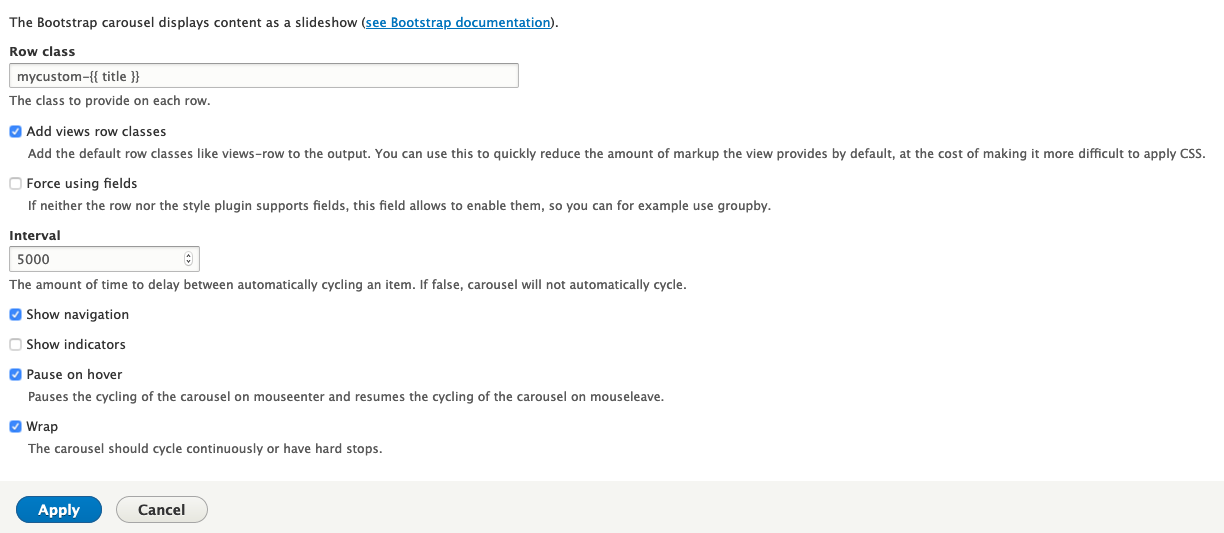
The settings will allow you to set a custom row class, the interval value of the slide transitions, including or not including the navigation and indicators, pause on mouse hover over the slide, and the wrap to continuously cycle the slides or not.
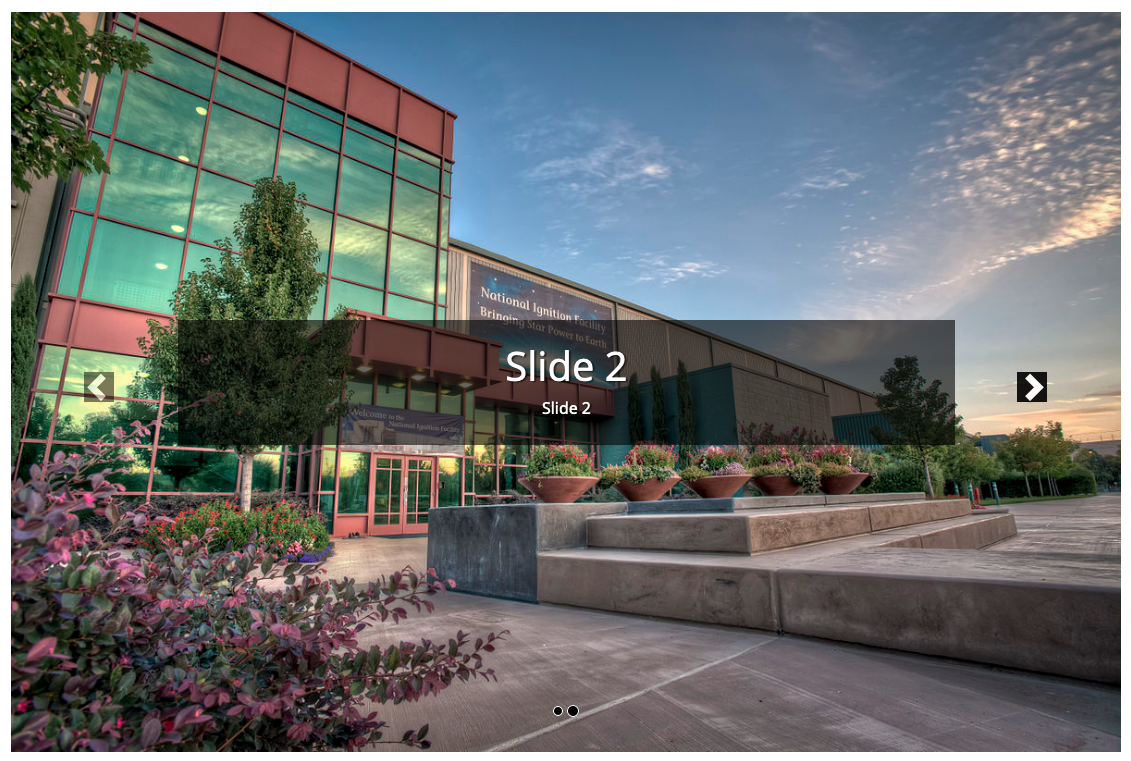
If you are finding that your images are not responsive in the carousel, please be sure that you have set your theme settings to added the img-responsive class.

If you do not want to have this setting applied site-wide by your theme, you can add a css style that does the same thing and target that to your carousel.
.carousel img {
  max-width: 100%;
  height: auto;
  dispaly: block;
}
It is possible to generate carousels from multiple nodes or an image field that contains multiple images. You can include specific fields to be designated as the image, the title, and the body, or you can set the format to show content and control your slide display in your content type templates. The later method allows you to mix content types into a single carousel. If your content results in only a single record, the navigation and indicators will not be displayed.
Help improve this page
You can:
- Log in, click Edit, and edit this page
- Log in, click Discuss, update the Page status value, and suggest an improvement
- Log in and create a Documentation issue with your suggestion
