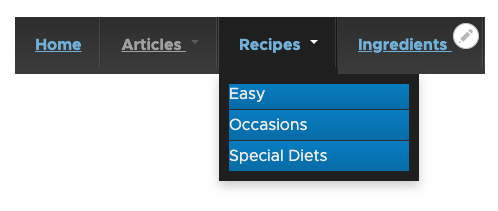
Documentation for TB Mega Menu's features apply to all versions and can be found in the latest Drupal documentation. However, the following items are unique for using TB Mega Menu in Drupal 7.
First, select the parent level menu item you wish to configure.
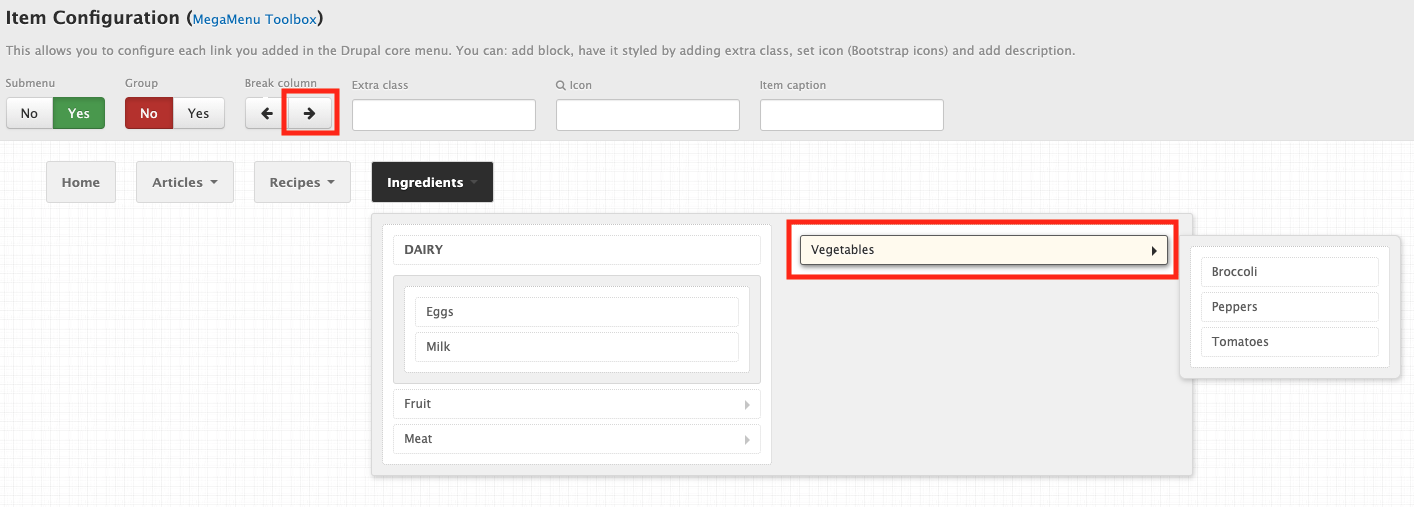
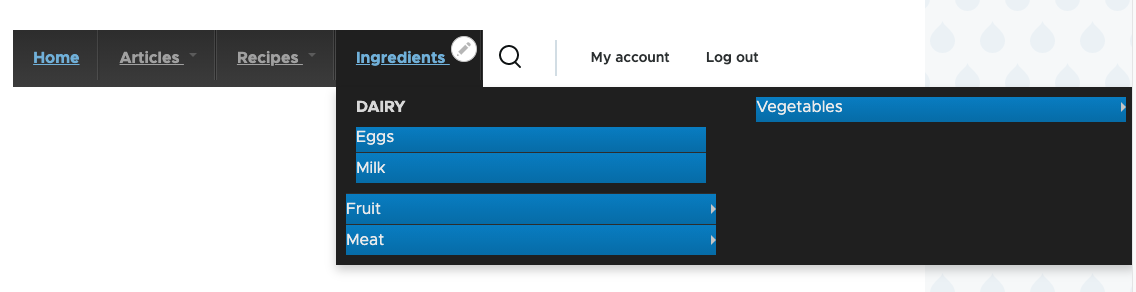
Next, set your columns. There is already a single column, so you want to select the 2nd level menu item where column two should begin, then click the right arrow button under Break column.
Repeat this step for each item that will be a column header.
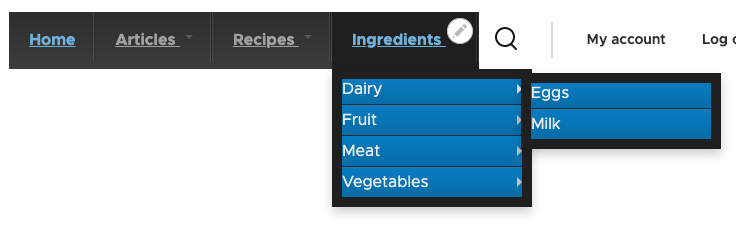
Note: by default, 3rd level menu items will render as right/left flyout menus
1. Go to Structure > TB Mega Menu and select Config. Click on the parent level menu item to reveal its dropdown, then select the parent item of the 3rd level menu item and select Yes under Group. Click save and refresh after grouping the items to group additional menu items.