


🇺🇦 |
This module is maintained by Ukrainian developers. Please consider supporting Ukraine in a fight for their freedom and safety of Europe. |
Taxonomy Menu UI allows you to create menu links for taxonomy terms, similar to Drupal’s built-in menu settings for nodes.
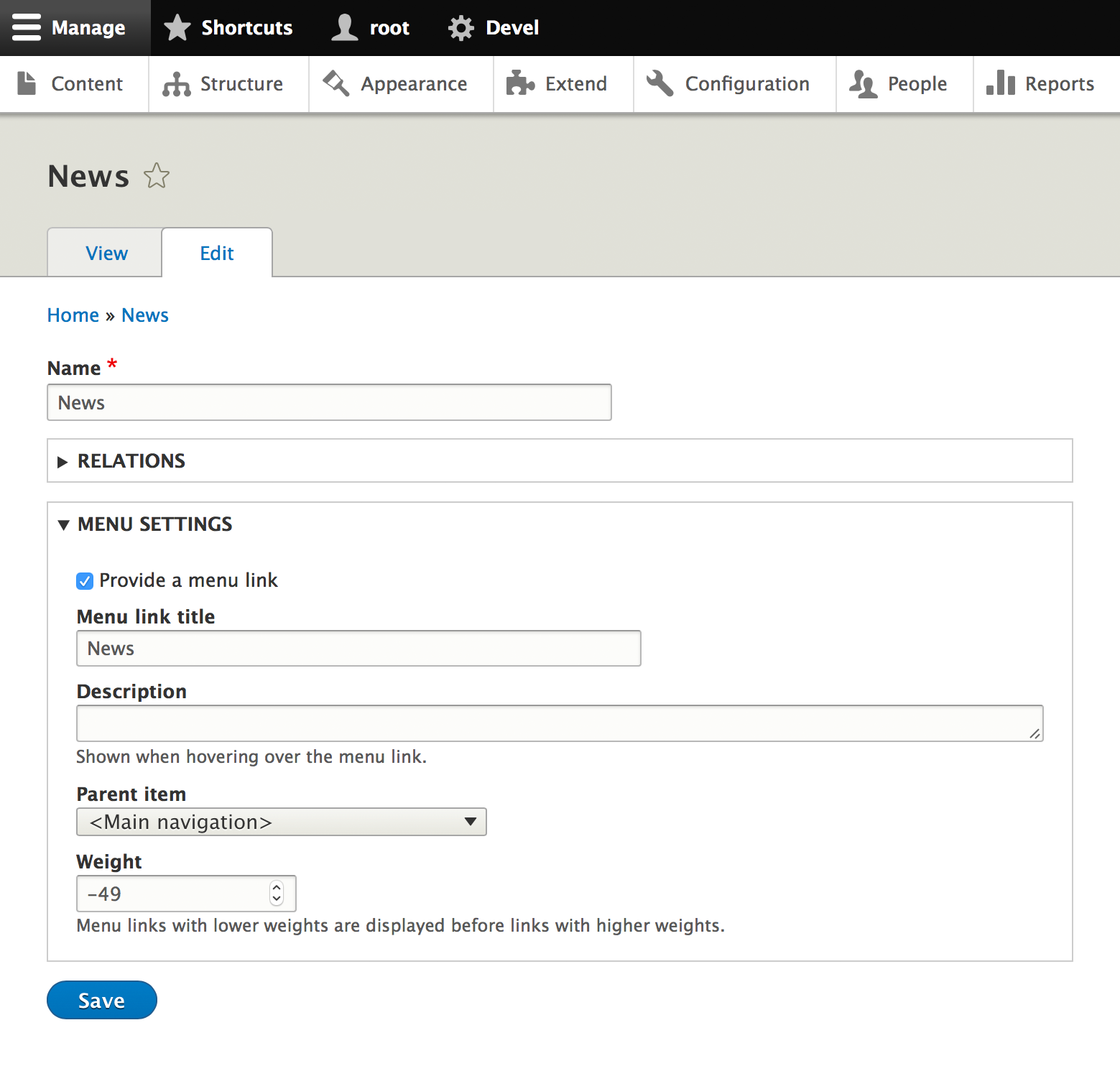
The module adds Menu settings to taxonomy vocabularies, where you can enable menu support and configure the available menus and default parent item. Once enabled, each taxonomy term includes a Menu settings tab that lets you create and manage its menu link.
This provides the same familiar workflow as node menu settings while keeping menu management directly on the taxonomy term edit form.
Configuration
- Go to Structure → Taxonomy → Edit vocabulary → Menu settings.
- Enable the desired menus and configure the default parent item.
- Save the vocabulary.
Usage
- Create or edit a taxonomy term.
- Open the Menu settings tab.
- Configure the menu link title, parent item, weight, and other menu link settings.
- Save the taxonomy term.
Maintainers
Original development by Kyrylo Loboda.
Project information
 Maintenance fixes only
Considered feature-complete by its maintainers.- Project categories: Site structure
 5,614 sites report using this module
- Created by lobodakyrylo on , updated
 Stable releases for this project are covered by the security advisory policy.
Look for the shield icon below.

