

 Come together with the global Drupal community in Rotterdam, 28 Sept – 1 Oct 2026. Sessions, contribution, connection, and Early Bird savings until 8 June.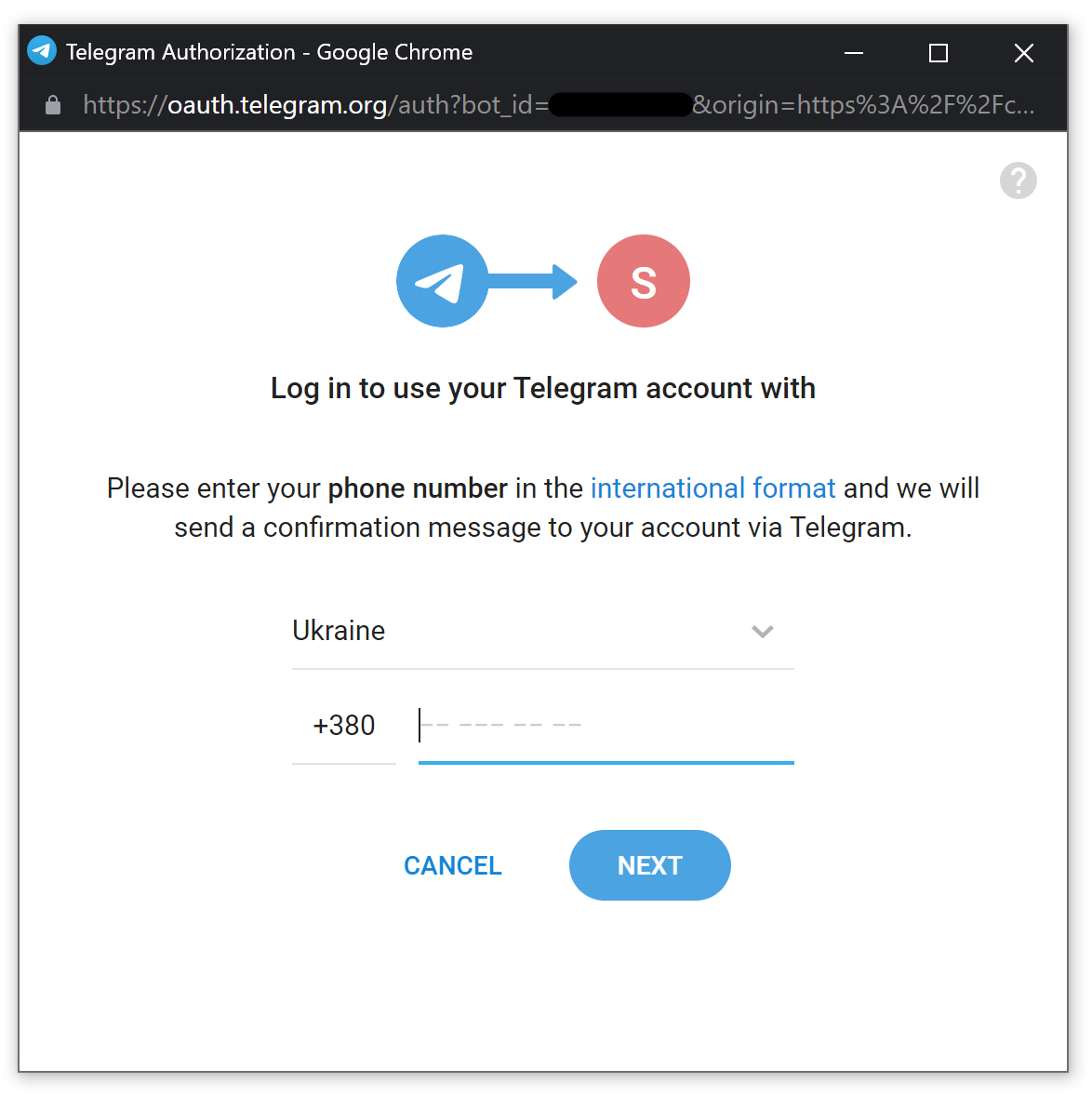
INTRODUCTION
Telegram login allows users to register and login to your Drupal site with their telegram account.
The module uses an official telegram login widget
REQUIREMENTS
CONFIGURATION
1. You need to register a new telegram bot. Visit @BotFather and enter command /newbot and follow bot instructions. Detailed information about telegram bots is here
2. When the bot is created you need to add allowed domains to this bot. Visit @BotFather and enter command /setdomain. It offers you to select a bot and enter domain of your site, as example https://drupal.org.
3. Go to a telegram login settings and enter bot access token which you received when it was created. Configuration->Social API settings->User authentication->Telegram tab (admin/config/social-api/social-auth/telegram)
4. Render a login link where you need. To render a login link use social_auth_telegram_link theme:
  return [
    '#theme' => 'social_auth_telegram_link',
    '#info' => [
      'title' => t('Login via telegram'),
    ],
  ];
ROADMAP
1. Fix coding standards.
2. Add errors display, at this moment any auth errors aren't visible, only redirect to login form.
3. Add account linking if current telegram user is not found, at this moment a new user is creating. But you can link a telegram account if try to auth when user is logged in already. In this case telegram account will link to your current profile.
4. Figure out how to auth on the site with www and without. At this moment authorization doesn't work with www and without. You need to add redirect to one of the site versions.
Telegram bot only accepts domain with www or without and parse it as different sites.
Project information
- Project categories: Access control
 2 sites report using this module
- Created by anatolij zajika on , updated
 Stable releases for this project are covered by the security advisory policy.
There are currently no supported stable releases.

