Hi,
Thanks for a great module. Just what I needed to effortlessly sort a grid view of Project nodes (custom content type: Title, Body + image). My site is bilingual and uses i18n. Multilingual support is "Enabled, with translation". That means that each English node is coupled with a French translation node in a translation set.
Problem: ordering the nodes with sgrid in English and saving works as expected (the view displays the nodes in the saved order). But this order is lost when switching to French with the language switcher block. Reordering from the French side and saving works as expected, French wise. Unfortunately, the order saved in the French interface is lost again when switching to English.
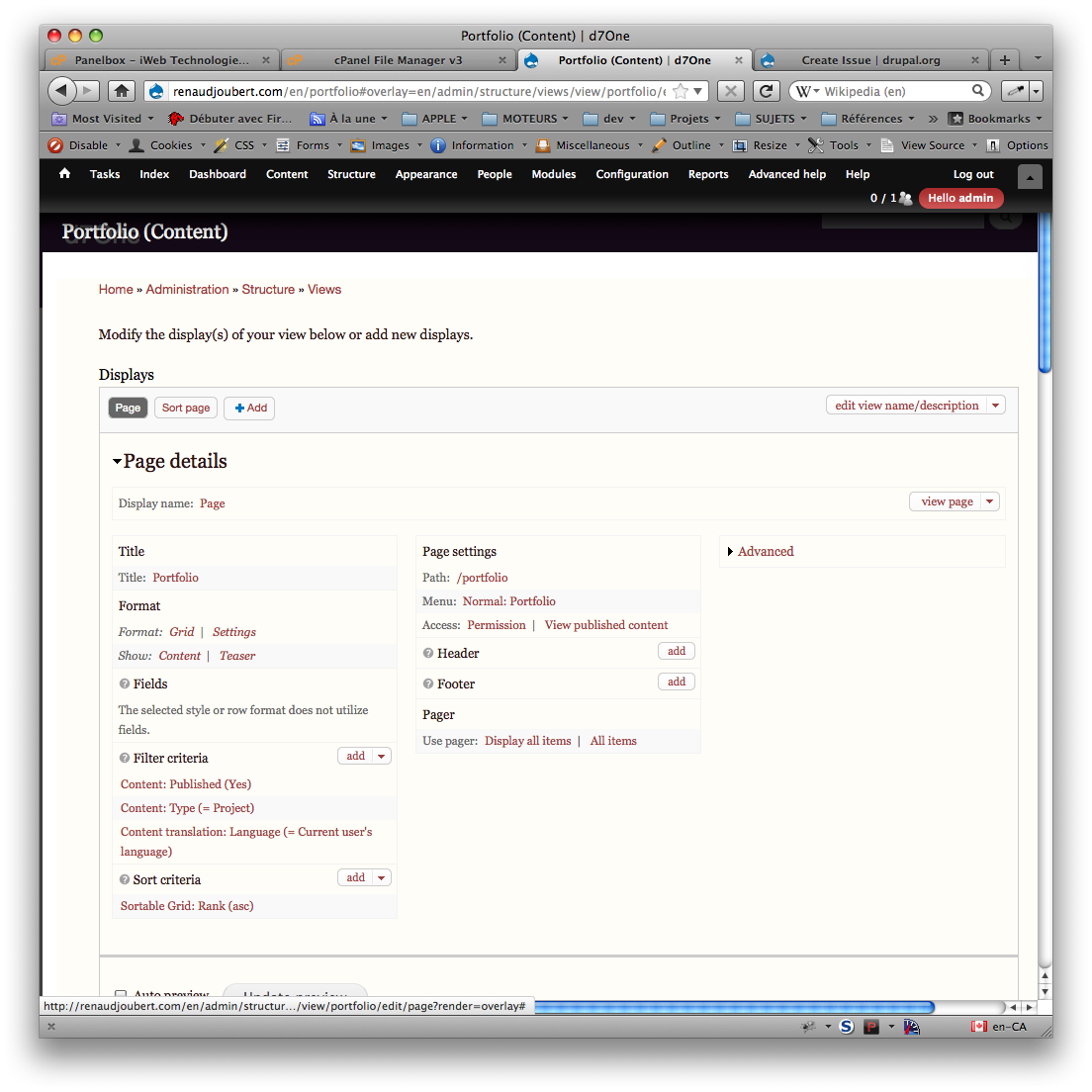
Views display details are attached.


Comments
Comment #1
Countzero commentedYou're absolutely right : internationalization wasn't taken into account at first.
You're the first one to ask for this functionality, but it's definitely needed.
I'll try to make a corrrected release before next week with this correction, which shouldn't require too much work.
Thanks for your interest in the module.
Comment #2
bisonbleu commentedMerci!
May I make a suggestion?
In an ideal world, sorting in one language would define the default sort that would automatically apply to all languages. Bonus: add an language specific option to override the default sort.
Renaud
Comment #3
Countzero commentedYou may, but I'm not sure what you mean about the option.
You think the option should go on the sort form ?
As I understand it, the language parameter should be transparent to the user don't you think ? It's some kind of context option ...
But perhaps I'm misunderstanding your point, so feel free to give me more clues.
Comment #4
bisonbleu commentedAbout the initial sort becoming the de facto default sort for all languages. Let's say I have a multilingual website with 10 languages, sorting once for all languages would be nice (otherwise one would have to repeat the sort 10 times - not fun).
What I meant by bonus was that it would be nice to be able have a different sort order depending on the language. For example: all languages except French > node order = [1,2,3,4] and French > node order = [4,3,2,1]. But this could also be achieved by adding a second display for the French language, right?
Comment #5
Countzero commentedOK, I understand better and have to give it some thought.
Unfortunately, I didn't have time to work on the module these days : too many things going on at the same time.
So be sure the principle of the feature is acted, but the delay might stretch a little/big bit.
Comment #6
vindi commentedJust a hint: modify sgrid.module:
And change references to '/save_order/' in sgrid js to call a proper language:
var save_url = '/' + $('html').attr('lang') + '/save_order/';