

Closed (fixed)
Project:
RootCandy
Version:
6.x-1.x-dev
Component:
Code
Priority:
Normal
Category:
Bug report
Assigned:
Unassigned
Reporter:
Created:
17 Sep 2009 at 19:49 UTC
Updated:
19 Feb 2010 at 19:00 UTC
Jump to comment: Most recent file

Comments
Comment #1
sign commentedcan you post how you are using it, whats in your custom icons settings and what paths are in the menu?
can't replicate this
Comment #2
sign commentedComment #3
sign commentedmarking as a fixed, no activity for almost 2 months, feel free to re-open
Comment #5
ademskiadov commentedComment #6
ademskiadov commentedI am having the same problems. I cannot get the icon to work with page entries, only it seems as the user above noted, pure menu items.
Example of working custom icon:
book|icons/admin-content-taxonomy.png
node/add/g2-entry|icons/admin-settings-date-time.png
addressbook/family/view/1|icons/admin-build-contact.png
All the above work with the custom icons, and look beautiful ;-) You can see that the last two, refer to seperate modules (addressbook and G2).
Examples of custom icons THAT DON'T WORK:
node/156|icons/admin-build-icon.png or http://localhost/mintydrop/node/156|icons/admin-build-icon.png
node/13|admin-settings-date-time.png
These are obviously pages, but very important pages for me, like my google calendar (in an iframe).
Instead of the necessary icon, I am getting a picture of a cog. It is the unknown.png icon. This can be replaced with another one, but then of course you get all ur non-working icons having the same picture.
Please help.
Comment #7
ademskiadov commentedComment #8
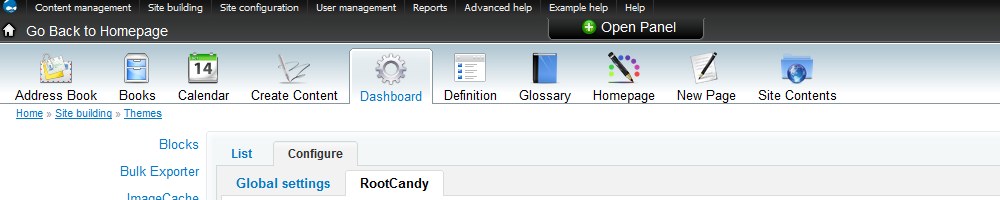
ademskiadov commentedHi agian.. i've attached a screenshot of what i'm talking about. Thanks.
Comment #9
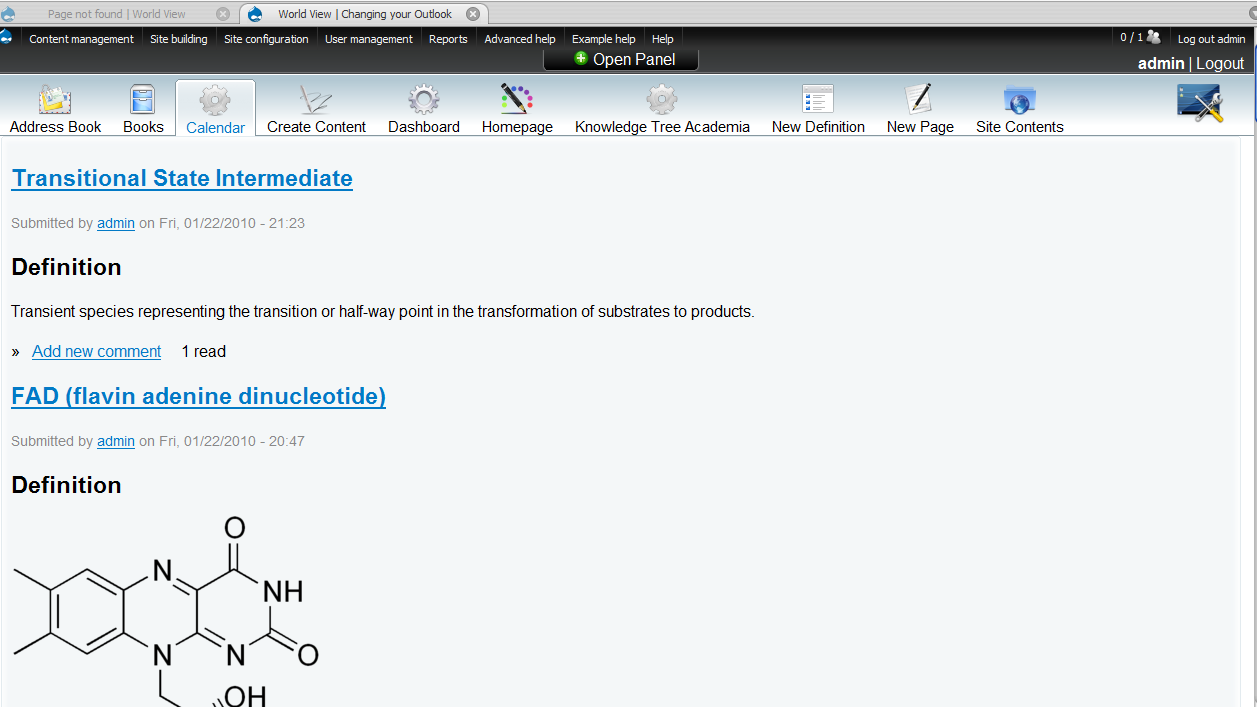
ademskiadov commentedI noticed another glitch that may be related so I will try to outline it as clearly as I can. I will attach a snapshot of the menu icons, two of which are not working at all (picture of a cog: 'Calendar' and 'Knowledge Tree Academica') and one that is semi-working ('Hompage'). In the picture, I have just clicked on hompage (localhost/databasename/), and yet the tab is raised on the 'Calendar' tab. The associated menu strings as entered in the Theme setting page for Root Candy (under 'Custom icons'), are:
addressbook/family/view/1|icons/admin-build-contact.png
book|icons/admin-content-taxonomy.png
node/13/|admin-settings-date-time.png (icon doesn't show)
node/add|icons/admin-settings-clean-urls.png
http://localhost/mintydrop/|icons/admin-settings-admin.png (I have to put the whole line in like this to get the icon to show up. However, the tab doesn't "raise" when i select it, instead raising the 'Calendar' icon as in the snapshot.)
node/156|admin-content-book.png (icon doesn't show)
node/add/g2-entry|icons/admin-build-block.png
node/add/page|icons/node-add.png
admin/content/node|icons/admin-settings-uploads.png
Comment #10
ademskiadov commentedOk, I found a solution... kind of.
If you rename your node from the 'node/x' format to a word instead, and then specify the full path in the Custom Icons area of Navigation then the icons show up! Of course you have to update the path in the menu config.
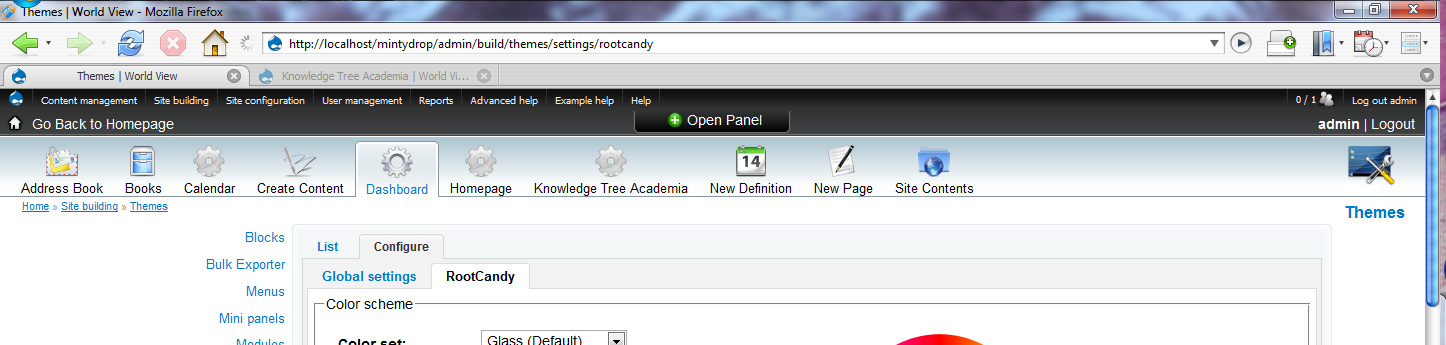
For further clarification my menu items (icons shown in attached image) read as follows:
addressbook/family/view/1|icons/admin-build-contact.png
book|icons/admin-content-taxonomy.png
http://localhost/mintydrop/Calendar|icons/admin-settings-date-time.png
node/add|icons/admin-settings-clean-urls.png
node/add/g2-entry|icons/admin-build-block.png
http://localhost/mintydrop/Homepage|icons/admin-settings-admin.png
node/add/page|icons/node-add.png
admin/content/node|icons/admin-settings-uploads.png
g2|icons/admin-content-book.png
Of course this is a work around, and I have no idea as to why this should have to be the case.
Comment #11
ademskiadov commentedSorry forgot pic :-) - icon workaround
Comment #12
sign commentedthanks for tracking this down!
I will have a fix sometime today!
Thank you
m.
Comment #13
ademskiadov commentedNo problem, i LOVE the theme btw ;-)
Comment #14
sign commentedthanks :)
committed few lines to dev version, which does count with aliases.
Thanks for debugging!
http://drupal.org/cvs?commit=324708