

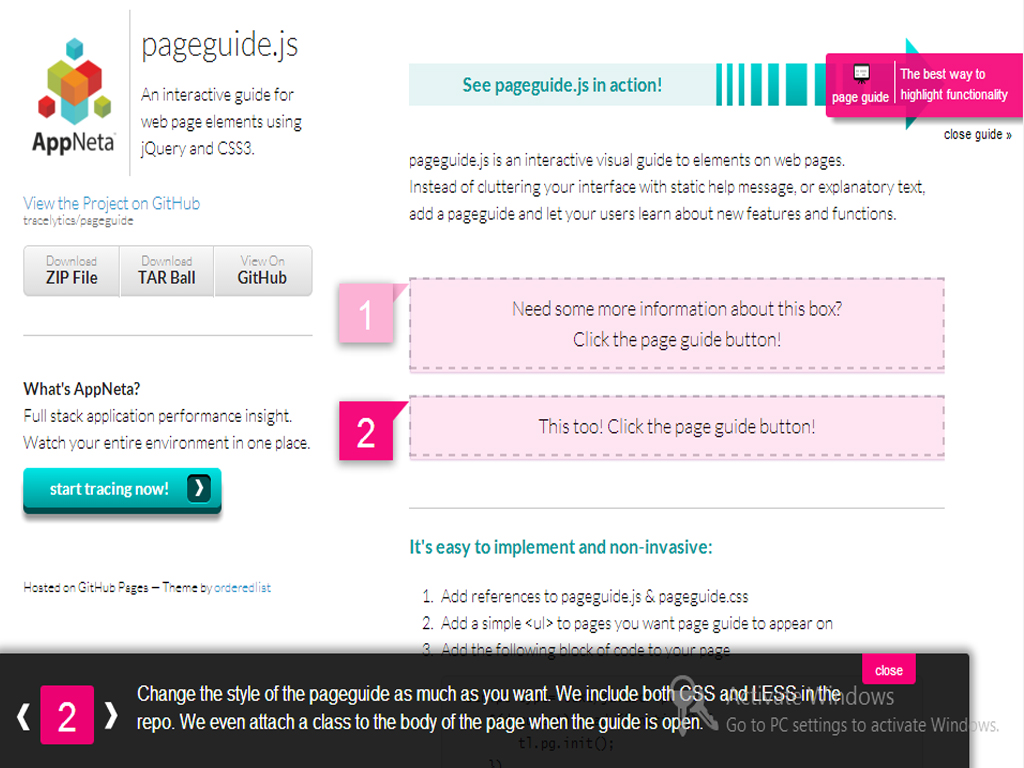
pageguide.js is an interactive visual guide to elements on web pages.
Instead of cluttering your interface with static help message, or explanatory text,
add a pageguide and let your users learn about new features and functions.
Features
- Easy to add guide content
- Set page guide for each page
- Smooth scrolling effect for transition
- Simple and beautiful theme for the guide information
Requirements
- jQuery 1.7 - 2.0
- pageguide.js
- Libraries API
Installation
- Download and install the module as usual.
- Download pageguide.js from here and place the file into your libraries foldes. path should be like this sites/all/libraries/pageguide/pageguide.js
- Go to Administer >> Site configuration >> User interface >> Page guide and create page guide for the your drupal page with the interface
- For more information about the installation and configuration. Please read the README.txt file in the module folder
Demo :
Here is the demo for module.
Project information
 Maintenance fixes only
Considered feature-complete by its maintainers.- Project categories: Developer tools
- Created by leopathu on , updated
 Stable releases for this project are covered by the security advisory policy.
There are currently no supported stable releases.

