

 Come together with the global Drupal community in Rotterdam, 28 Sept – 1 Oct 2026. Sessions, contribution, connection, and Early Bird savings until 8 June.


This is a lightweight distribution for an easy structure creation of a medical clinic site.
The Open clinic features:
- Creating node types and taxonomy vocabularies using .YML files. Initial filling in taxonomy terms.
- Creating views for those node entities (page, block and rest displays)
- Using openclinic price field
Before installation:
- Install globally composer
- Install globally drush
Installation:
git clone https://git.drupalcode.org/project/openclinic.gitorgit clone git@git.drupal.org:project/openclinic.gitcd openclinic./openclinic_install.shoropenclinic_install.bat
After the script executed:
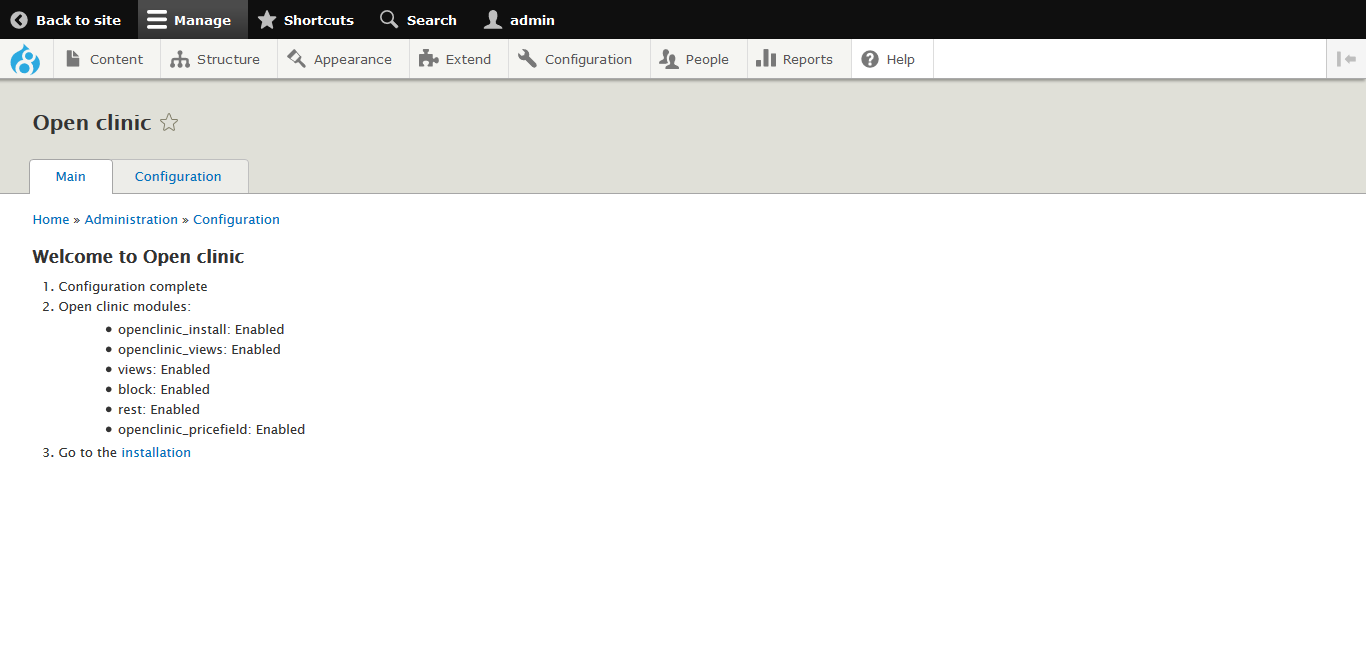
- Go to main page
/admin/config/openclinic - Save configuration
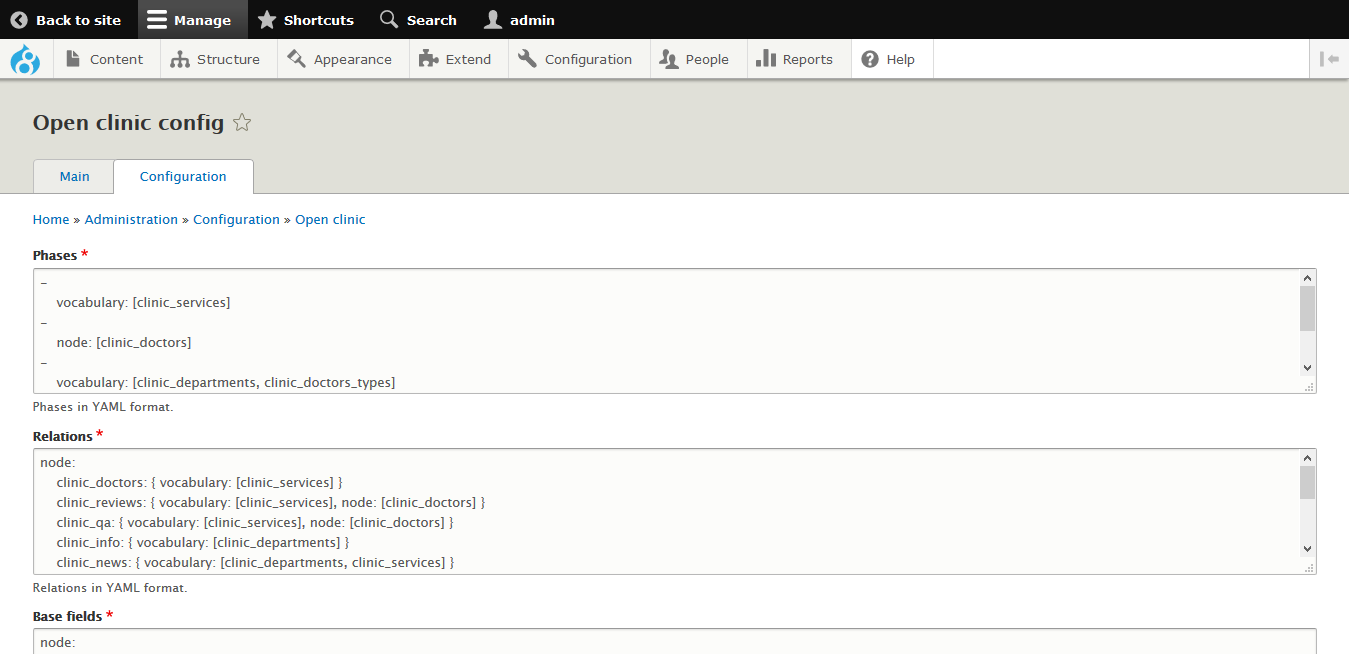
/admin/config/openclinic/config - Begin installation
/admin/config/openclinic/install
You can remove modules after installations (except openclinic_pricefield, if you used the module).
1. Why the distribution was created?
I have done a lot of sites of medical clinics and noticed repeated actions every time.
- I created node types and taxonomy vocabularies
- I created relations between them, added fields
- Created a view for each node type, and he called the routes for pages in the same way as the name of the node type
All this is done by this distribution. After setting it up, you get the framework of the site of the medical clinic. For taxonomy vocabularies in the installation form, it is possible to enter terms in a simple form.
2. openclinic_install
The distribution contains a set of schemas for material types and taxonomy. Installation is done in several stages. Why is this done? The fact is that medical clinics and, accordingly, sites can be of different structures. The more complex the structure, the more steps are required for installation.
1st stage Taxonomy Service
If the clinic’s website is more complicated than the landing page, it should contain a list of clinic services (may have a tree structure). The site visitor should see if it helps
this clinic is in his problem. In the entry form, a service selection is added.
Stage 2 Doctor Type
If the clinic personifies its doctors (which happens quite often, since the personality of the doctor is important to patients), you must enter the appropriate data type. The doctor may have a link to the Service announced above. A list of doctors can be displayed on the entry form (possibly in conjunction with a list of services).
Stage 3. Taxonomy Departments, types of doctors Types Reviews Question-answer
If the clinic is large enough, then it consists of many departments. Accordingly, the number of doctors is quite large and can be divided into types. Doctors are “tied” to departments and the Department field is added to the Doctors material type despite the fact that Doctor types were created earlier.
Stage 4. Taxonomies Information, News, Articles, Photo Gallery, Price
For the most developed clinics, a press service is being created that prepares text and media materials.The Price field is also created (the Price module is used to create the field)
3. openclinic_price
The Price field is created to enter the Price material type.
4. openclinic_views
This module is necessary for the simultaneous creation / removal of views for node types.
5. Useful stuff
After creating the entities, you can delete them in the admin panel. If view support is enabled, they will be deleted along with the entities. There is also a test form for creating views for node types.
6. Customization
It is clear that I can not create a diagram of entities and their relationships for any site of a medical clinic. The circuit is in the files
7. What's next?
After creating entities, views (subject to the inclusion of a module) - distribution modules can be disabled. Next, there follows the filling of the materials and their conclusion according to the design. Drupal.org has several themes for clinics (I have nothing to do with its creators).
8. Future plans
Integration with Pathauto module
Project information
- Created by goodboy on , updated
 Stable releases for this project are covered by the security advisory policy.
There are currently no supported stable releases.
Releases
8.x-1.0-beta1
released 19 December 2019
Development version: 8.x-1.x-dev updated 20 Dec 2019 at 12:08 UTC

