


Overview
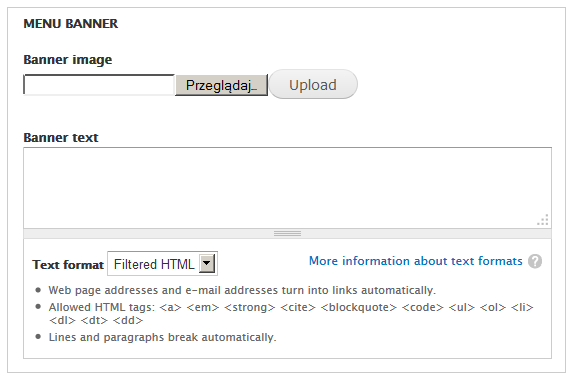
This module provides possibility to add banner related to any menu link and its children, later this banner can be shown as block in chosen region.
Features
- Add banner with text to menu links.
- Children of menu link with added banner will inherits it from parent menu link.
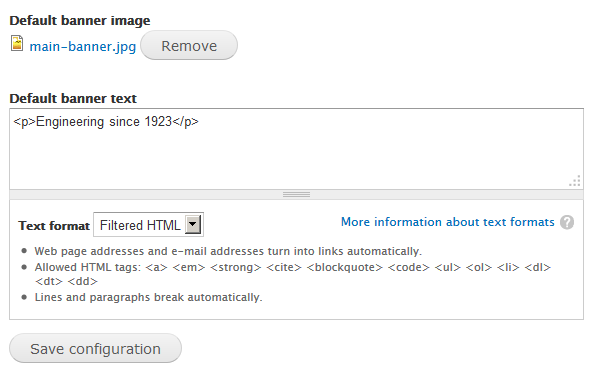
- Set default banner for menu links without added banner.
Requirements
- Menu (core)
Installation and configuration
- Unpack and move directory "menu_banner" to your modules directory.
- Enable it in the modules list of your site.
- Go to configuraction page at "admin/config/user-interface/menu-banner".
- Add default menu banner.
- Edit any menu link and add banner to it.
Roadmap
- Menu banners as entities.
- Work as slideshow when is more than one banner for single menu item.
- Possibility to add banners to menu links generated by modules like Views.
Credits
- This project has been sponsored by e-direct.
Similar projects
- Header image
- Dynamic Banner adds banners based on path.
Supporting organizations:
Initial development and support.
Project information
 Seeking co-maintainer(s)
Maintainers are looking for help reviewing issues.- Project categories: Content display, Site structure
 30 sites report using this module
- Created by rafalenden on , updated
 Stable releases for this project are covered by the security advisory policy.
There are currently no supported stable releases.

