
This project is not covered by Drupal’s security advisory policy.
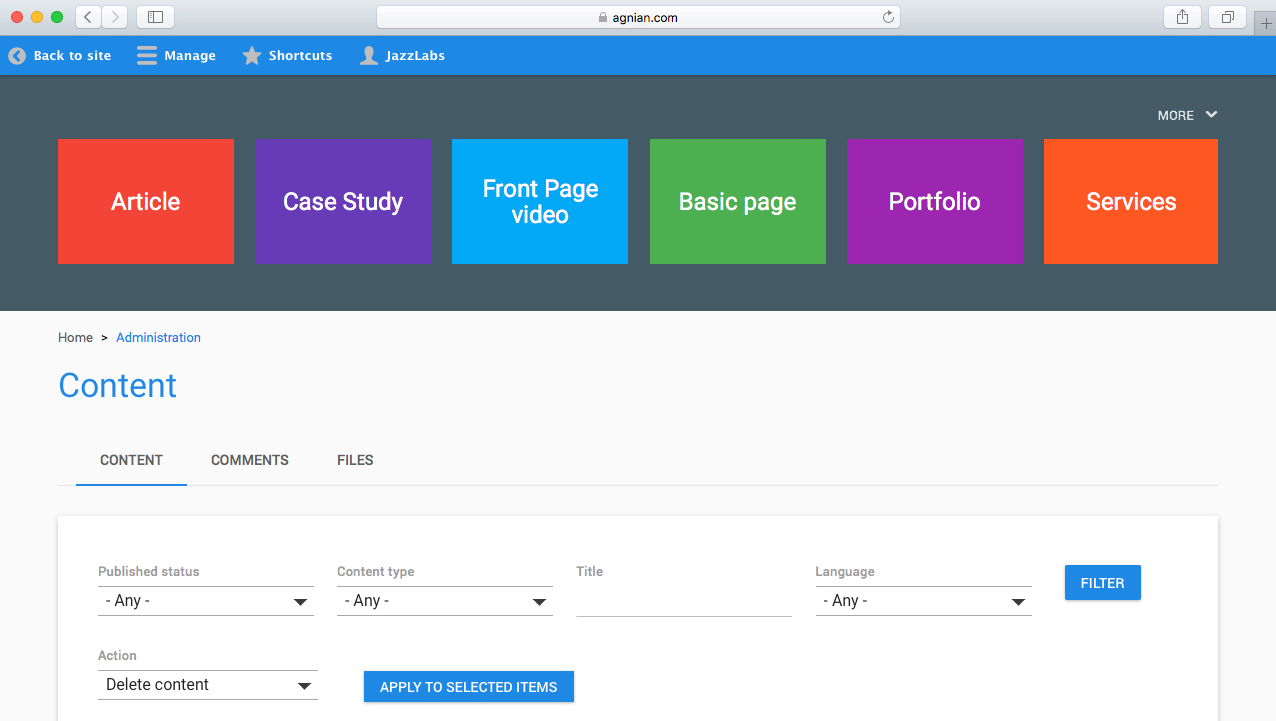
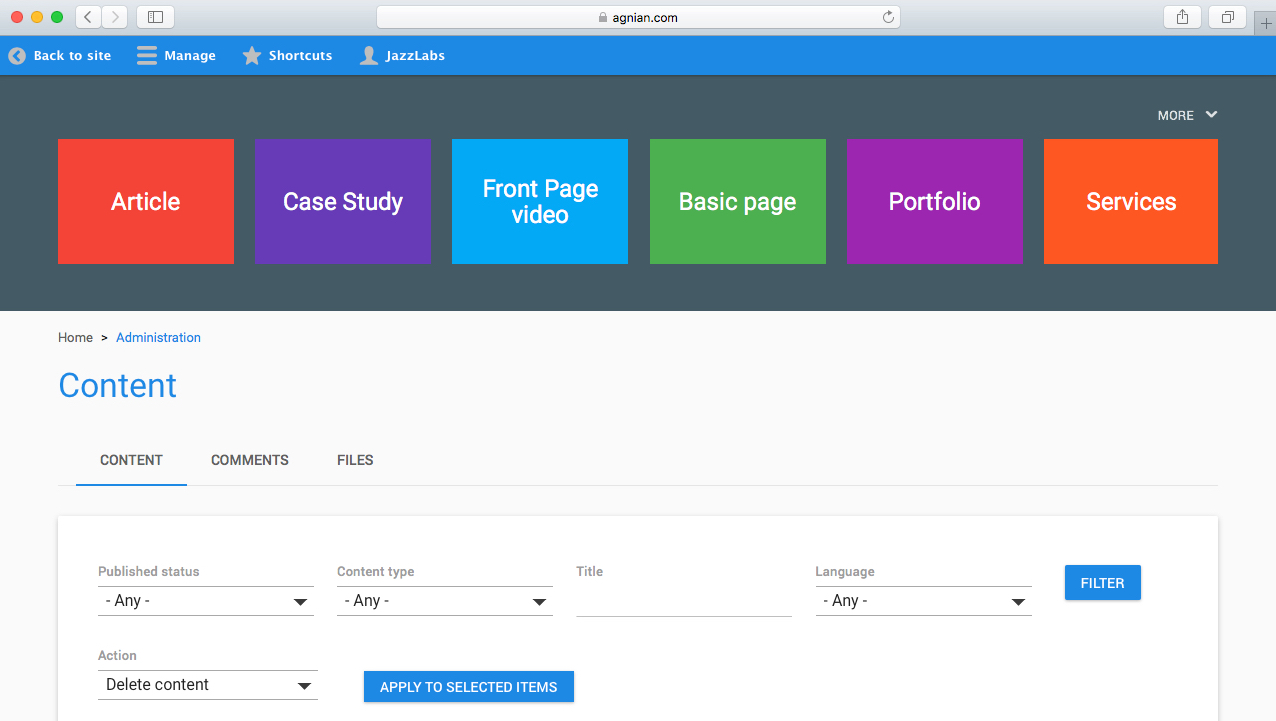
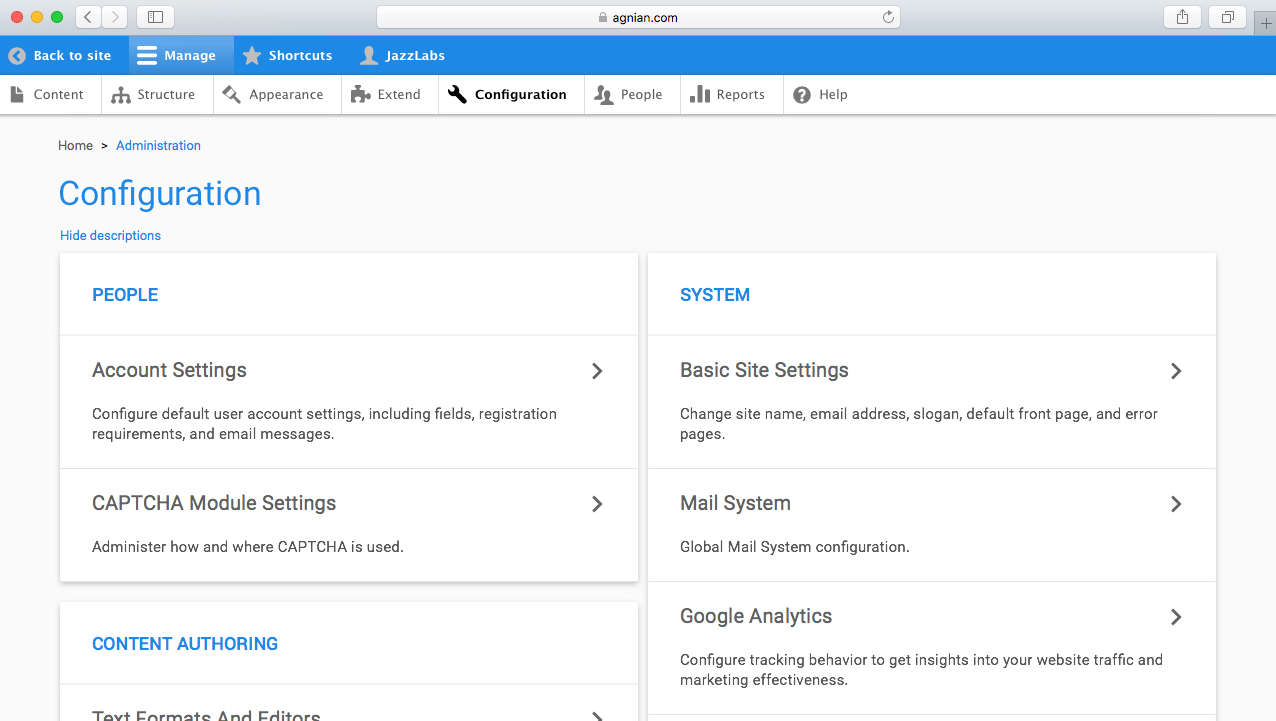
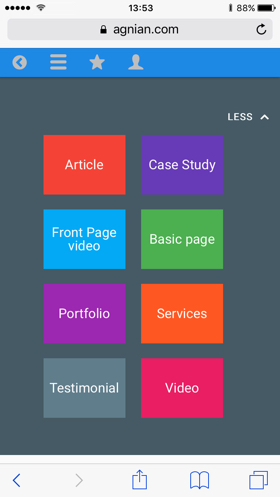
AGNIAN MATERIAL ADMIN THEME is a Responsive, beautiful and very functional admin theme for Drupal 8 based on Google Material Design principles - https://material.google.com.
It aims to bring clean and simple UX interface to help Drupal administrators and content managers manage their sites easier.
Drupal admin interface has remained the same for very long time. Drupal 8 introduced a fresher look but it still did not do justice to the power of Drupal.
We decided to introduce something completely new.
You can find out more about the theme on Agnian website below:
Agnian Material theme is tested with most popular Drupal 8 modules.
INSTALLATION
1. Download the theme from www.drupal.org/project/agnian_material_admin
2. Place the plugin in the root themes folder (/themes) or
/admin/appearance click install new theme.
3. /admin/appearance find and install the theme.
4. Check Block layout (admin/structure/block/list/agnian_material_admin)
Agnian Material Admin, fix blocks. It means tabs, page title,
main page content, primary admin actions should be in Content region.
5. /admin/appearance choose the theme as administration theme.
| Attachment | Size |
|---|---|
| Agnian-Material-Design-Desktop-01.jpg | 241.68 KB |
Project information
 Seeking new maintainer
The current maintainers are looking for new people to take ownership. 3 sites report using this theme
- Created by ysarkisyan on , updated
 This project is not covered by the security advisory policy.
Use at your own risk! It may have publicly disclosed vulnerabilities.