

 Come together with the global Drupal community in Rotterdam, 28 Sept – 1 Oct 2026. Sessions, contribution, connection, and Early Bird savings until 8 June.
This project is not covered by Drupal’s security advisory policy.
Provides a custom login block with some basic URL redirection parameters. This module helps set the redirect destination to the current page being viewed.
At login, visitors are redirected to the page they were on before login. Drupal's default behavior is to redirect visitors to their profile page.
This module was created to work with other SSO/SAML login modules. Note the attached screenshot shows the URL for a site with SSO enabled.
 To configure:
1.) Enable the module, then visit /admin/config/login_path_helper to adjust the URL and Link parameters.
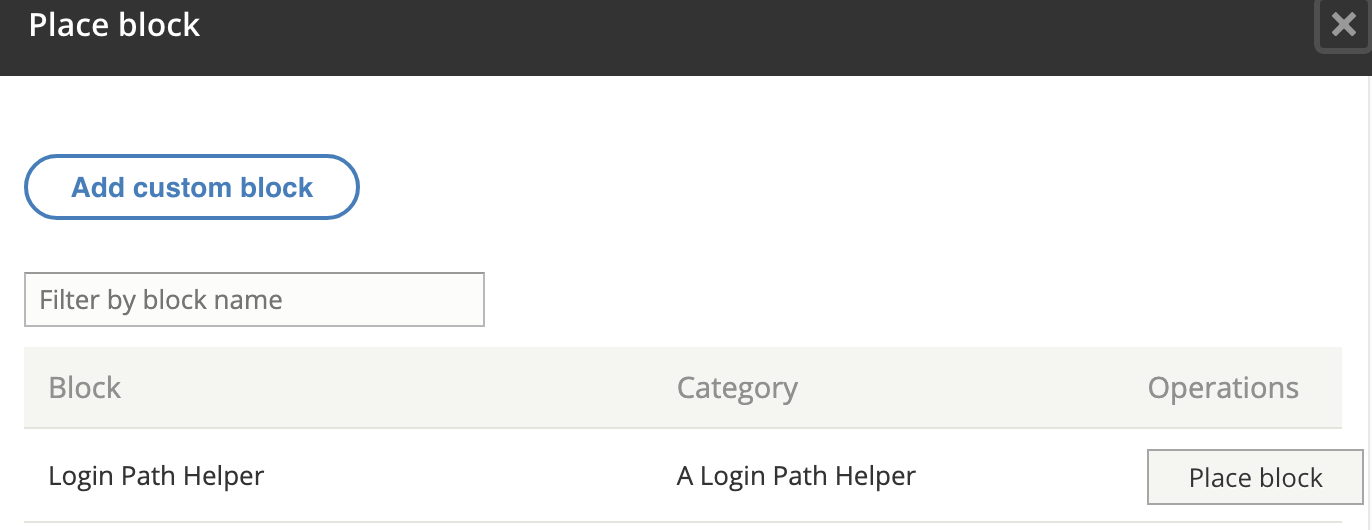
2.) Place a custom block in the page region for your theme. For example, in the sidebar.
Configure the block's role access settings so the block is only available for Anonymous (un-authenticated) users. Uncheck the block's "Display title" setting.
3.) Optional; manually create a second "Log Out" block and display it for the Authenticated role.
Default Module Configuration Settings:

Module Configuration Settings for SAML/SSO Login:

Add Custom Block Screen:
Project information
- Project categories: Developer tools
 2 sites report using this module
- Created by sgroundwater on , updated
 This project is not covered by the security advisory policy.
Use at your own risk! It may have publicly disclosed vulnerabilities.

