

What does it do?
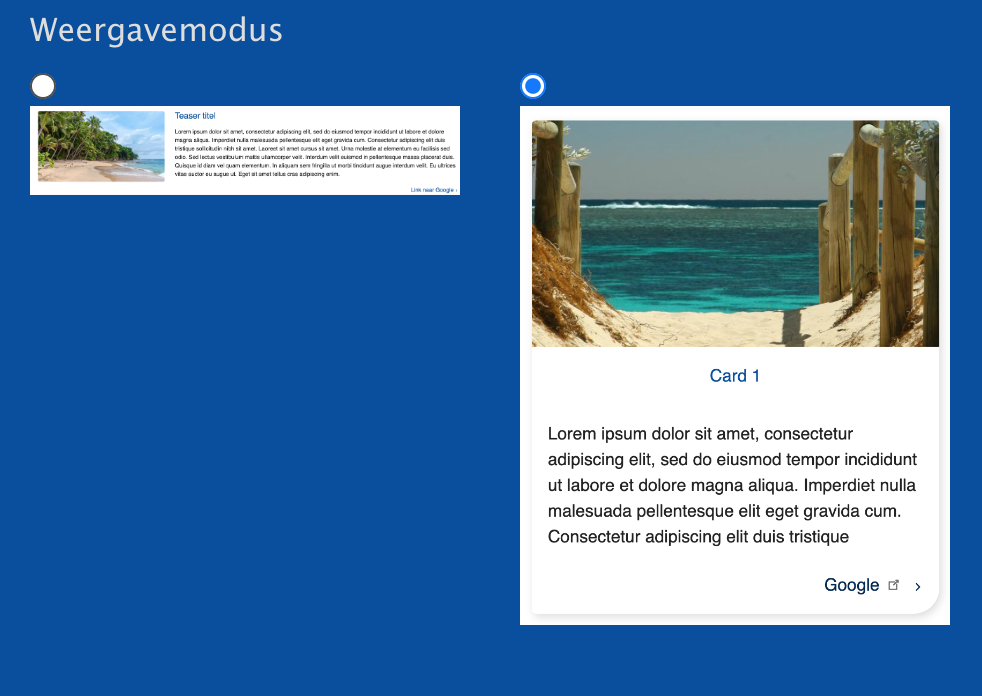
It allows you to add icons/images to your view modes so it's nicer and more user friendly to select a view mode in the front end.
It used to be a select list of all view modes and now it's a selectable "list" with icons.
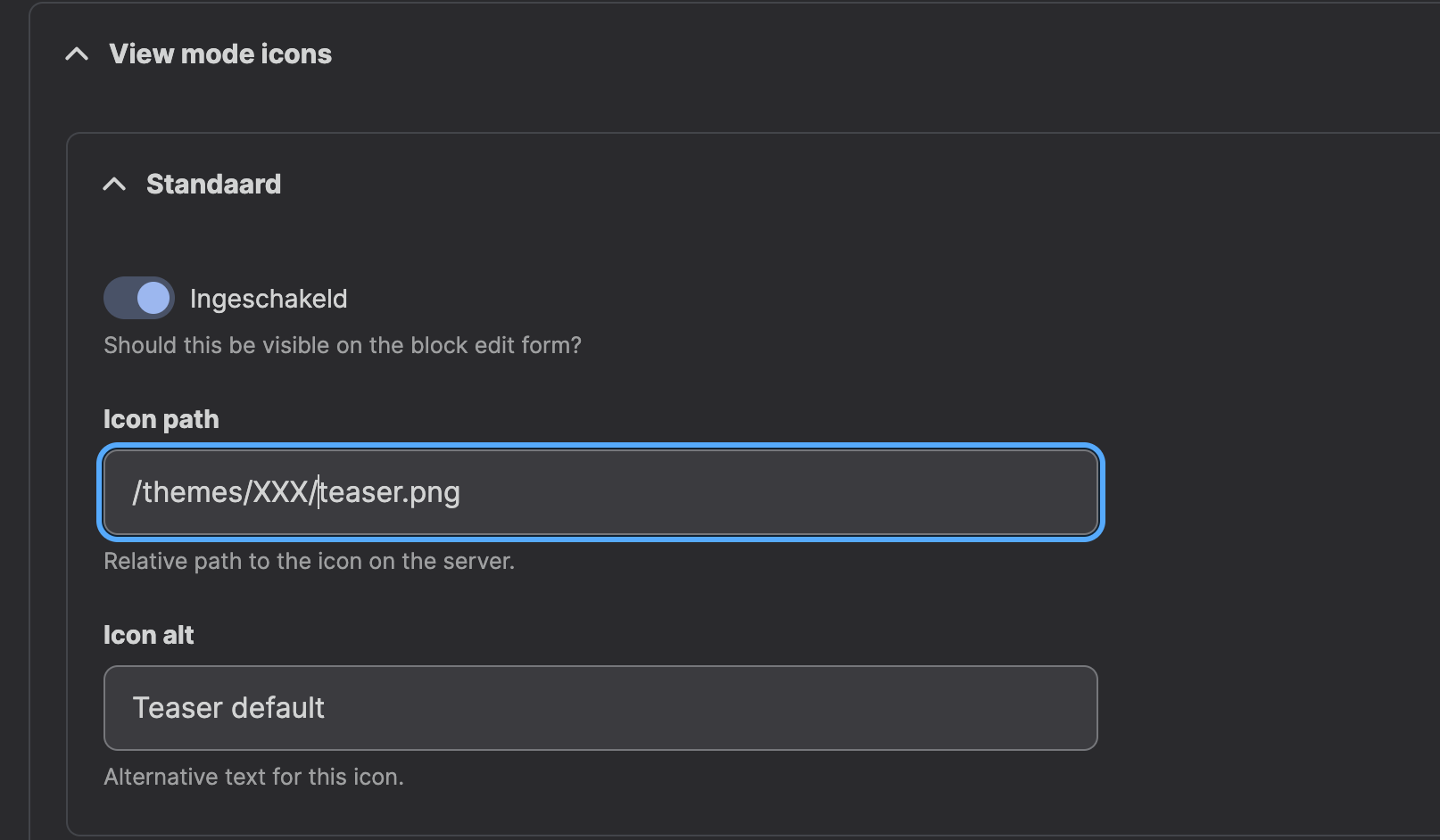
On every block content type you can select which view modes should be exposed to the frontend and which icons/images should be added.
How does it differ to the other "view mode selectors"
- Well this module builds upon core
- No need to add extra fields and other stuff.
- Allows it to be deployable! (Path to image + exportable via config)
Check out my other modules:

Supporting organizations:
Project information
- Project categories: Content editing experience
 285 sites report using this module
- Created by mschudders on , updated
 Stable releases for this project are covered by the security advisory policy.
Look for the shield icon below.

