


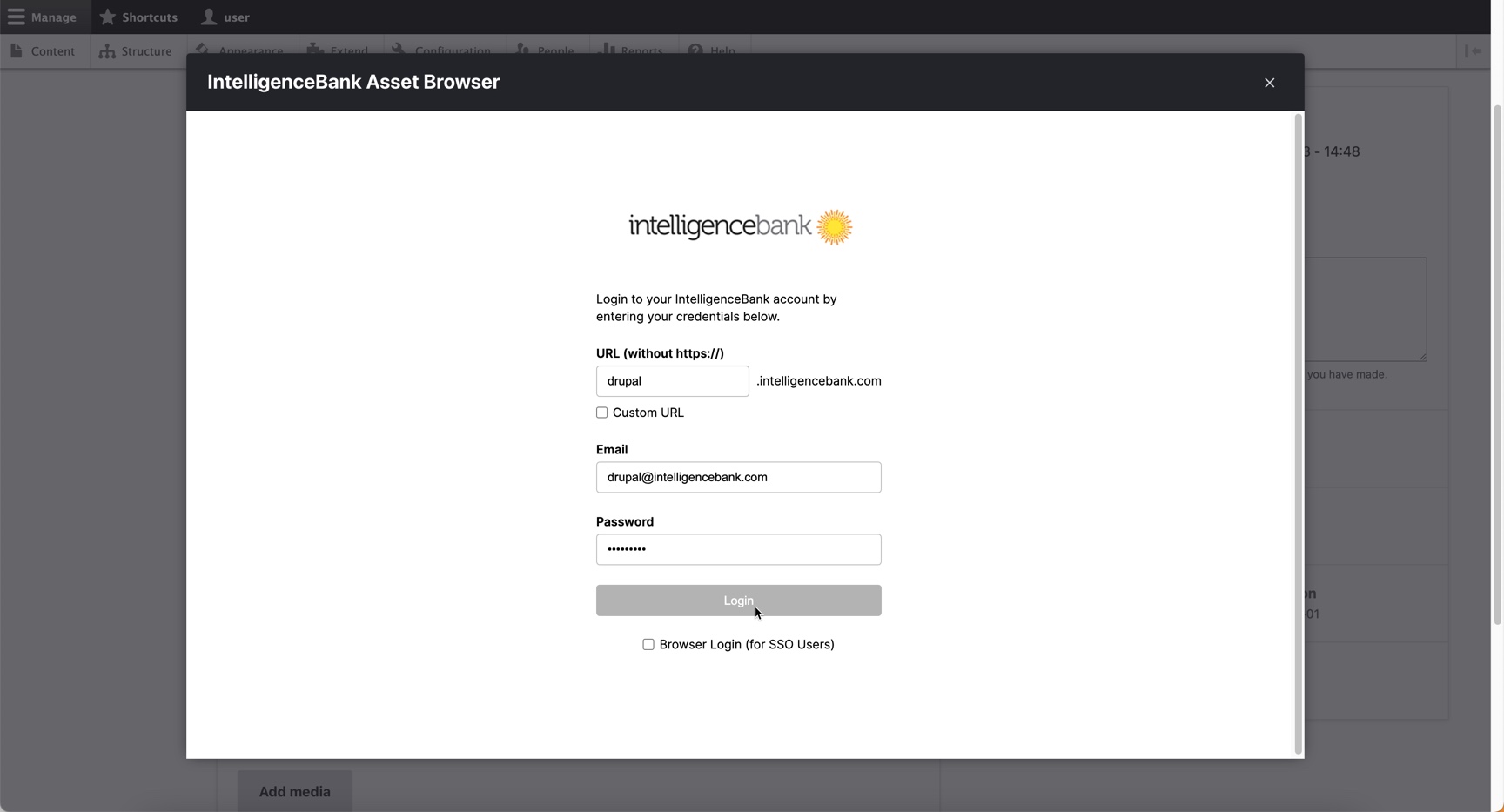

The IntelligenceBank DAM Connector for Drupal provides an easy way to access IntelligenceBank assets for importing,
or embedding directly from the Drupal core Media Library module.
There are two ways to insert assets from IntelligenceBank:
- By creating a local copy of the asset into Drupal’s media storage
- By embedding a public CDN link to the asset in IntelligenceBank
Limitations
Possible problems with using Media Library, IB DAM in single modal mode.
Usually for sites that use lots of Layout Builder modules that enhances UI with misc modals.
There is placeholder for option to fix this issue.
Related discussion - Fix Nested Modals by Drupal core and Media Library Form API Element.
Project information
 Minimally maintained
Maintainers monitor issues, but fast responses are not guaranteed.- Maintenance fixes only
Considered feature-complete by its maintainers. - Project categories: Content editing experience, Integrations, Media
 1,009 sites report using this module
- Created by istryker on , updated
 Stable releases for this project are covered by the security advisory policy.
Look for the shield icon below.
Releases
released 18 July 2026
Removed legacy Media Library Dialog Mode, which fixes Stacked option not inserting embed media links properly.
released 18 July 2026
Removed legacy Media Library Dialog Mode, which fixes Stacked option not inserting embed media links properly.

