

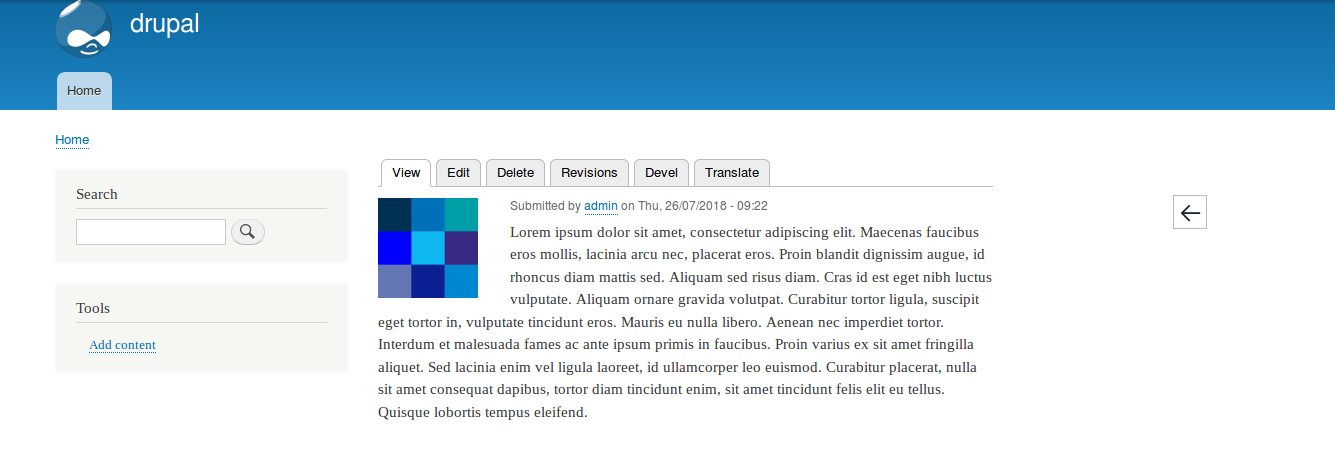

Allows you to add a block to any type of content. This block adds a button that allows us to return to the previous page that we visited on the site or customize the page where we want it to redirect.
Installation
Install this module via composer by running the following command:
composer require drupal/go_back
Basic usage
We have 3 modes of use:
- Custom URL: It allows us to add a custom url to the block button so that the user can go where we want, the customization is independent for each type of content. This url will be used also if the user comes from outside the site and the smart mode is activated.
- Smart Mode: The button of the block will take as url the last one of the site that we have visited, we can activate this option for each type of content, in the case that we come from outside the site, the url custom will be url.
- Particular path: Add a specific route where you want the go back block to appear.
Supporting organizations:
Project information
- Project categories: Administration tools, Content editing experience, Content display
 457 sites report using this module
- Created by saesa on , updated
 Stable releases for this project are covered by the security advisory policy.
Look for the shield icon below.
Releases
8.x-1.8
released 18 April 2022
released 18 April 2022
Works with Drupal: ^9 || ^10
Install:
Development version: 8.x-1.x-dev updated 18 Apr 2022 at 09:12 UTC

