

 The 2026 Drupal Business Survey is open. Your response will help shape the future of the Drupal business ecosystem.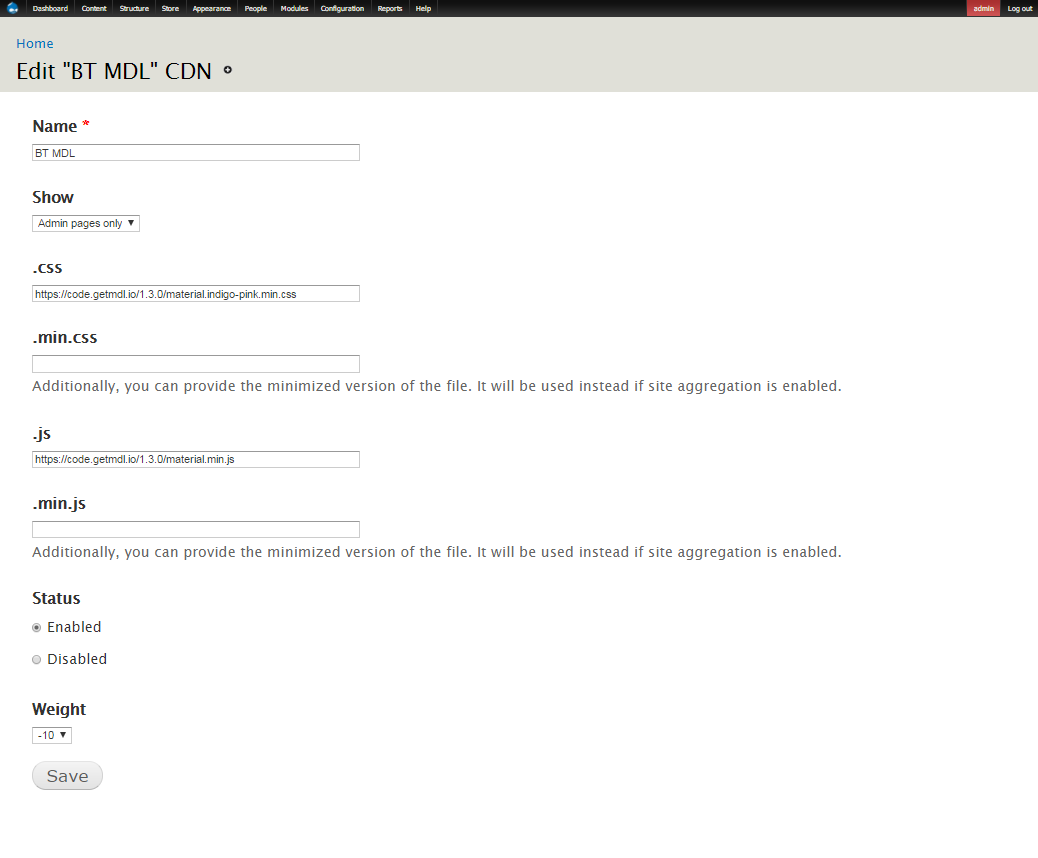
This project is not covered by Drupal’s security advisory policy.
This module allows to add external CDNs and manage visibility for each of them from the admin panel.
Prelude
Pretend you want to integrate to your site some js framework, css library or some awesome fonts that you found in the Internet. How you can do this? Here is some ways:
- Try to find drupal module with name as your library has (bootstrap library, awesomefonts, reactjs etc)
- If you've failed with upper way (and you surely will because JS frameworks and css libraries grows much faster than drupal modules that cover them) you can use:
- Libraries where you need to create a folder, dowload-unarchive library in that folder etc and in result you'll have your js/css stuff that loads from your server and without easily control over visibility, so it will be loaded on every page of your site.
- Another way is to create a custom module where you will have total control how and where libraries should be loaded.
- And one more way that is used very often - put js/css libraries into your Theme folder. But in this case your admin pages will not be covered.
This module does use js/css libraries from remote servers (by URL), so if you need some library to have on YOUR server you should use Libraries instead.
How to install and use
- Install as usual.
- Go to Administration > Configuration > Development > External CDN (admin/config/development/external_cdn)
- Click on Add CDN link
- Name of CDN Profile is required, other fields are optional but usually you have .css or .js field filled up or both of them.
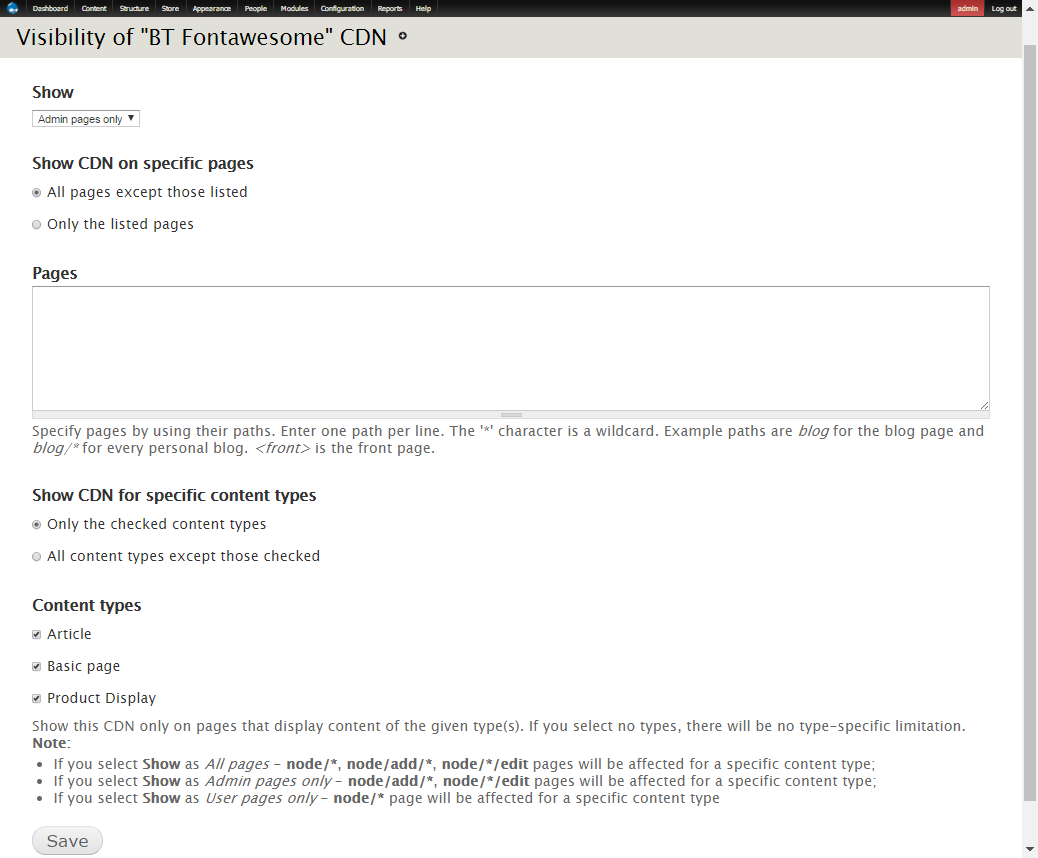
- After creating CDN profile you can click on visibility link and setup what pages your library should be appeared on. The way of setting up visibility is similar how to setup visibility for drupal Blocks.
Project information
- Project categories: Developer tools
 17 sites report using this module
- Created by radamiel on , updated
 This project is not covered by the security advisory policy.
Use at your own risk! It may have publicly disclosed vulnerabilities.

