

 Come together with the global Drupal community in Rotterdam, 28 Sept – 1 Oct 2026. Sessions, contribution, connection, and Early Bird savings until 8 June.

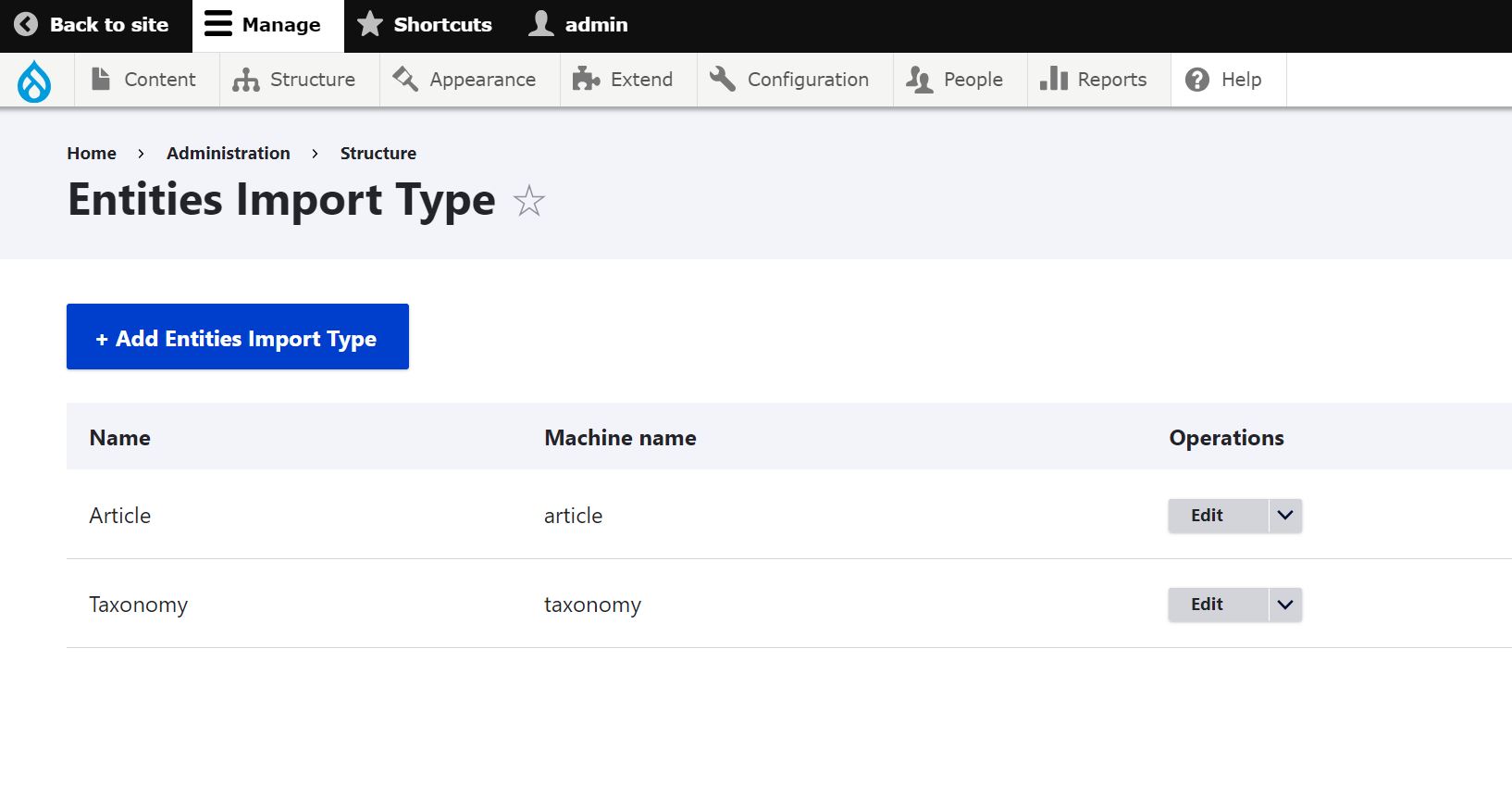

It provides user interface to import Entity(Content and Taxonomy) from excel or csv file.
If we want to import entity for different languages, we have to include 'langcode' as a separate column in the excel file and mention the value such as 'en' for English language.
It support Drupal core and paragraph fields.
Example :
- Text
- Reference(content/taxonomy)
- Number
- Date and Date range
- file/image
- paragraph
REQUIREMENTS
Since this module requires phpoffice/phpspreadsheet library, Please use composer to download this module.
INSTALLATION
* Install the Entities Import module as you would normally install a
contributed Drupal module. Visit https://www.drupal.org/node/1897420
for further information.
CONFIGURATION
1) Go to /admin/structure/entities-import and click "Add Entities Import Type" button.
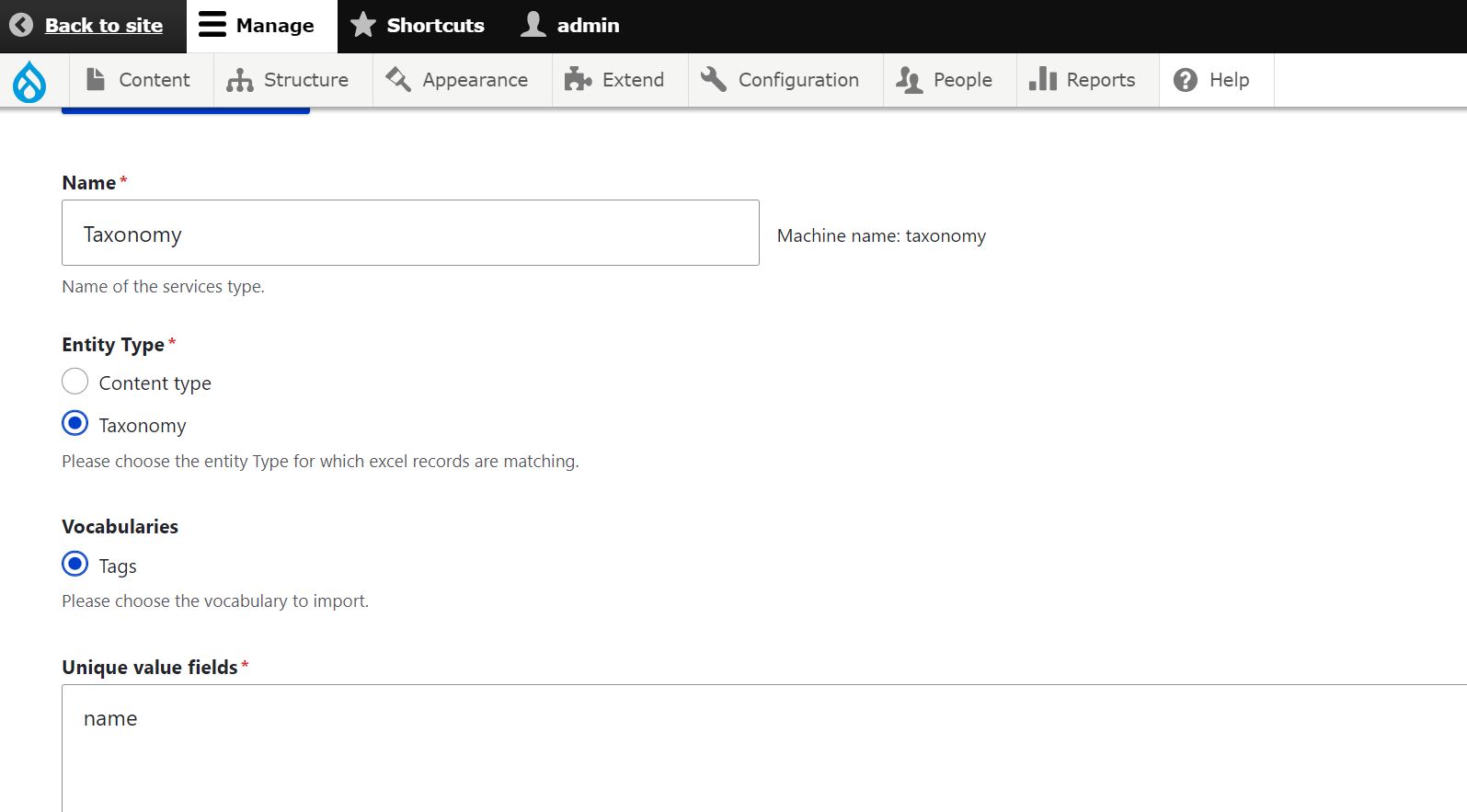
2) Choose entity type.
3) Please mention the field name in the "Unique value fields".(example: field_tags,title) and
add multiple field by next line. This field is used to update the content/taxonomy if already exists.
4) Please mention "Title Field Name" for generating title/name for content/taxonomy. If you fill this
field as blank, then "Unique value fields" will be used to generate title/name.
5) Please mention the folder path for file/image field (Example: article-images).
We need to mention the file/image name in excel. After import is completed, We need to move the file/image manually to the server in the mentioned folder path.
6) After saving entity type, click the edit button to see the "Import article" button.
7) Click the "Import article" button to import content/taxonomy with current configuration.
8) You can add multiple configuration entity import type to import content/taxonomy.
9) Sample template file is available in doc folder. Please follow the same structure in the template.
Note: All the excel fields mention in the excel should be match with content type or taxonomy fields.
MAINTAINERS
Current maintainers:
Elavarasan R - https://www.drupal.org/user/1902634
Supporting organizations:
Project information
- Project categories: Content editing experience, Import and export, Multilingual
 67 sites report using this module
- Created by elavarasan r on , updated
 Stable releases for this project are covered by the security advisory policy.
Look for the shield icon below.

