

This project is not covered by Drupal’s security advisory policy.
This is a responsive skeleton theme based on Bootstrap 5 and Webpack 4, ready for Drupal 10 websites. The theme itself brings you very few CSS styles by default, so you will be able to extend it with your own styles.
However, some common implementations are included by default in the .theme file, to make easiest the process of developing a theme from a skeleton.
The main purpose of this theme is to allow you to build your custom theme without dependencies like base themes, showing a way to grow up your custom theme as required by your needs. And all managed by an excellent bundler like Webpack.
Disclaimer
This theme does not follow the Drupal principles as far as themes are concerned, since it is intended for personal use, or for those developers who want to develop their theme the way I do it on my daily basis.
Drupy is intended as a starting point theme and to be modified according to the needs of each developer. This implies that when there are new releases of the theme, they cannot be applied directly to your theme once you have started developing. To do this, perhaps I could planned it as a base theme with a starterkit, but it was not my intention to do so.
That's why I usually download Drupy with Composer and then I clone it to the /themes/custom folder. After that, I uninstall it again with Composer.
Yes, I know, I know. It's not the Drupal way of doing things, but for me it's a convenient way to develop a theme without having to rely on a base theme. I hate it ;-)
How to use
The theme is self-documented about how to use it in each file, so pay attention to the inline comments you will find, especially in src/index.js and src/sass/index.scss files. However, follow the steps below to getting started:
- Download the theme with Composer, as usually.
- From your terminal, navigate to folder where the theme was installed. Example:
$ cd web/themes/contrib/drupy - Clone it to web/themes/custom/drupy
- Now, uninstall it with Composer.
- Navigate to the Drupy folder and install all node dependencies, just typing:
$ npm install - Once all dependencies are properly installed, type one of the following commands:
$ npm run dev(to keep Webpack watching for changes).$ npm run build(to do a compressed one-time compilation).
Feel free to modify current npm scripts or add your own one, modifying the package.json file.
Further information
You'll find further information in the README.md.
| Attachment | Size |
|---|---|
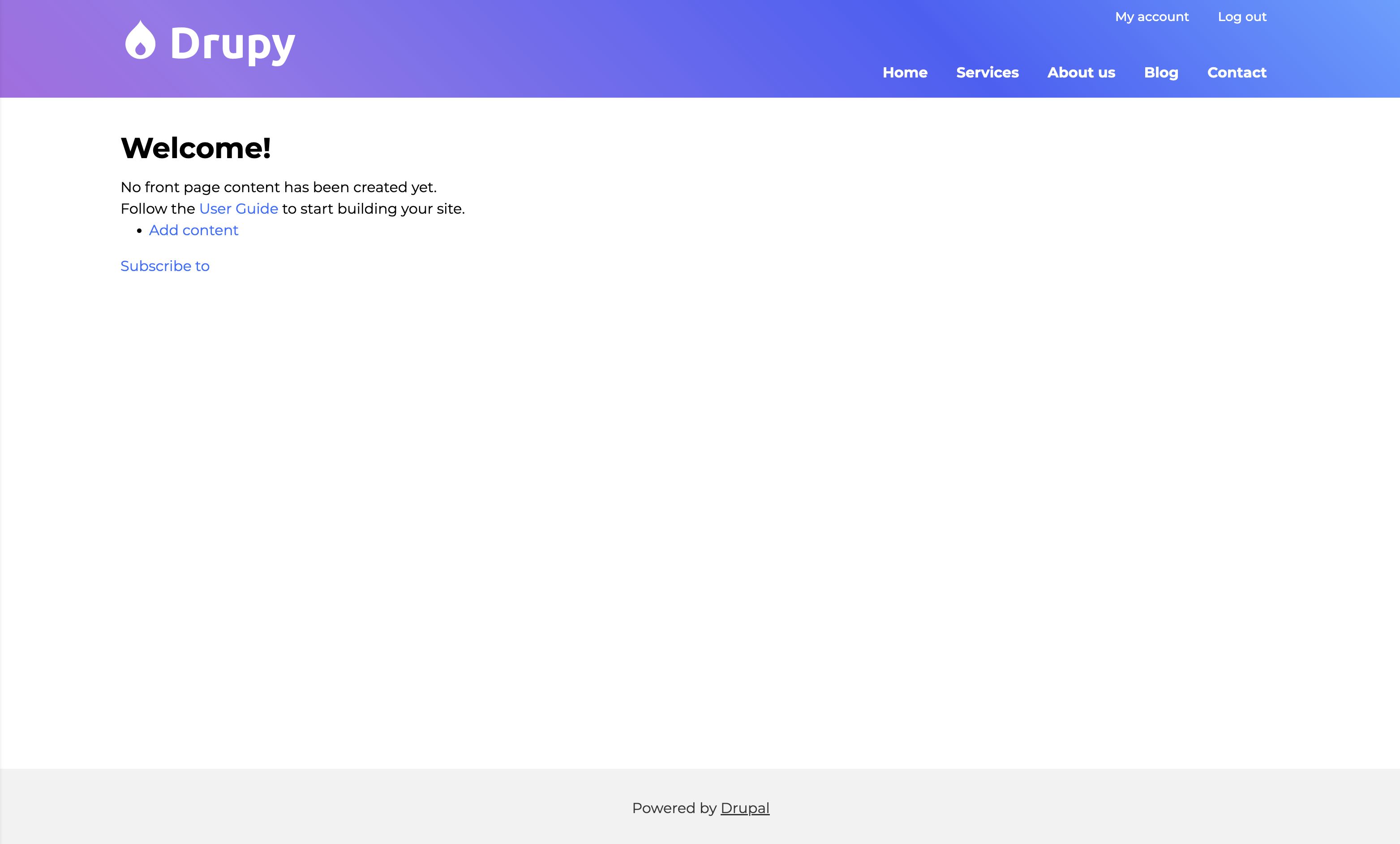
| Desktop snapshot | 574.93 KB |
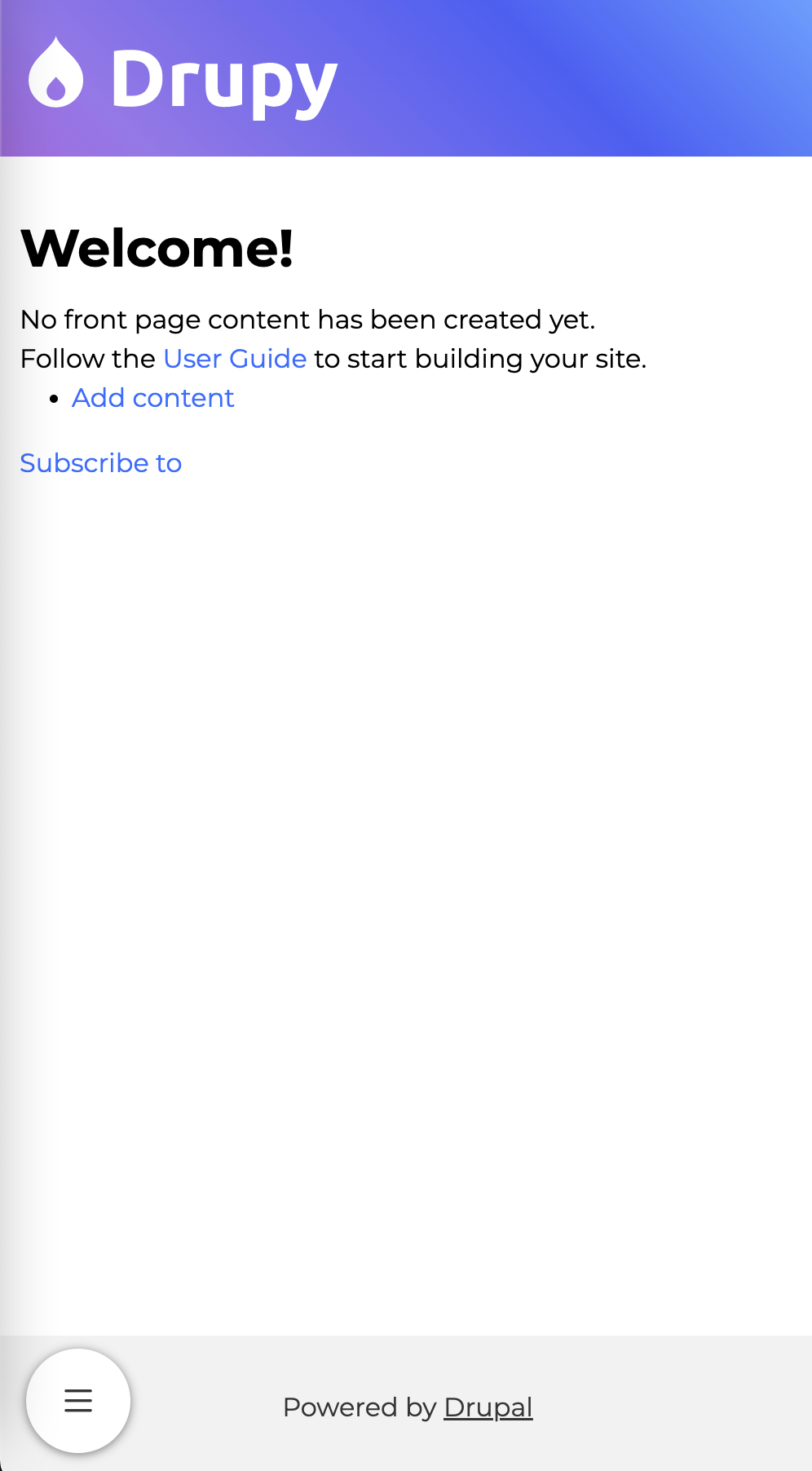
| Mobile snapshot | 266.17 KB |
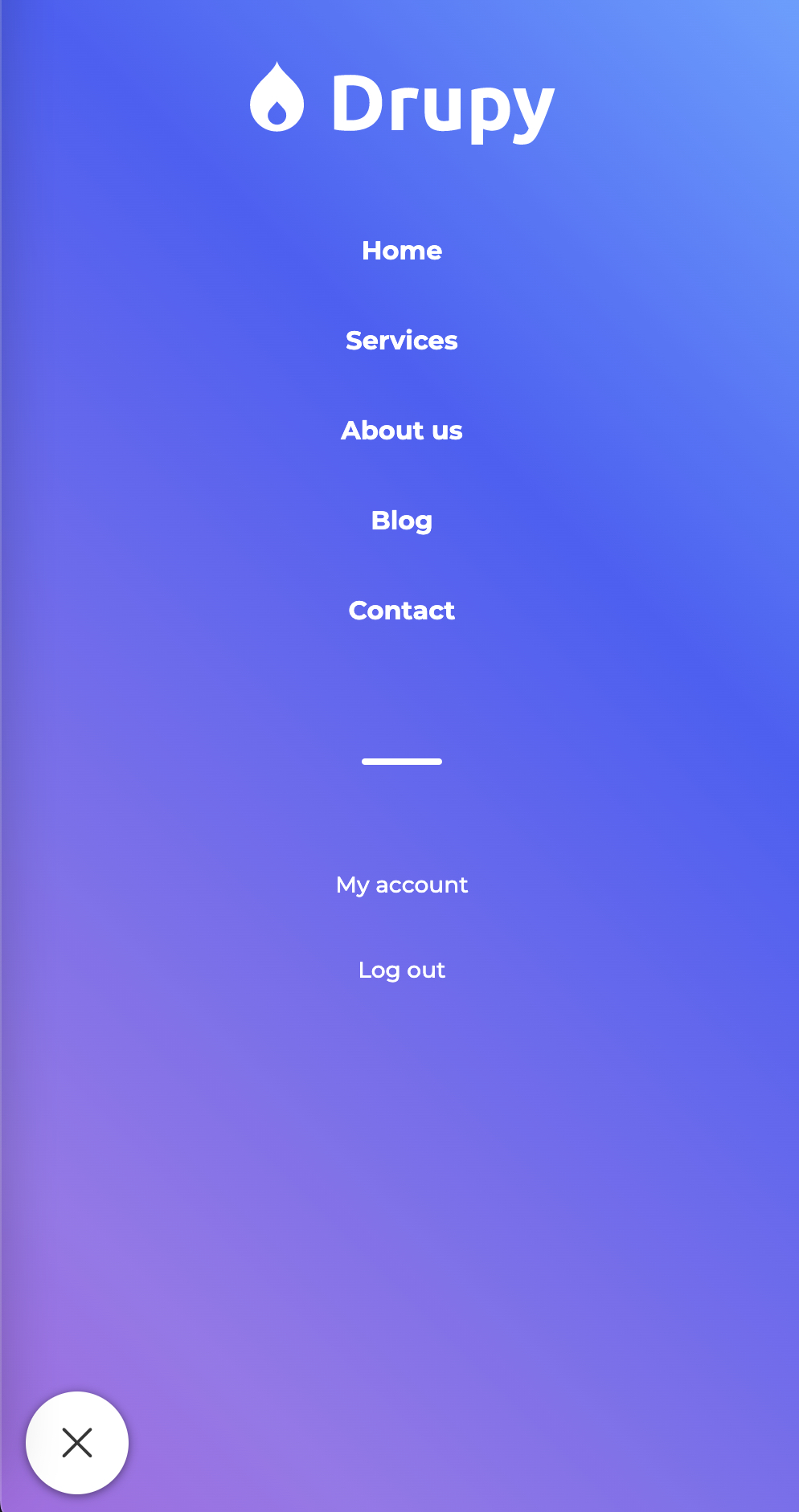
| Mobile menu open snapshot | 772.75 KB |
Project information
 Minimally maintained
Maintainers monitor issues, but fast responses are not guaranteed.- Maintenance fixes only
Considered feature-complete by its maintainers.  42 sites report using this theme
- Created by donbuche on , updated
 This project is not covered by the security advisory policy.
Use at your own risk! It may have publicly disclosed vulnerabilities.