Active
Project:
Diff Plus
Version:
1.0.x-dev
Component:
Code
Priority:
Normal
Category:
Feature request
Assigned:
Reporter:
Created:
25 Jan 2023 at 19:13 UTC
Updated:
18 Oct 2024 at 16:27 UTC
Jump to comment: Most recent


Presently, it's not obvious what might have changed with an image, which was removed, which was added, etc...
Provide a client-side solution to detect various image situations and provide a more intuitive review interface.
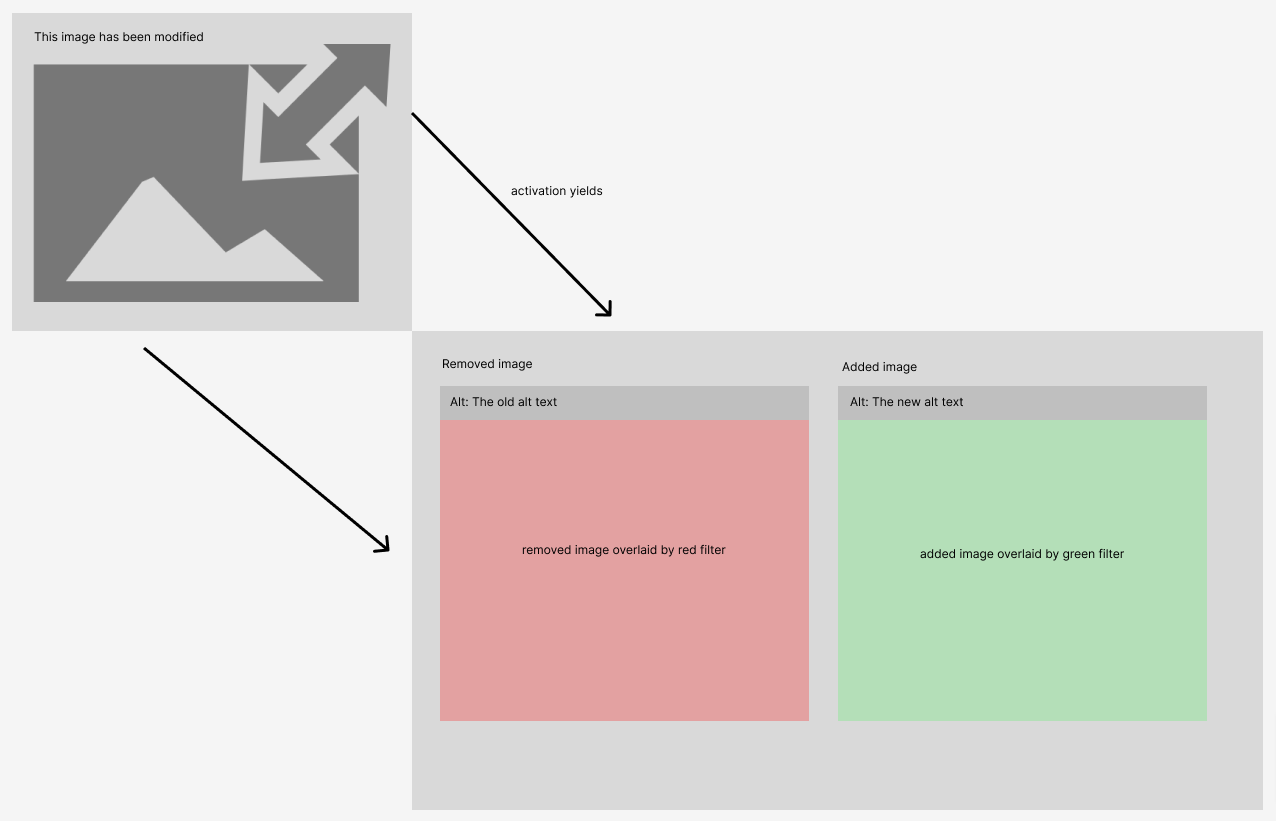

TBD
An intuitive image diffing experience!
TBD
TBD
| Comment | File | Size | Author |
|---|---|---|---|
| intuitive-image-removed.png | 6.97 KB | luke.leber | |
| intuitive-image-added.png | 7.42 KB | luke.leber | |
| intuitive-image-diff.png | 53 KB | luke.leber |
 Show commands
Start within a Git clone of the project using the version control instructions.
Or, if you do not have SSH keys set up on git.drupalcode.org:
 compare



Comments
Comment #2
luke.leberComment #3
jacobupal commentedI've been playing round with the CSS for the same reason and it seems there's no way of adding a color overlay to an image without writing js or changing the markup... the issue is that
imgtags are self-closing so you can't use pseudo elements.What did work was adding outlines though which I think helps at least show which version version of the image was deleted and which was added.
You should be able to add this CSS to your theme for the same result: