

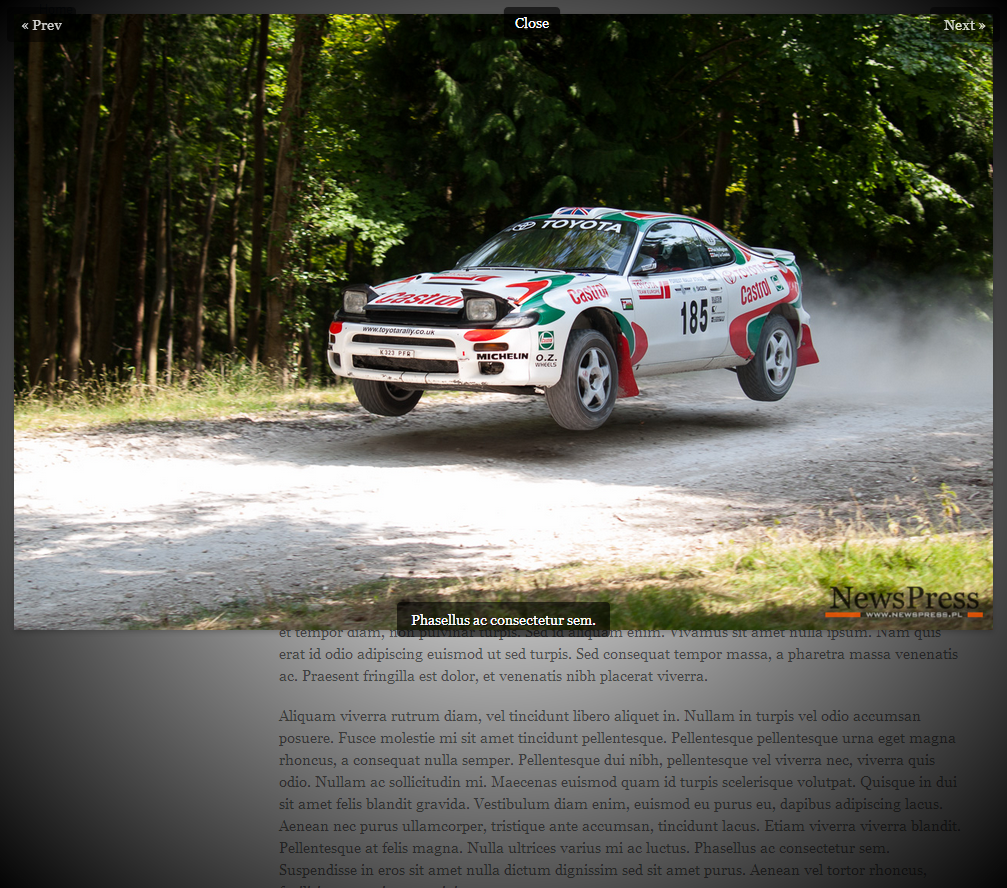
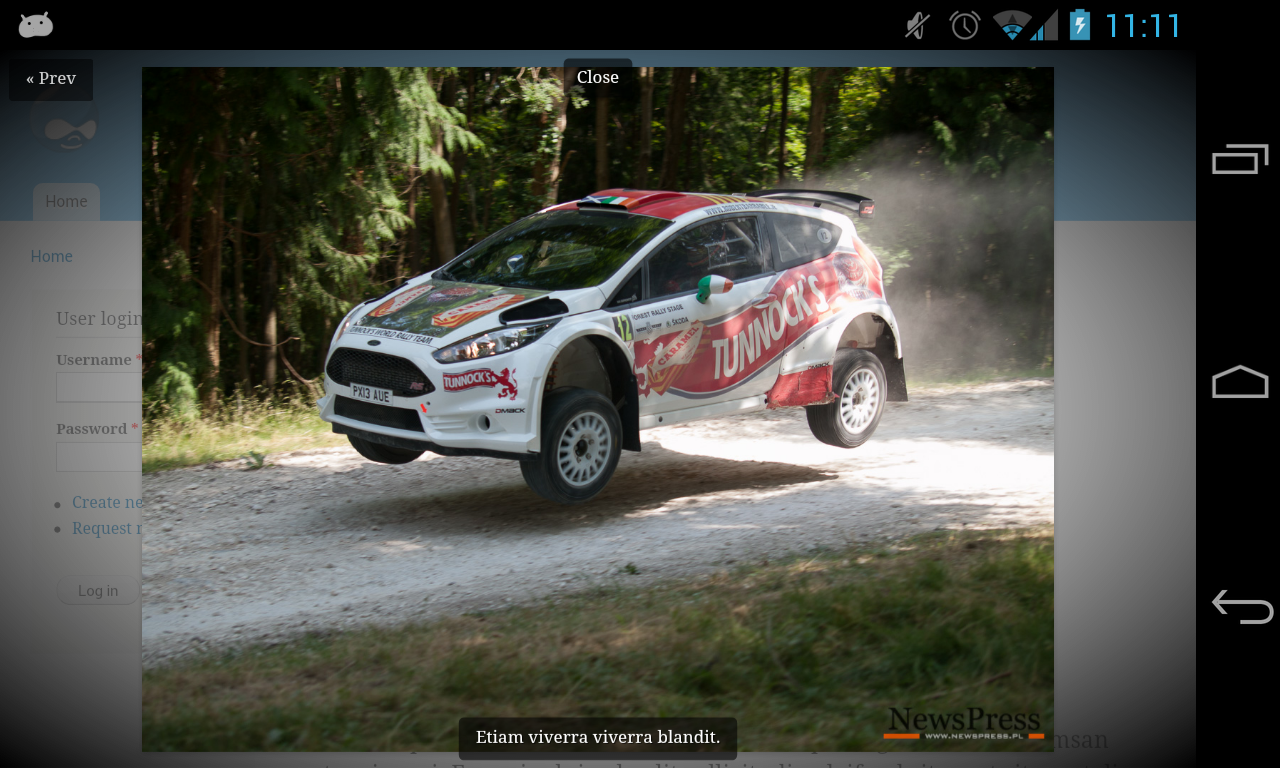
The CssBox is very light-weight module that works
as other lightbox modules but it does not use jQuery
or JavaScript for that.
It's driven by CSS3 and the only JavaScript used here
is to output overlay contents by using document.write()
for SEO purposes. You can also choose to output HTML
directly to the DOM without JavaScript.
By default module comes with sample CSS, but you can add your own customization. It works in all modern browsers that support CSS3.
Images are resized to fit width or height of the browser, so you always see best image possible depending on your screen and orientation.
For multiple images they are grouped to gallery by field, so if one field has many pictures, they will be grouped to one gallery.
Requirements
Image file field to work on.
Integration with other Drupal Modules
Installation
Install as usual, see http://drupal.org/node/895232 for further information.
Configuration
Go to "Configuration" -> "Media" -> "CssBox" to find all the configuration options.
It integrates with Image field and Image styles. Just go to Content Types Manage Display options and change Image field format to CssBox. This works with Views as well and you can select all the options after adding Image field to View fields list.
Customization
Adding a custom CssBox style to your theme:
The easiest way to start is by copying the default style cssbox/cssbox.css to your current theme under css subdirectory. For example:
- sites/all/themes/custom/MYTHEME/css/cssbox.css
This will load your style instead of the default one.
Future plans
Currently working on adding support for videos and custom html overlays.
Project information
 Minimally maintained
Maintainers monitor issues, but fast responses are not guaranteed. 40 sites report using this module
- Created by turek on , updated
 Stable releases for this project are covered by the security advisory policy.
There are currently no supported stable releases.

