


This project is not covered by Drupal’s security advisory policy.
Continuous Rss Scrolling drupal module will create the vertical scrolling reel text show in the drupal website using the given rss feed. This will scroll the rss feed title like reel. The title will scroll one by one in the selected block position. Using this module we can show any rss feed in our website. No coding knowledge required to configure this module.
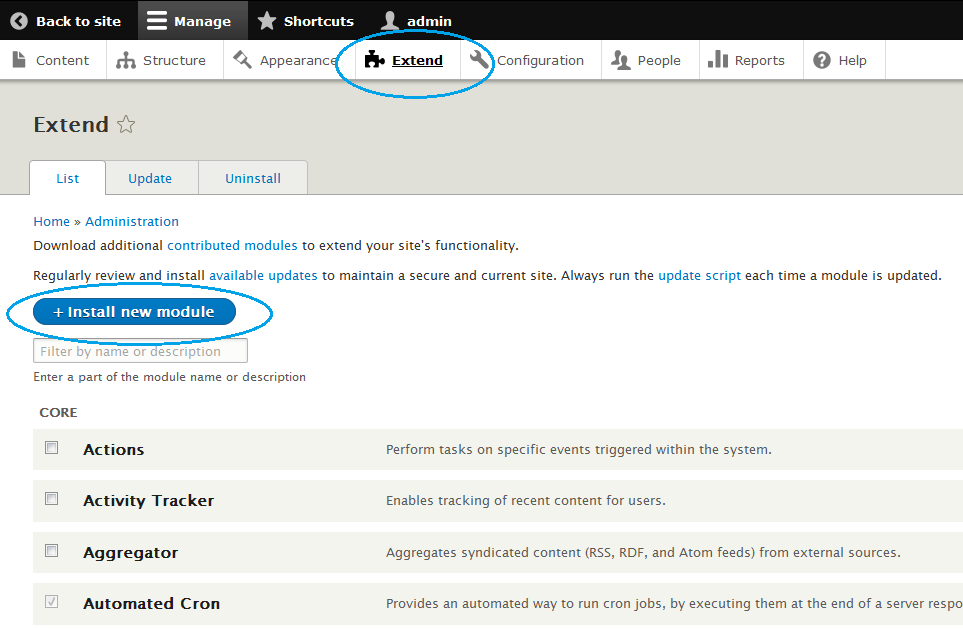
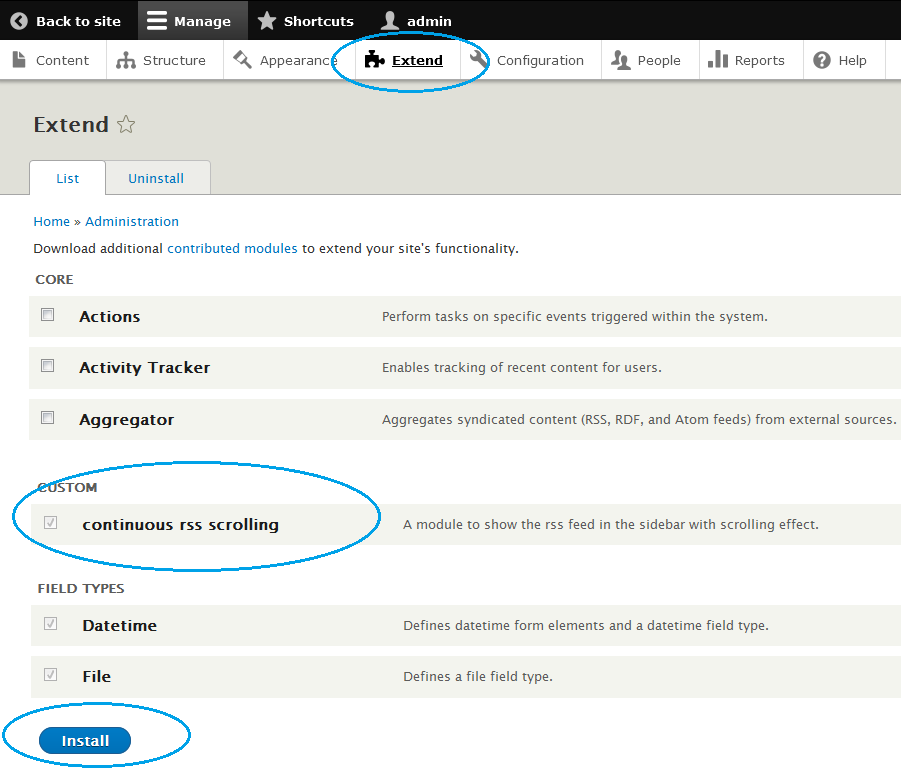
There is text box option available to enter the RSS feed into the module. Please follow the module installation steps for further instruction or visit the module installation video using below available link.
Live Demo
Module feature
- Easy installation and customization
- Have option to add any rss feed.
- Easy scroller setting for smooth scroller
Frequently asked questions
Q1. Can i add more than one rss feed at same time?
No, you can add only one RSS url at a time.
Q2. Why my rss scroll is out of range?
This is the continuous scroll, so we need to maintain the same height for the each content, for that you need to update the configure "Scroll height".
Q3. Can i change the scroll manner from vertical to horizontal?
No, at present option is not available.
Q4. What is "Display count" in configuration page?
This textbox is to set the no of record to display (in front end) at the same time in the scroll area.
Q5. What is "Display length"?
This is to fix the number of character for each title to show in the scroll area.
Q6. Why my news content overlap each other?
This is the continuous scroll, so we need to maintain the same height for the each rss content, for that you need to update (increase) the configure "Scroll height".
Project information
 Minimally maintained
Maintainers monitor issues, but fast responses are not guaranteed.- Maintenance fixes only
Considered feature-complete by its maintainers. - Project categories: Content editing experience, Content display
 4 sites report using this module
- Created by gopiplus on , updated
 This project is not covered by the security advisory policy.
Use at your own risk! It may have publicly disclosed vulnerabilities.

