


This project is not covered by Drupal’s security advisory policy.
Description
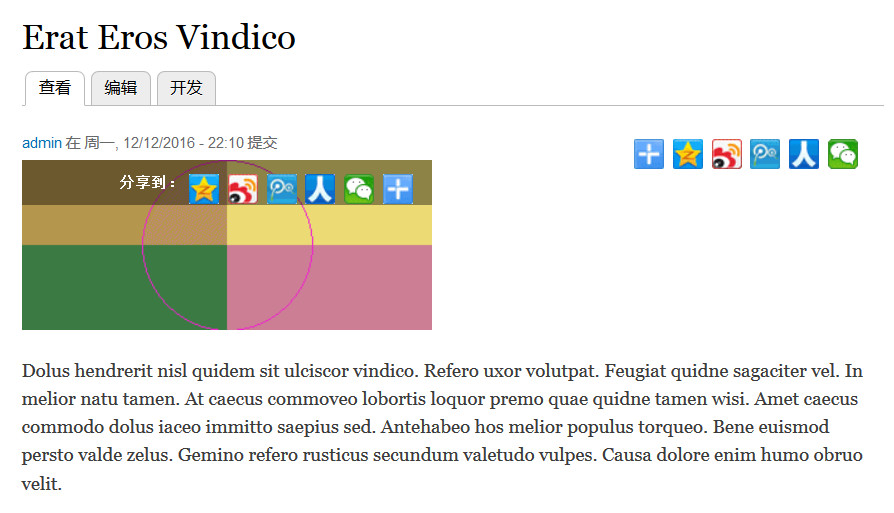
This module provides a Baidu Share buttons to nodes and as a separate block. Baidu Share is a popular button embed code for China and provides embed buttons for QQ, Weibo, RenRen and other China social networks.
Installation
- Download and extract the Baidu Share module in the /sites/all/modules folder. Go to the Modules section of your Drupal administration back-end and enable "Baidu Share".
- Go to your blocks administration page; You will see a block called "Baidu Share" under the "Disabled" block list, move it to a region, for example: "Content" region.
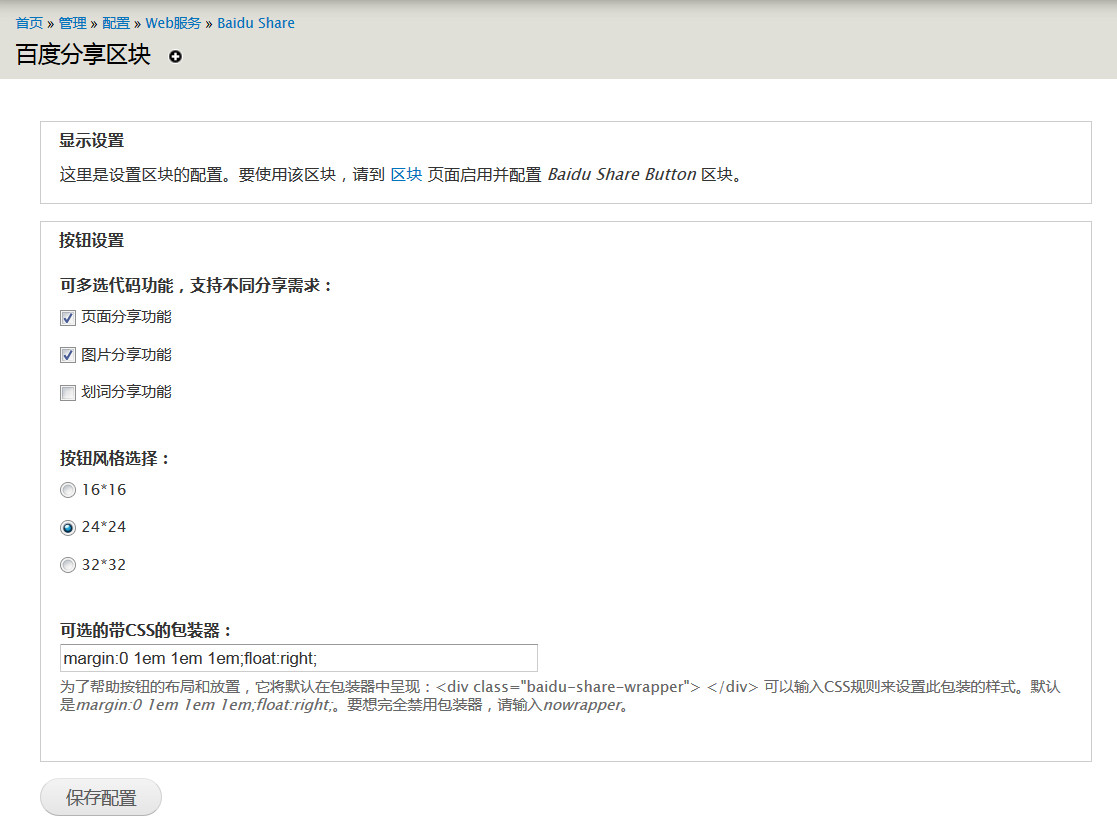
- Go to Baidu Share block config page from "Configuration » Web services » Baidu Share » Baidu Share block", then you can custom the settings of Baidu Share block front-end display.
Project information
- Project categories: Integrations
- Created by jackniu on , updated
 This project is not covered by the security advisory policy.
Use at your own risk! It may have publicly disclosed vulnerabilities.

