




agGrid - Spreadsheet & Data Grid Field for Drupal
Integrate the ag-Grid JavaScript Library into Drupal Forms & Fields
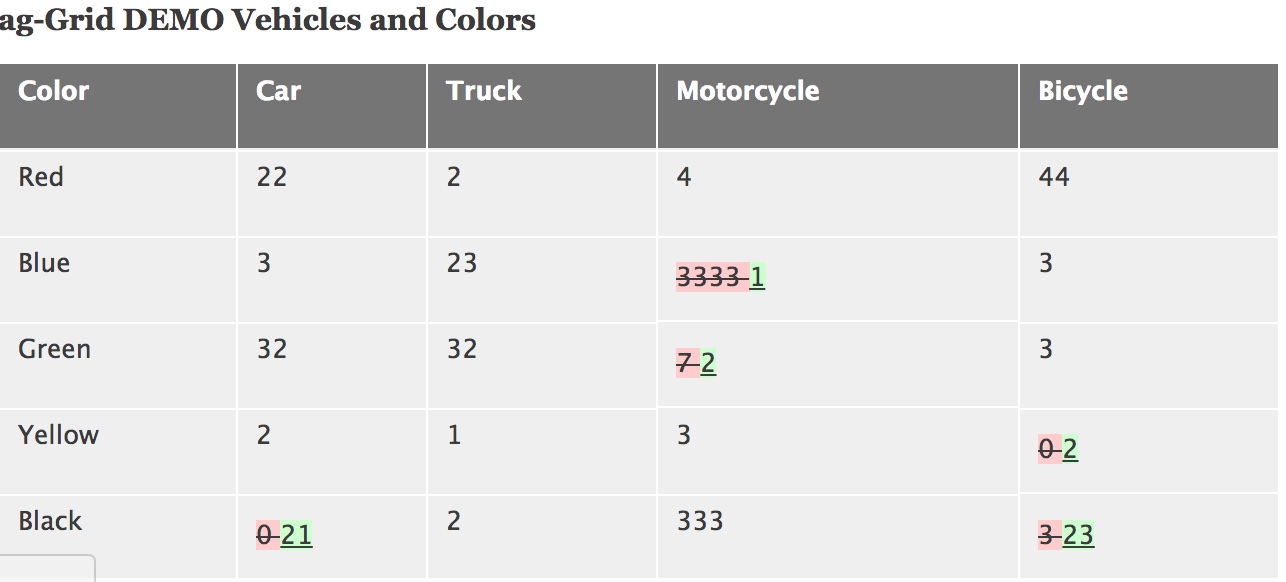
agGrid integrates the high-performance ag-Grid library with Drupal, providing a spreadsheet-like editable data grid and Form API element that stores tabular data as clean JSON. Whether you need an interactive tabular editor, an Excel-like data entry interface, or structured JSON matrix storage, agGrid brings enterprise-grade grid controls to Drupal 10 and 11.
Key Features
- Spreadsheet Form API & Field Type: Adds a dedicated field type and Form API element for handling complex multi-cell matrix and tabular data stored natively as JSON.
- Excel Copy & Paste Integration: Copy rows or columns back and forth between your Drupal edit form and Microsoft Excel or Google Sheets (requires Enterprise edition).
- Flexible Asset Loading: Works immediately via CDN out-of-the-box, with full support for local library hosting via Composer or Drush.
- Community & Enterprise Support: Toggle seamlessly between the open-source ag-Grid Community edition or activate ag-Grid Enterprise with your commercial license key.
- Modern Drupal Ready: Actively maintained and fully compatible with Drupal 10 and Drupal 11.
ag-Grid Community vs. Enterprise
The underlying ag-Grid library is offered in two tiers:
- Community Edition (Free & Open Source): Includes standard data grids, sorting, basic filtering, and tabular JSON data entry.
- Enterprise Edition (Commercial): Unlocks advanced workflow capabilities including multi-cell selection, clipboard copy/paste to/from Excel, row grouping, aggregation, and advanced filtering.
Installation
1. Install the Module
composer require 'drupal/aggrid:^1.8'2. Library Setup (CDN or Local)
The module works by default using a CDN. For production environments where local asset hosting is preferred:
-
Via Drush (Recommended):
drush aggrid:download -
Via Composer Merge Plugin:
Ensurewikimedia/composer-merge-pluginandcomposer/installersare installed, then update your rootcomposer.jsonunder theextrasection:"merge-plugin": { "include": [ "web/modules/contrib/aggrid/composer.libraries.json" ] }Then run:
composer update drupal/aggrid --with-dependencies
Configuration
- Navigate to: Configuration > Content Authoring > ag-Grid Settings.
- Select your target edition (Community or Enterprise).
- If using Enterprise, input your commercial ag-Grid license key to suppress console evaluation warnings.
- Add the ag-Grid field type to any entity or implement the form element directly in custom Form API arrays.
Maintainer & Licensing Disclaimer
Note: This Drupal integration module is an independent open-source project maintained by the Drupal community and is not formally affiliated with ag-Grid Ltd. For ag-Grid library licenses, pricing, and upstream core documentation, visit ag-Grid.com.
Project information
- Project categories: Content display, Content editing experience, Integrations
 20 sites report using this module
- Created by mferanda on , updated
 Stable releases for this project are covered by the security advisory policy.
Look for the shield icon below.
Releases
released 15 September 2026
Warning fix for row shift
Development version: 8.x-1.x-dev updated 15 Sep 2026 at 16:42 UTC

