

Provides accessibility menu for people with visual problems. Allows to change contrast settings, font size, line height, letter spacing and font-style.
Module does not require front-end adaptation in general, only small fixes if something broken.
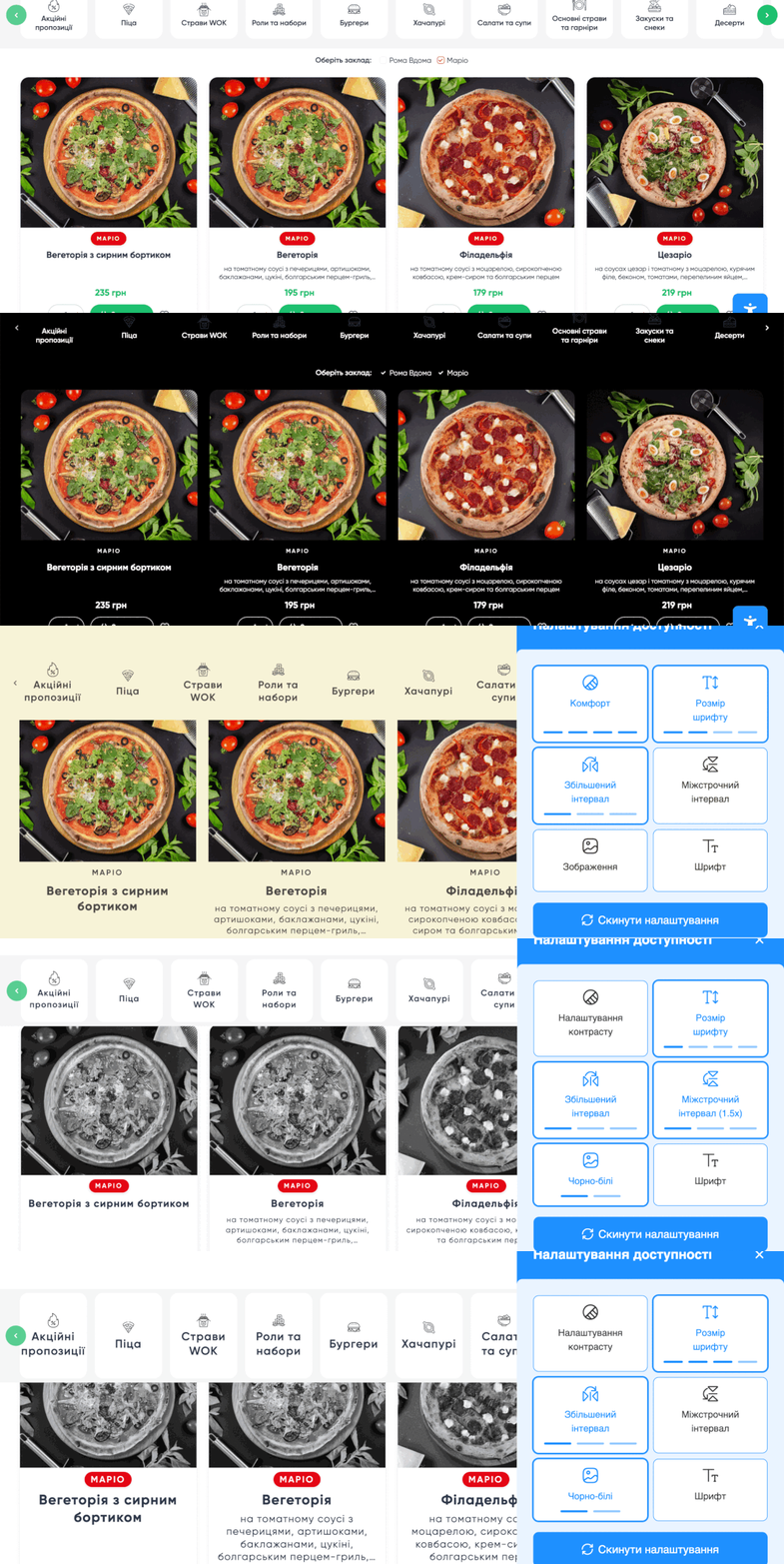
How to use
1. Install the module.
2. In block structure add a new block "Accessibility menu". The block will be rendered on a page in a right bottom corner.
Roadmap
1. Add mobile version support (currently it disabled when resolution less then 1200px)
2. Add settings form (enable/disable items in menu, general settings like size limit, line-height limit etc.)
3. Coding standards
| Attachment | Size |
|---|---|
| accessibility-menu.gif | 887.18 KB |
Project information
- Project categories: Accessibility
 426 sites report using this module
- Created by anatolij zajika on , updated
 Stable releases for this project are covered by the security advisory policy.
Look for the shield icon below.


