

Closed (works as designed)
Project:
Paragraphs
Version:
8.x-1.15
Component:
User interface
Priority:
Normal
Category:
Feature request
Assigned:
Unassigned
Reporter:
Created:
27 Aug 2023 at 12:03 UTC
Updated:
30 Aug 2023 at 22:04 UTC
Jump to comment: Most recent


Comments
Comment #2
matas.k commentedComment #3
keshavv commentedI have followed the steps but bot able to reproduce the issue.
Comment #4
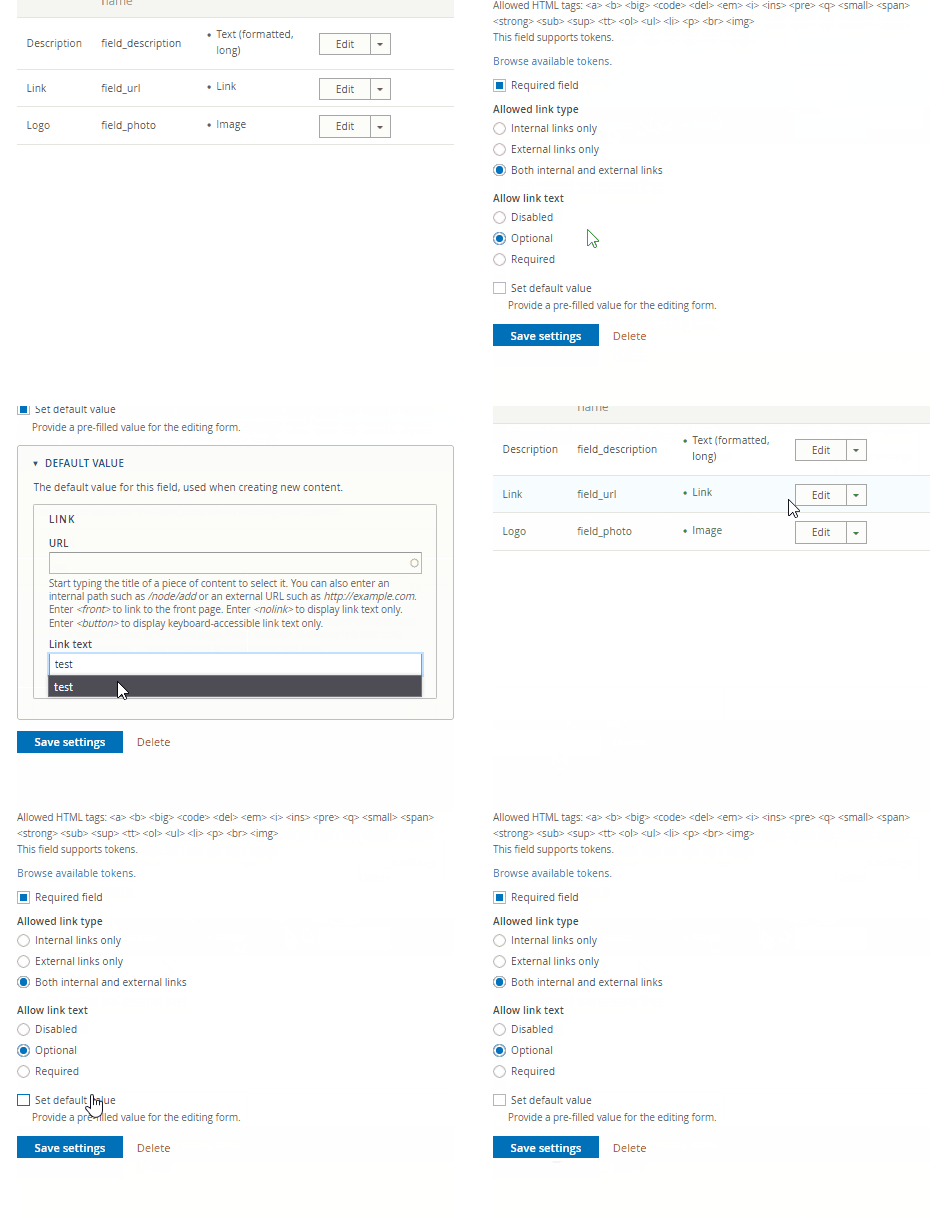
jigish.addweb commentedHello @vibrasphere, I have also followed the steps and guidelines. According to the provided gif, you have not set the default url. Therefore, it is necessary to include both the default URL and title. If you only add the default title in the link field, your changes will not be saved.
Comment #5
matas.k commentedBut it's set to Optional and nothing indicates both fields must be filled.
Should be able to fill just one field.
Comment #6
berdirthis has nothing to do with paragraphs, it's how a link field works, it's the same on a node link field too. and yes, a url is required, you can't have a default value without that, just like you can't have a text format default value.