

 The 2026 Drupal Business Survey is open. Your response will help shape the future of the Drupal business ecosystem.
Problem/Motivation
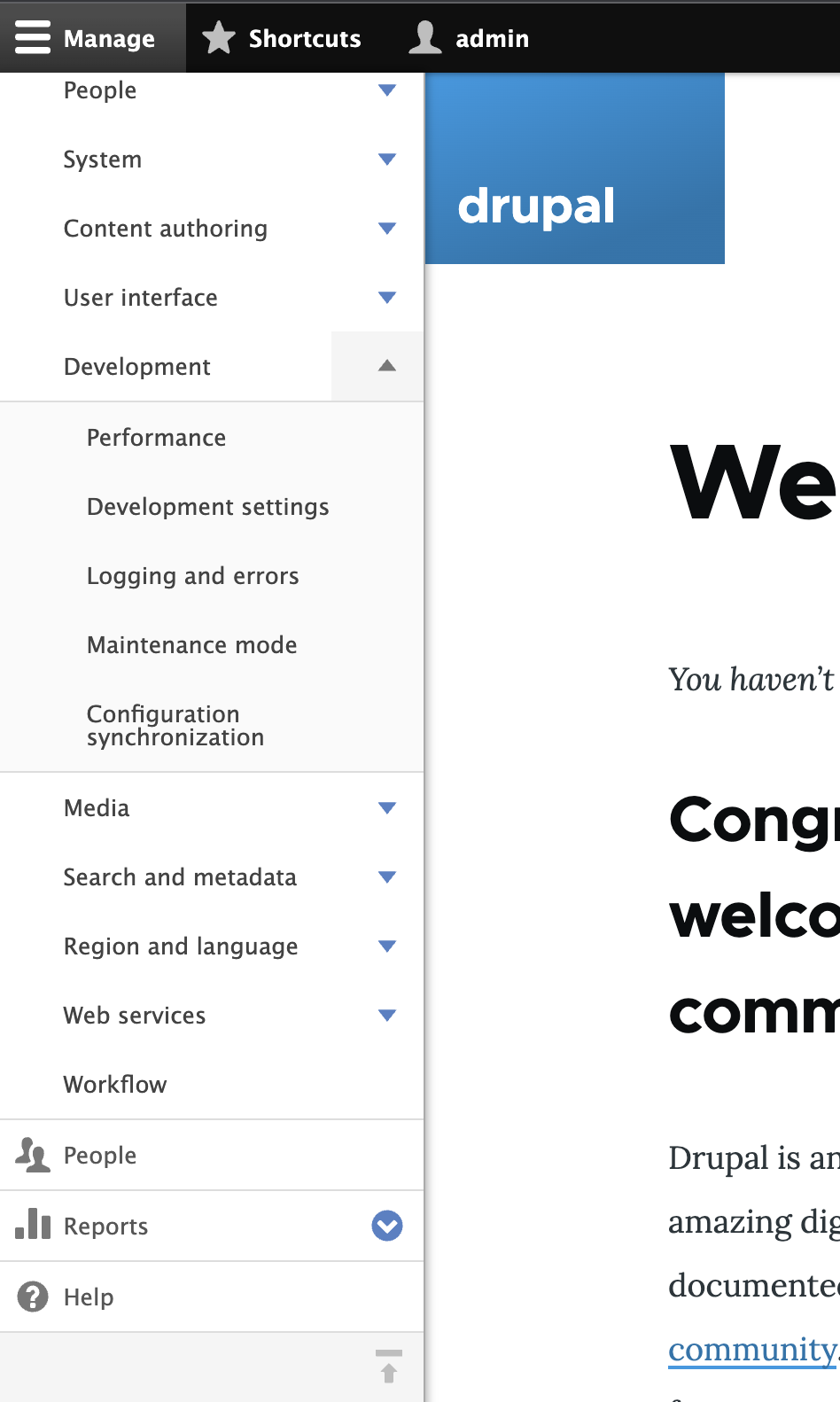
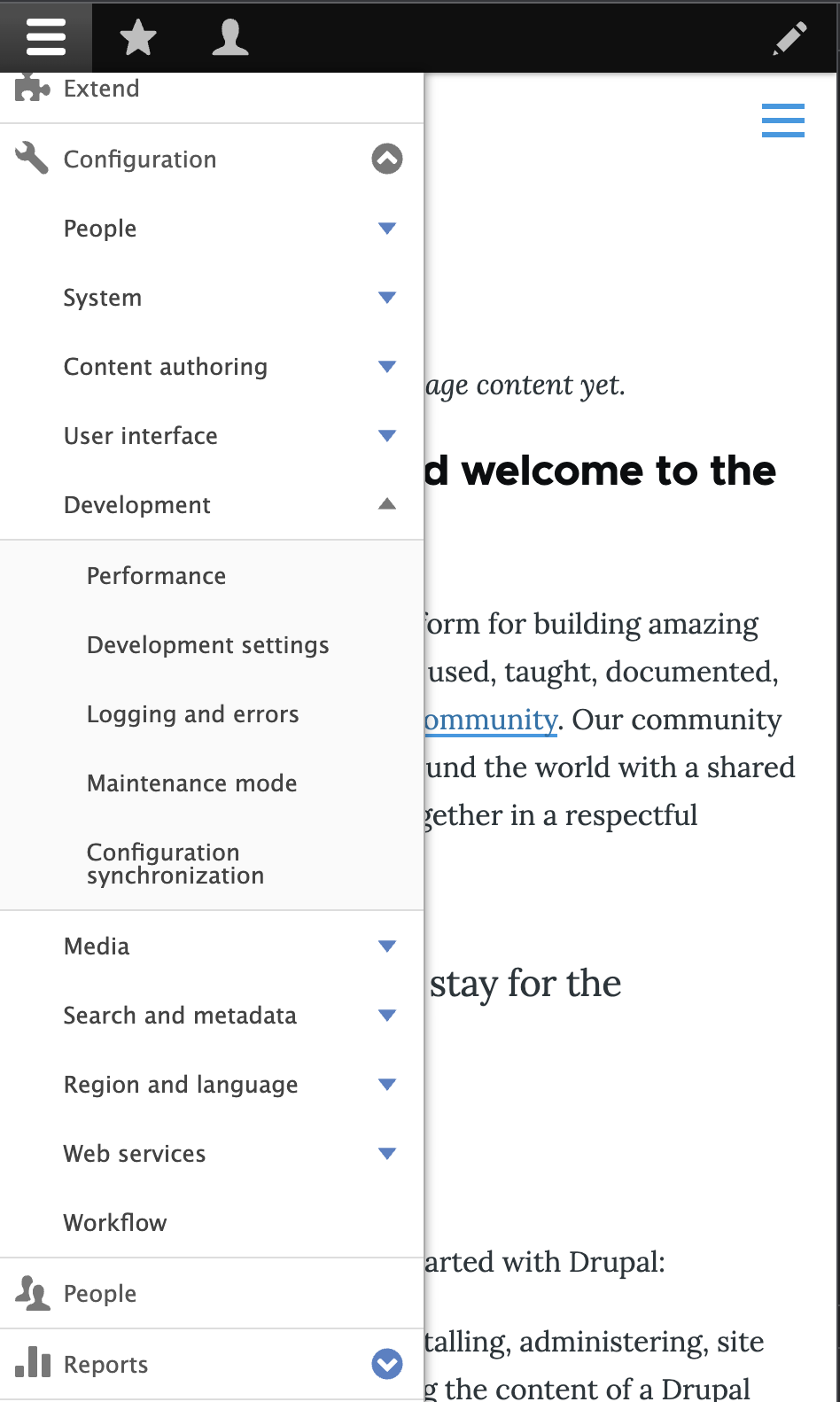
The switch to horizontal orientation button disappears when sub menus are opened.

Steps to reproduce
- Create New 11.x site.
- Expand toolbar in vertical orientation
Configuration-->Developmentthe horizontal orientation button disappears and can't be scrolled down.
Proposed resolution
Remaining tasks
User interface changes
API changes
Data model changes
Release notes snippet
| Comment | File | Size | Author |
|---|---|---|---|
| #3 | 3382445-after.png | 206.44 KB | nilesh.k |
| #3 | 3382445-before.png | 204.18 KB | nilesh.k |
| #2 | 3382445-2.patch | 2.13 KB | gauravvvv |
| horizontal_bug.png | 112.17 KB | omkar.podey |


Comments
Comment #2
gauravvvv commentedI have added the patch for same, please review
Comment #3
nilesh.k commentedHi
Patch #2 has been successfully applied, and the code is now working on my local machine with the icon visible. I have also attached screenshots from before and after.
Before patch

After patch

Comment #4
smustgrave commentedConfirmed the scrollbar appears.
Comment #7
quietone commentedThe Toolbar Module was approved for removal in #3476882: [Policy] Move Toolbar module to contrib.
This is Postponed. The status is set according to two policies. The Remove a core extension and move it to a contributed project and the Extensions approved for removal policies.
The deprecation work is in #3484850: [meta] Tasks to deprecate Toolbar module and the removal work in #3488828: [meta] Tasks to remove Toolbar module.
Toolbar will be moved to a contributed project before Drupal 12.0.0 is released.