

Closed (fixed)
Project:
CKEditor Accordion
Version:
2.0.x-dev
Component:
User interface
Priority:
Minor
Category:
Task
Assigned:
Unassigned
Reporter:
Created:
29 Jul 2023 at 20:03 UTC
Updated:
15 Dec 2023 at 06:19 UTC
Jump to comment: Most recent, Most recent file
 Show commands
 changes


Comments
Comment #3
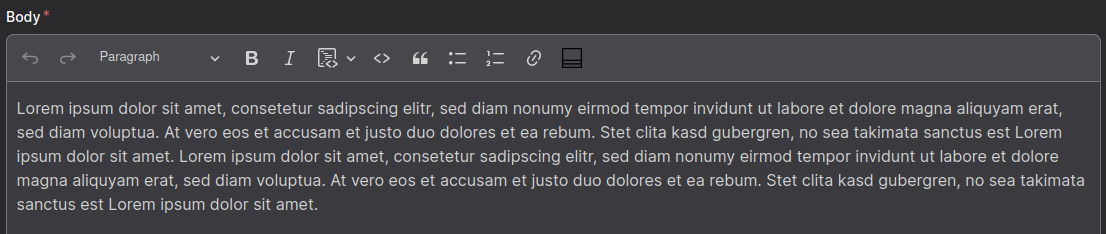
simonbaeseAdjusted the icons.
Before:

After:

Comment #4
shyam_bhatt@simonbaese I have checked the "MR !9", the accordion module icon on the CKEditor 5, visible in white with the GIN as admin them and visible in black with the GIN light theme.
Please check the images below:
Before MR:

After MR:

Moving to +RTBC.
Comment #5
j-vee commentedGood catch - fixed in 2.1.0, thanks!