


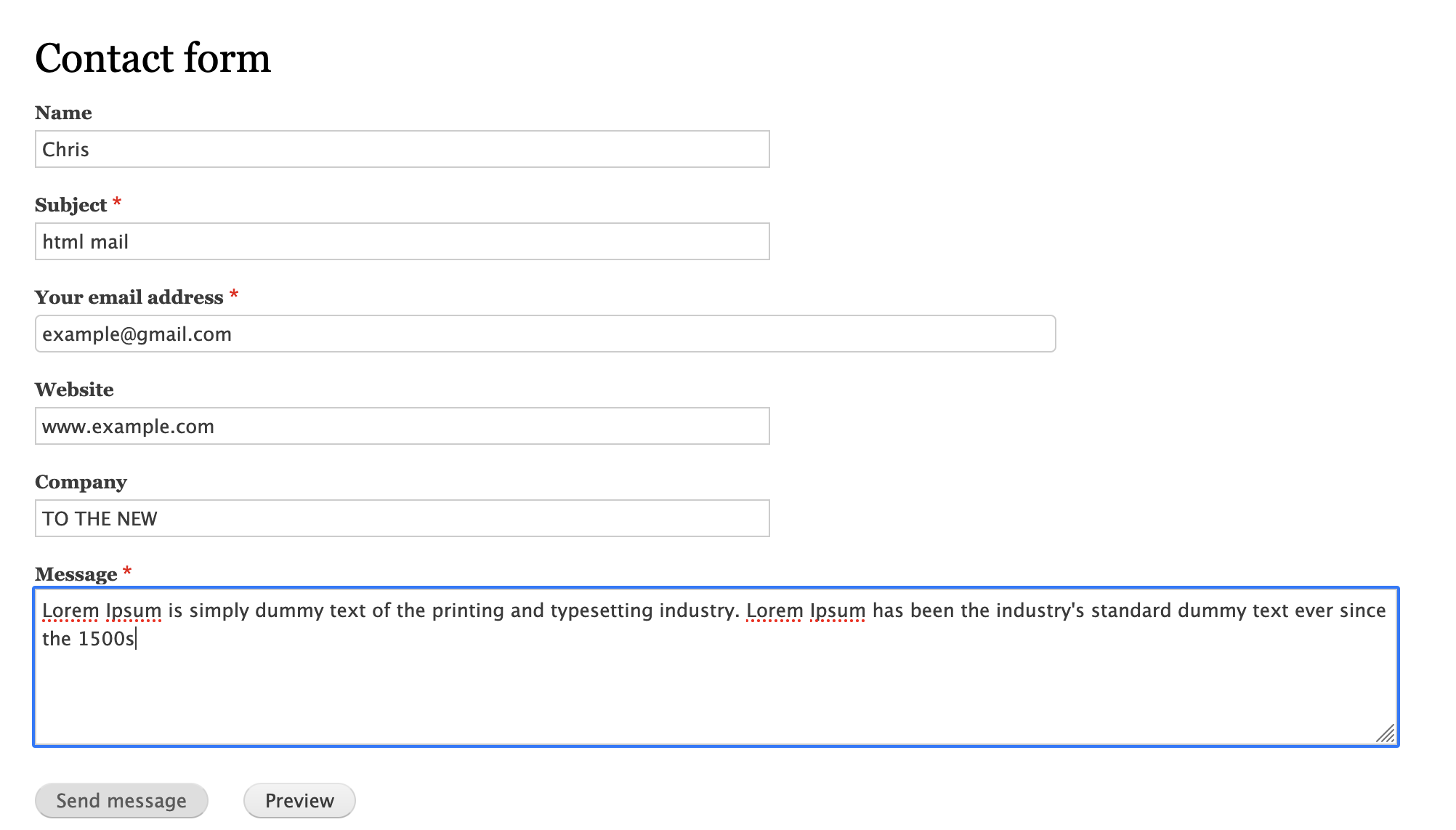
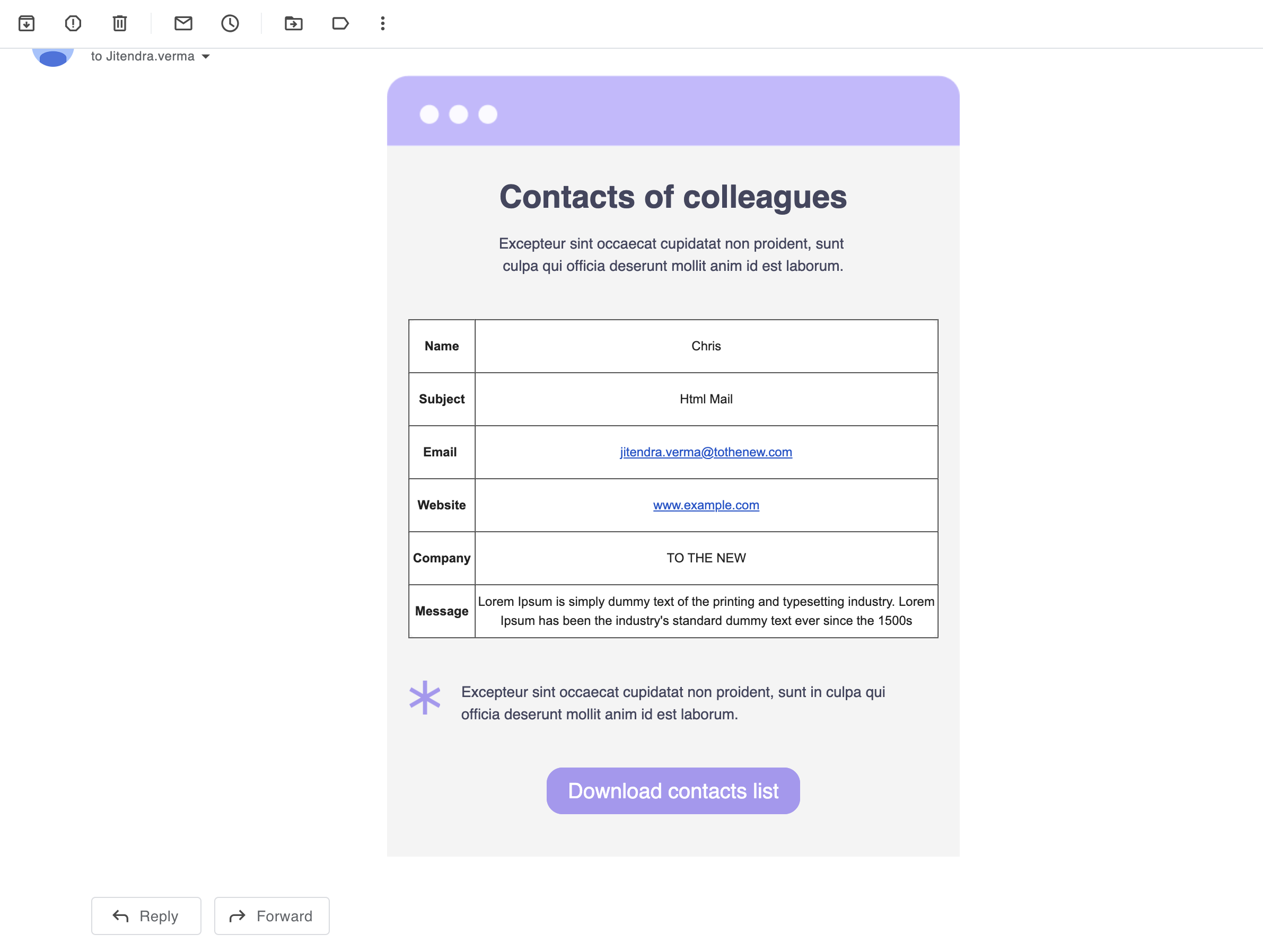

Contact Mail Formatter module will provide HTML Mail for Contact messages which are fully-fledged entities in Drupal.
This plus core contact module aim to provide functionality to send Html Mail with dynamic data
You can refer to this blog for proper formatted mail Formatting Guidlines
Features
- HTML Mail
- CKeditor
- Token Support
Requires Module
- Token (Token Module)
- SMTP (SMTP Module)
How to configure SMTP & send HTML Mail?
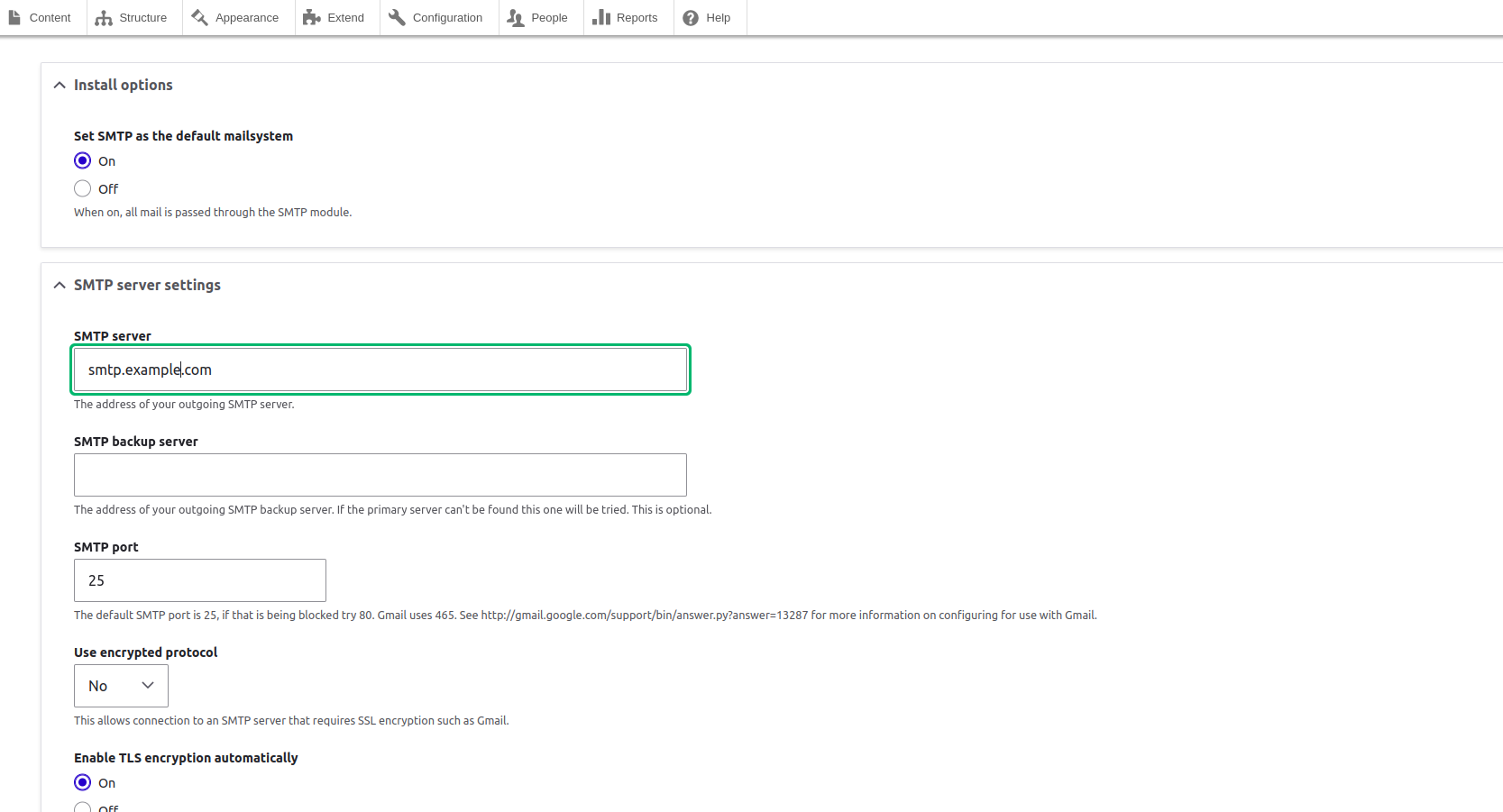
First, the SMTP module will automatically be installed, if you use composer to install the Contact Mail Formatter module. Otherwise you need to download it separately. Now as it's installed, you need to go to "/admin/config/system/smtp". Follow the steps below.
- Set the SMTP as default mail system by enabling it.
- In SMTP server settings, set the SMTP server (e.g. smtp.gmail.com)
- Use the default port 25.
- In SMTP authentication, set the authentication username & password provided by your mail server.
- And last but not least, enable the checkbox “Allow to send emails formatted as HTML”.
- See the screenshots for better understanding.
Supporting organizations:
Project information
- Project categories: Content display, Site structure, Integrations
 23 sites report using this module
- Created by jitendra verma on , updated
 Stable releases for this project are covered by the security advisory policy.
Look for the shield icon below.


