

 Come together with the global Drupal community in Rotterdam, 28 Sept – 1 Oct 2026. Sessions, contribution, connection, and Early Bird savings until 8 June.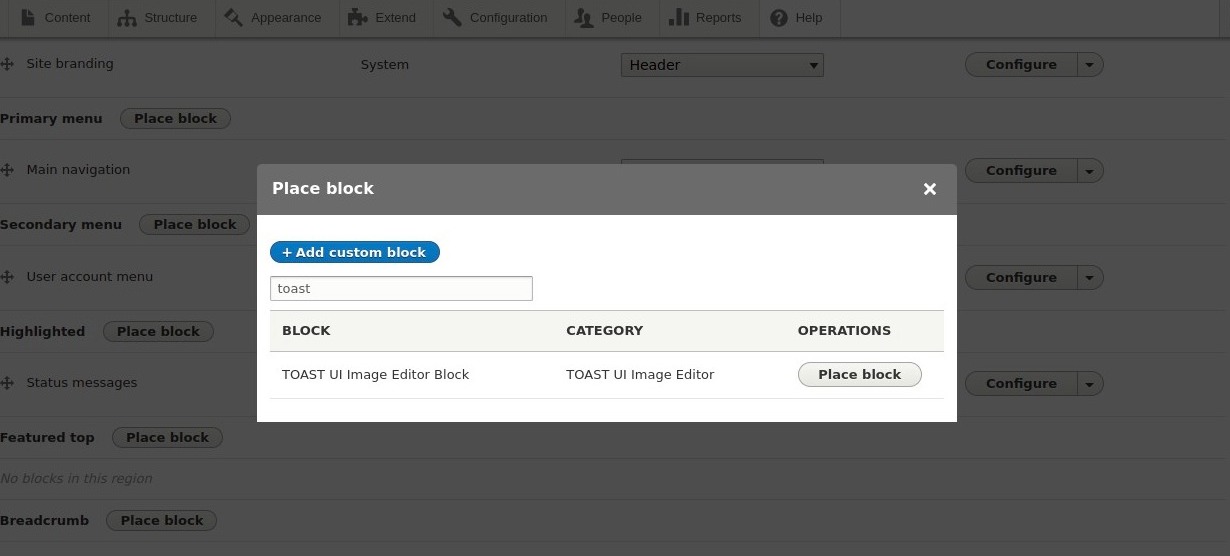




This project is not covered by Drupal’s security advisory policy.
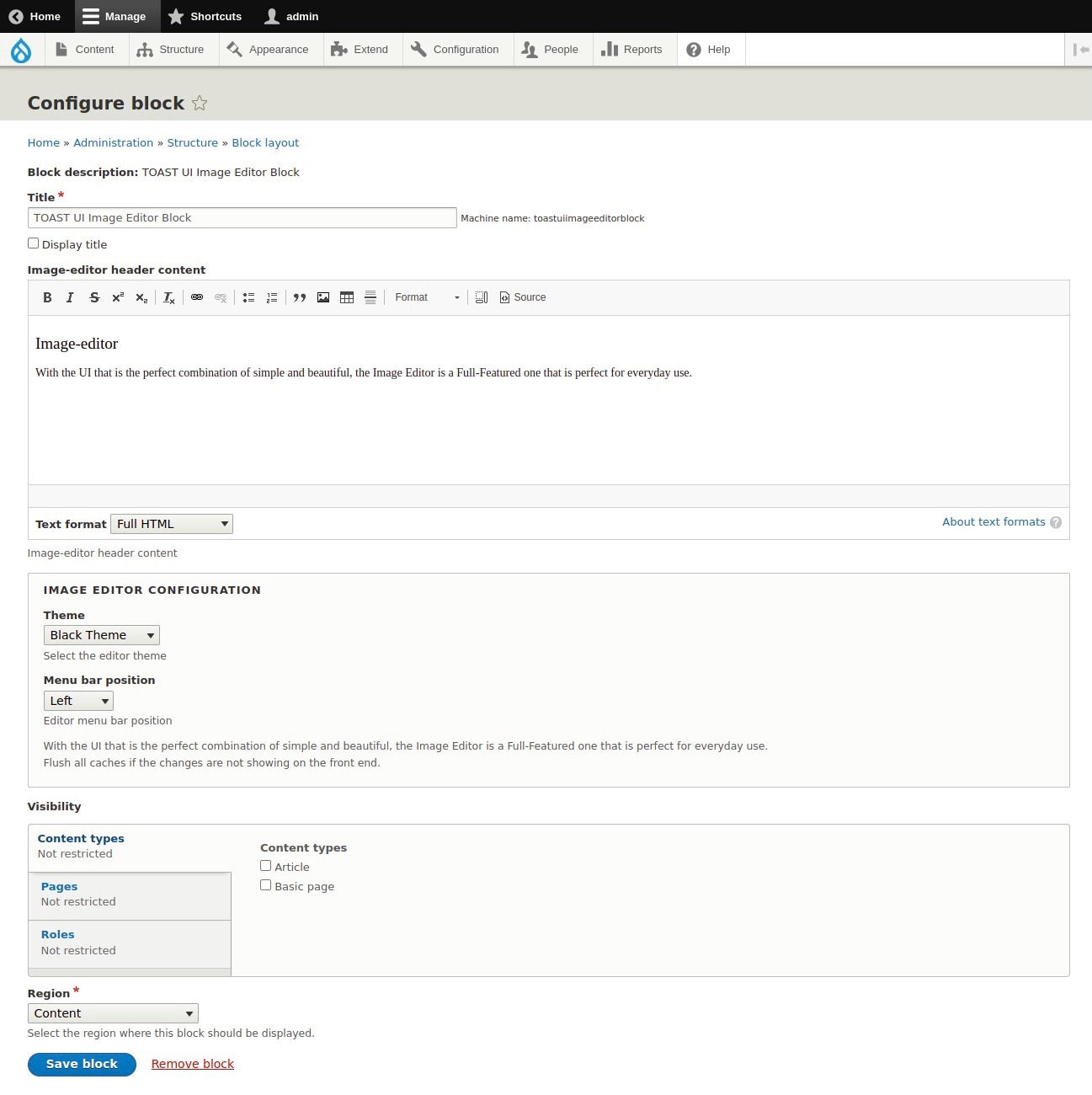
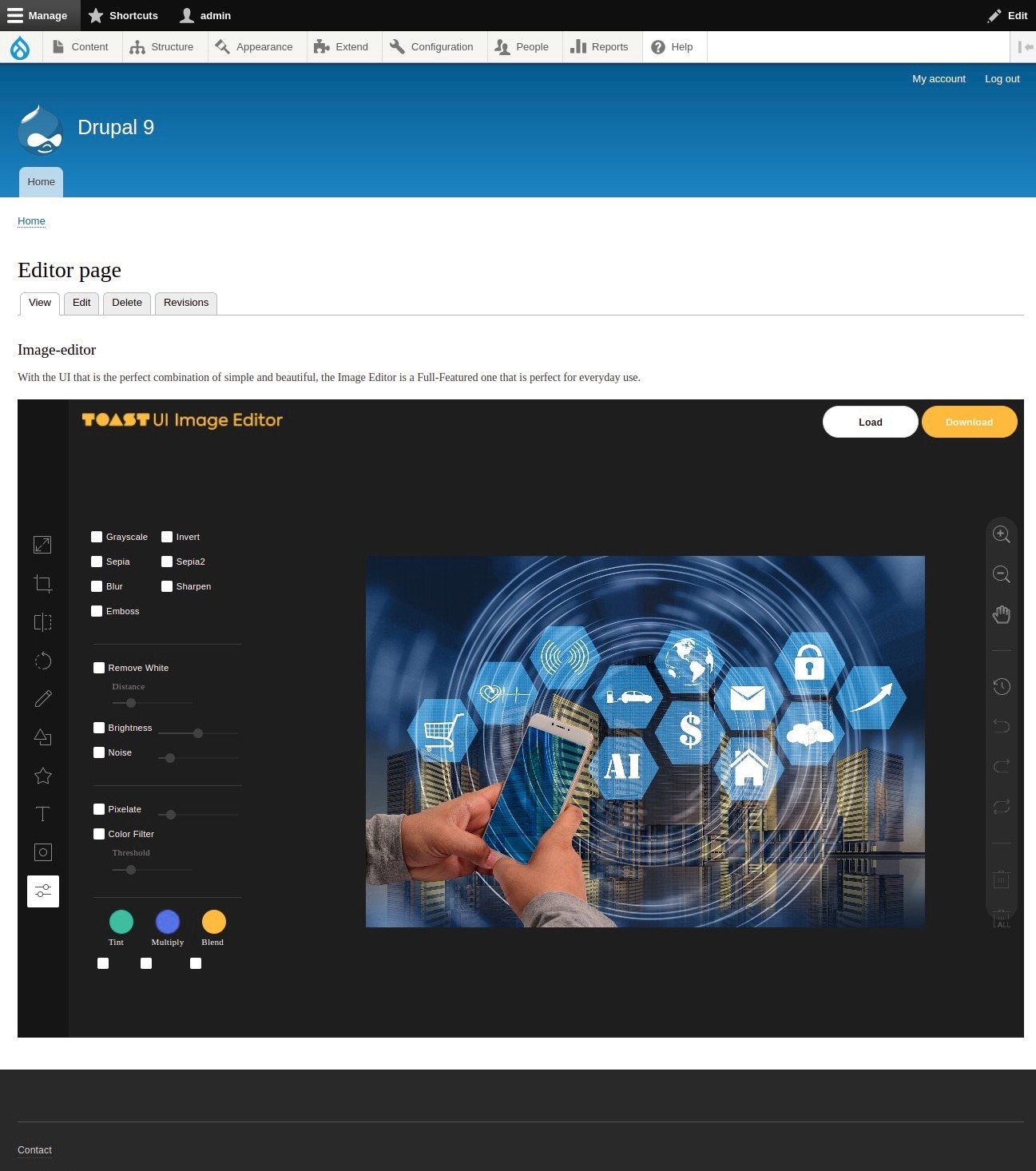
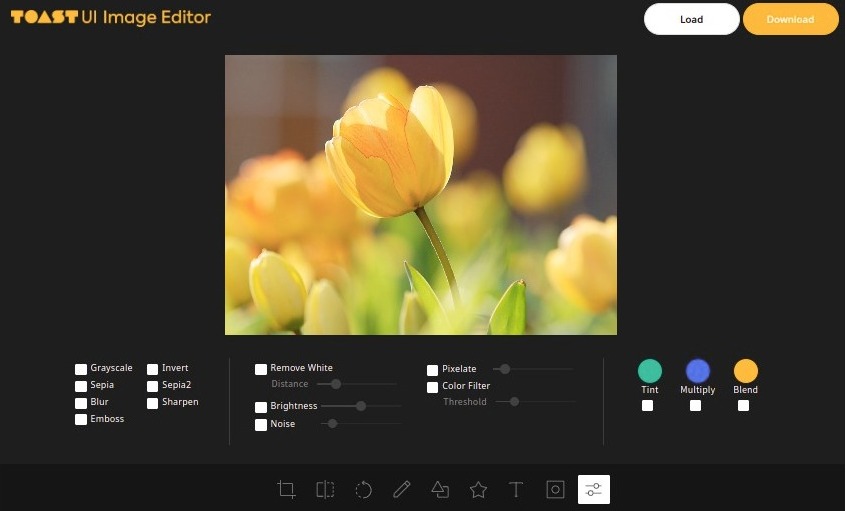
The TOAST UI Image Editor provides a block for the TOAST UI Image Editor. With the UI that is the perfect combination of simple and beautiful, the Image Editor is a Full-Featured one that is perfect for everyday use.
Has full features that stick to the basic.
Photo manipulation
- Crop, Flip, Rotation, Drawing, Shape, Icon, Text, Mask Filter, Image Filter
Integration function
- Download, Image Load, Undo, Redo, Reset, Delete Object(Shape, Line, Mask Image...)
Powerful filter function
- Grayscale, Invert, Sepia, Blur Sharpen, Emboss, RemoveWhite, Brightness, Noise, Pixelate, ColorFilter, Tint, Multiply, Blend
Easy to apply the size and design you want
Can be used everywhere.
- Widely supported in browsers including IE10.
- Option to support various display sizes.
- (allows you to use the editor features on your web pages at least over 550 * 450 sizes)
Nice default & Fully customizable Themes
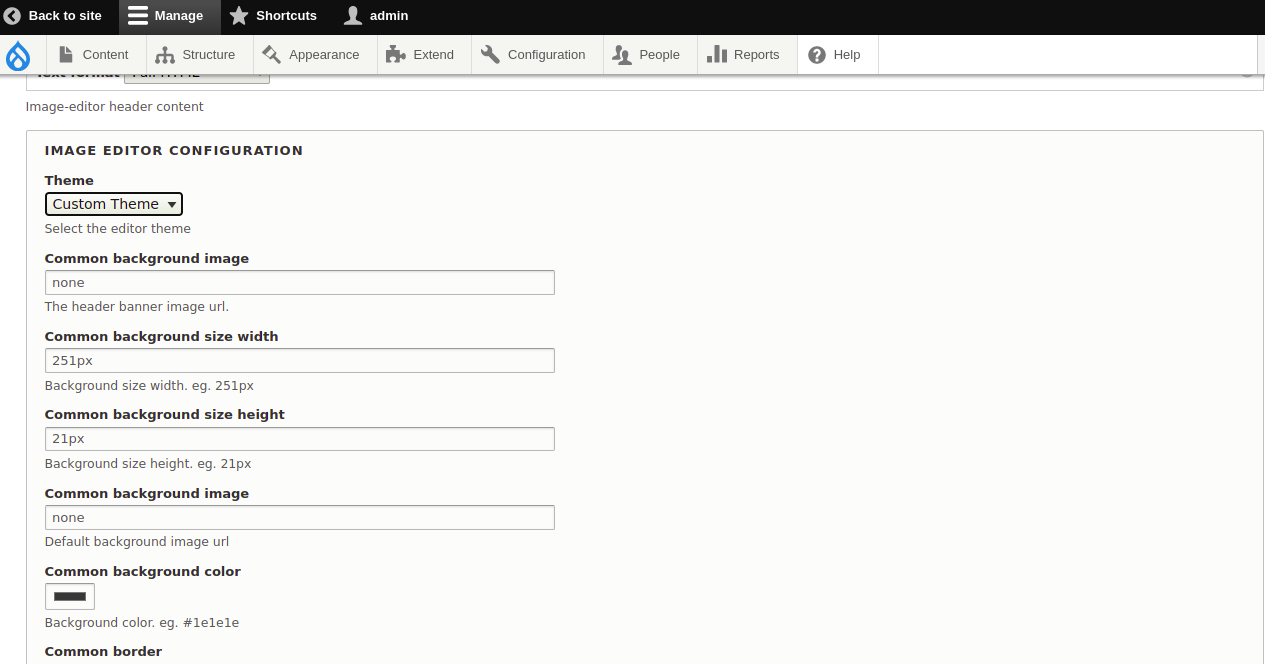
Has a white and black theme, and custom thme where you can modify the configurations to customize it.
Features
- Load image to canvas
- Undo/Redo (With shortcut)
- Crop
- Flip
- Rotation
- Resize
- Free drawing
- Line drawing
- Shape
- Icon
- Text
- Mask Filter
- Image Filter
We can copy the template file from templates/tui-image-editor.html.twig to your theme file and customize the html and implement your own layout with custom css and also override the javascript codes.
Available variables on the twig template:
  Available variables:
- image_editor_config: Array of editor config data.
- image_editor_header: Editor header content
Support
Please post bug reports, feature requests and support requests to the TOAST UI Image Editor module issue queue.
Demo
- Go to https://simplytest.me/project/tui_image_editor.
- Click "Launch Sandbox".
- Install Drupal as normal.
- Enable "TOAST UI Image Editor" module, and any optional modules you wish to try out.
Installation and download
Installation with Composer:
composer require 'drupal/tui_image_editor'
Enable the module
Using the Drupal User Interface (easy)
- Navigate to the Extend page (admin/modules) via the Manage administrative menu
- Locate the TOAST UI Image Editor module and check the box next to the module
- Click Install to enable (turn on) the module
Looking for TOAST UI Image Editor support?
- Free community support options
- Developers can participate our support channels on a best-effort basis, Drupal Answers.

Supporting organizations:
Project information
- Ecosystem: Drupal core
 1 site reports using this module
- Created by sujan shrestha on , updated
 This project is not covered by the security advisory policy.
Use at your own risk! It may have publicly disclosed vulnerabilities.

