


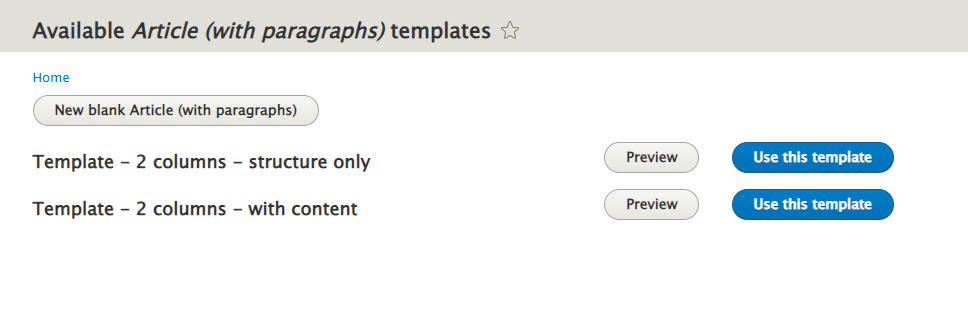
This module allows sites to easily convert any node into a "Template", and then use that to make it easier to create content from a pre-defined set of values.
Usage
- After installing the module, edit the content type you want to enable templates on, and select "Allow converting into page template"
- Create a node of this type as usual. Make sure you save it as "Unpublished"
- Click the "Page Template" tab, and confirm the conversion of this node into a template.
- Now your editors can visit
/node/{node_type}/templatesand select a template to use when creating content. - Alternatively, when editors visit
/node/add/{$node_type}for a content type that has templates available, they will see a new button at the top "Create from template", which will send them to the page mentioned above.
Note: If you use the Admin Toolbar Extra Tools module, you will automatically see new links in the "Content -> Add Content" dropdowns that make it easier to find templates and use them.
Dependencies
Supporting organizations:
Initial development, maintenance
Project information
- Project categories: Content editing experience, Developer tools
 1,069 sites report using this module
- Created by marcoscano on , updated
 Stable releases for this project are covered by the security advisory policy.
Look for the shield icon below.


