

Closed (outdated)
Project:
Drupal core
Version:
11.x-dev
Component:
Claro theme
Priority:
Normal
Category:
Bug report
Assigned:
Unassigned
Issue tags:
Reporter:
Created:
31 Oct 2019 at 13:08 UTC
Updated:
7 Nov 2023 at 09:10 UTC
Jump to comment: Most recent, Most recent file
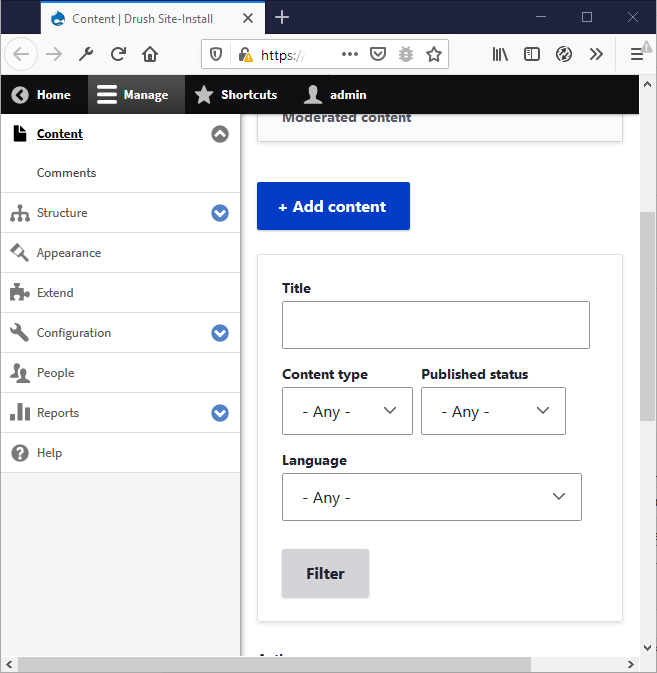
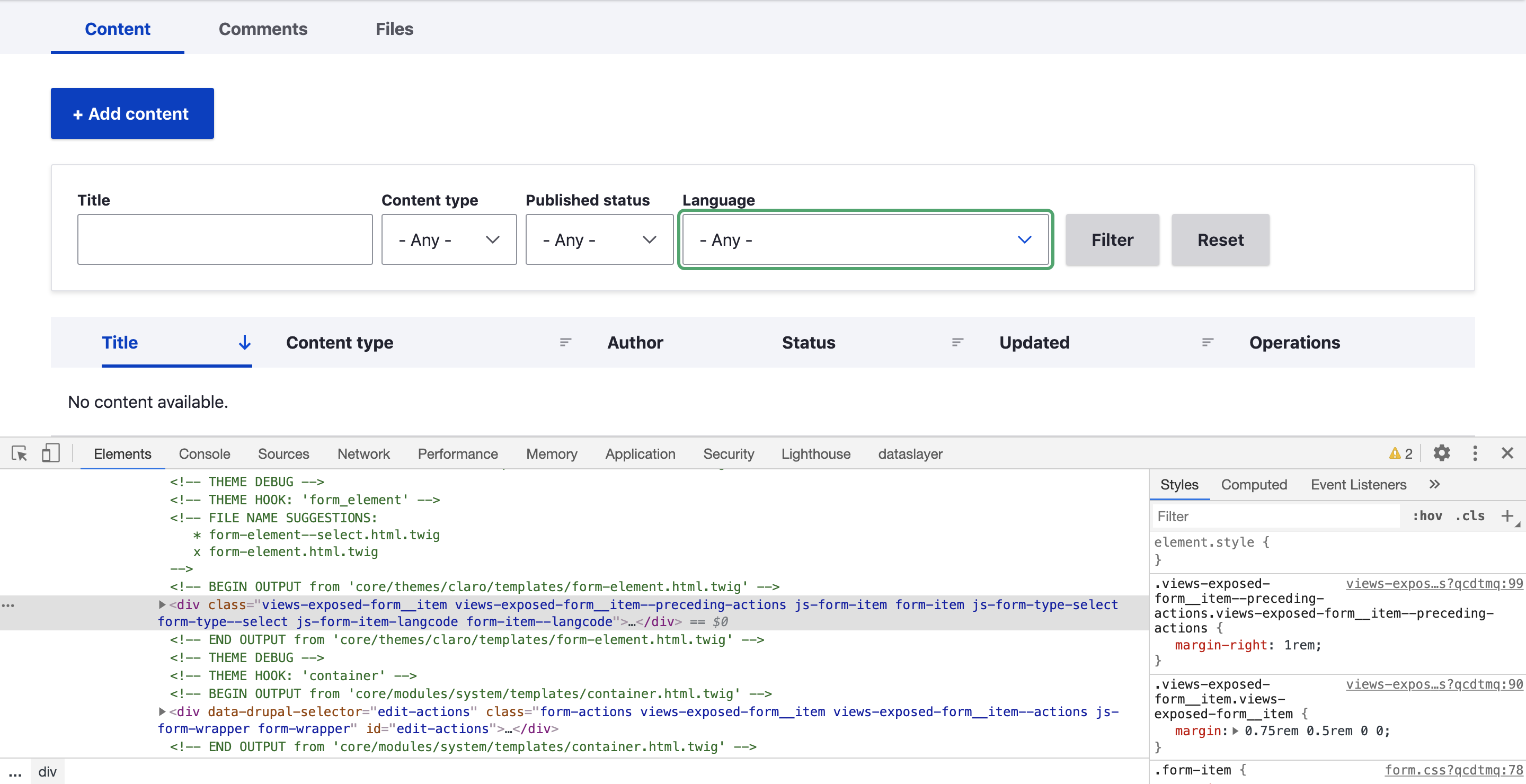


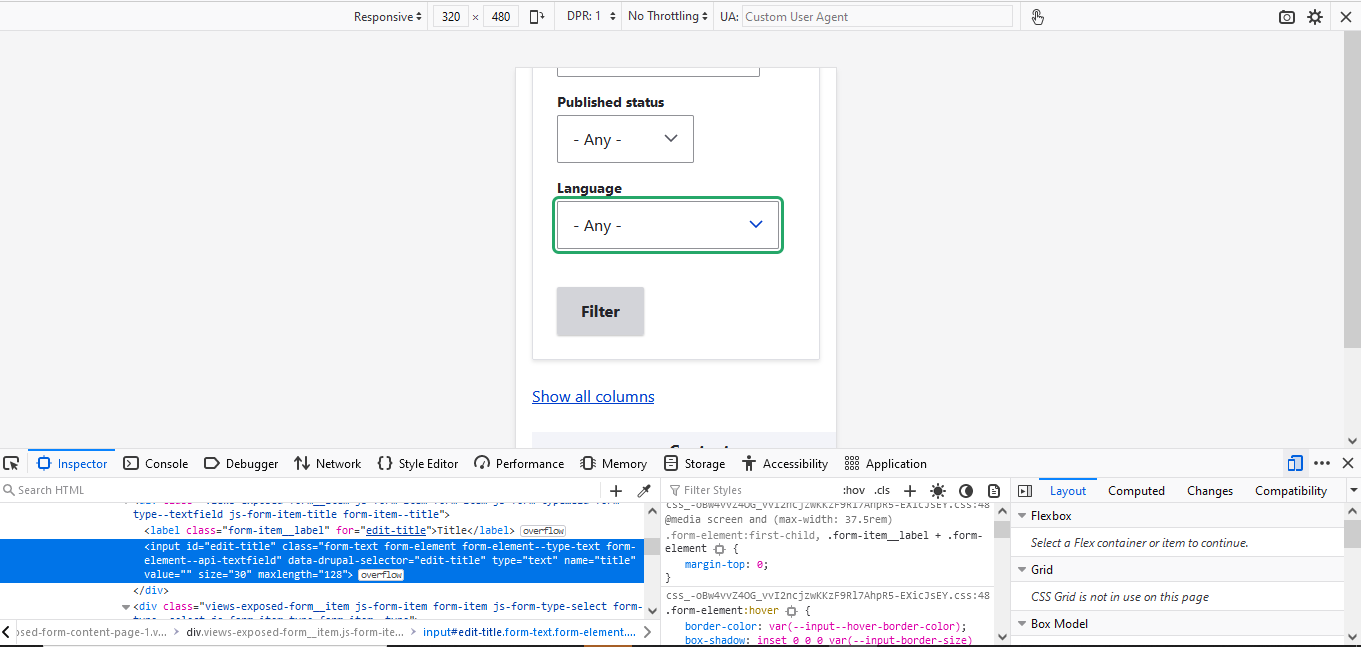
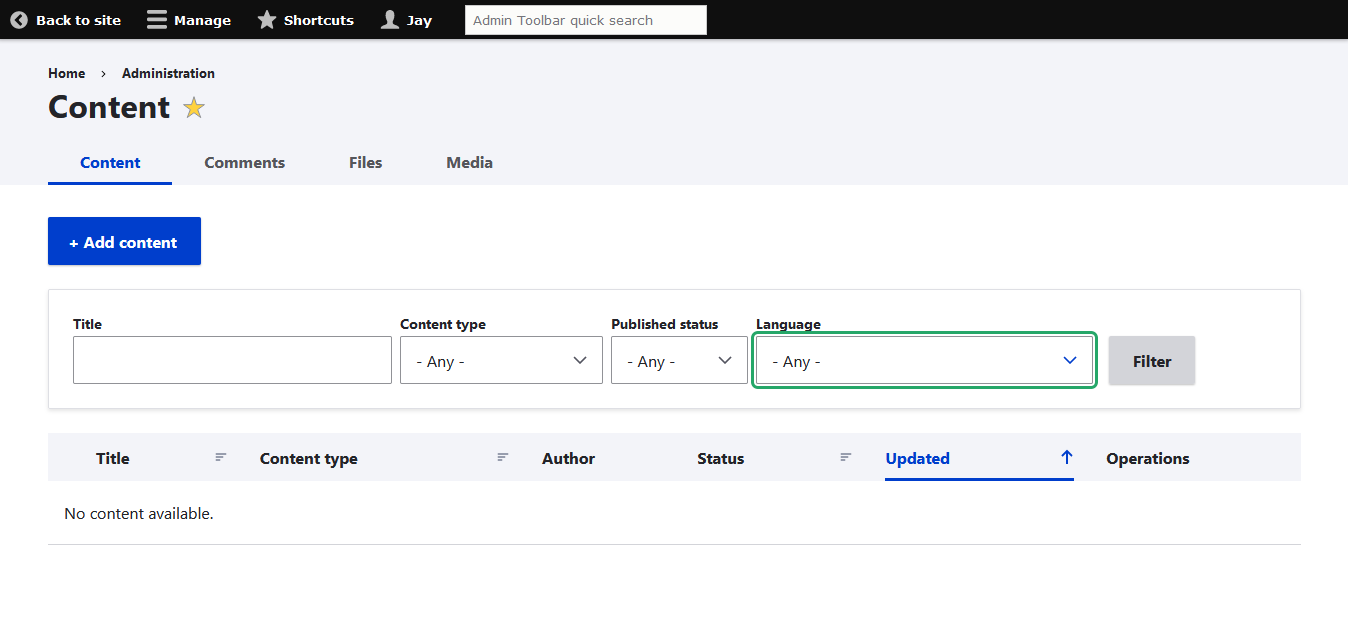





Comments
Comment #2
mbroere commentedComment #3
pminfI will test this on Windows in current Chrome, FF, Edge and IE11.
Comment #4
mbroere commentedComment #5
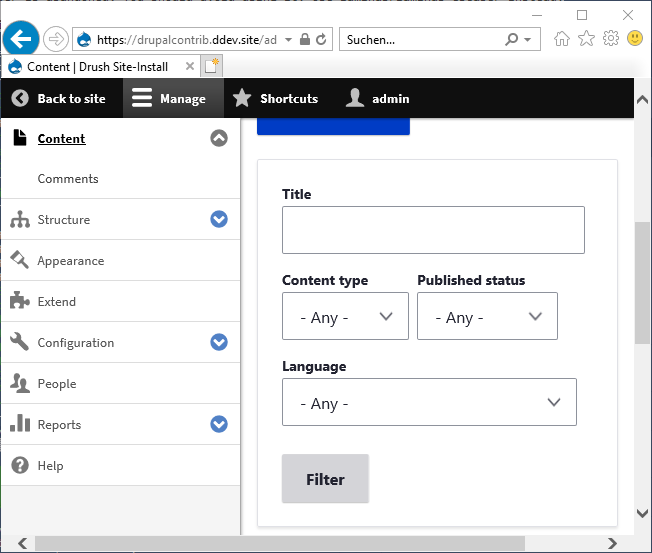
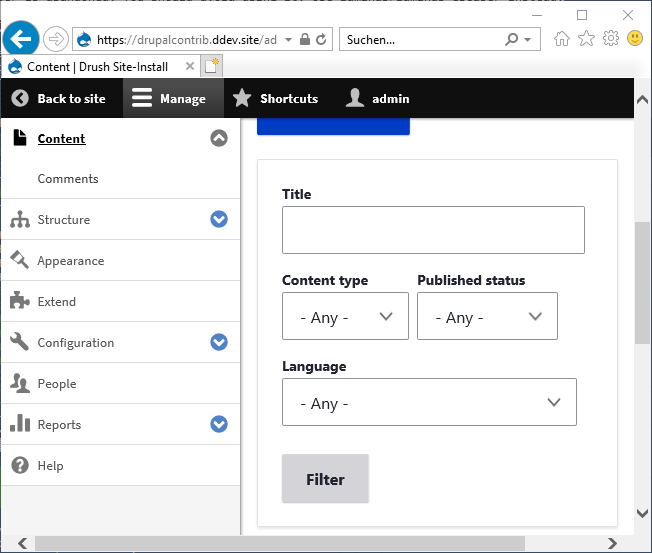
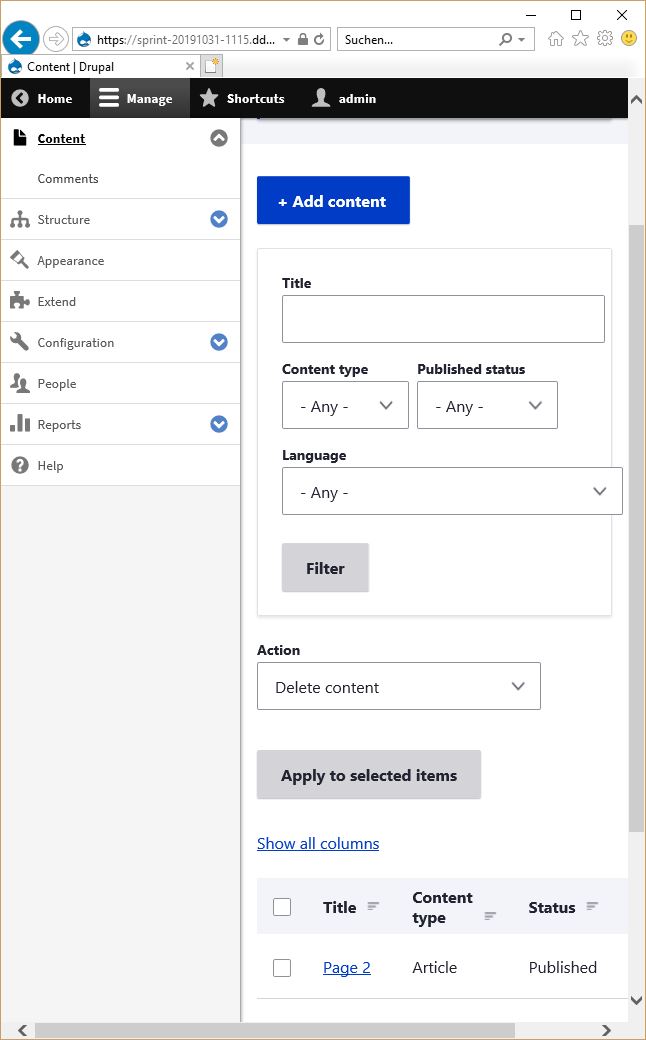
pminfPatch from #2 works fine in Firefox, Chrome and Edge. Unfortunately the problem still exists in IE11. Flex-box doesn't play well with "max-width".
Comment #6
iro commentedTested patch from #2 on macos. Works fine in latest Firefox, Chrome and Safari.
Comment #7
iro commentedComment #8
mbroere commentedUnfortunately i'm not able to test in IE.
But adding "flex: 1 1 auto;" to ".form-item" might do the trick.
Comment #9
lauriiiComment #10
visabhishek commentedJust rerolled 3091497-2-form-item-overflow.patch
Comment #11
iro commentedThe IE11 issue mentioned in #5 is not addressed in the latest patch so the the problem still exists in IE11.
Comment #12
codewithlakshay commentedComment #13
codewithlakshay commentedComment #14
pminfRerolled and fixed the IE 11 issue. Good to know: IE default value for "overflow" is "visible" when using flex box. So setting it to "auto" did the trick.
Edit: gnah, patch name did not match comment number. Sorry.
Comment #15
pminfComment #16
pminfLast patch failed because of wrong file paths. Let's try again.
Comment #17
johnpicozziWorks for me! RTBC +1
Comment #18
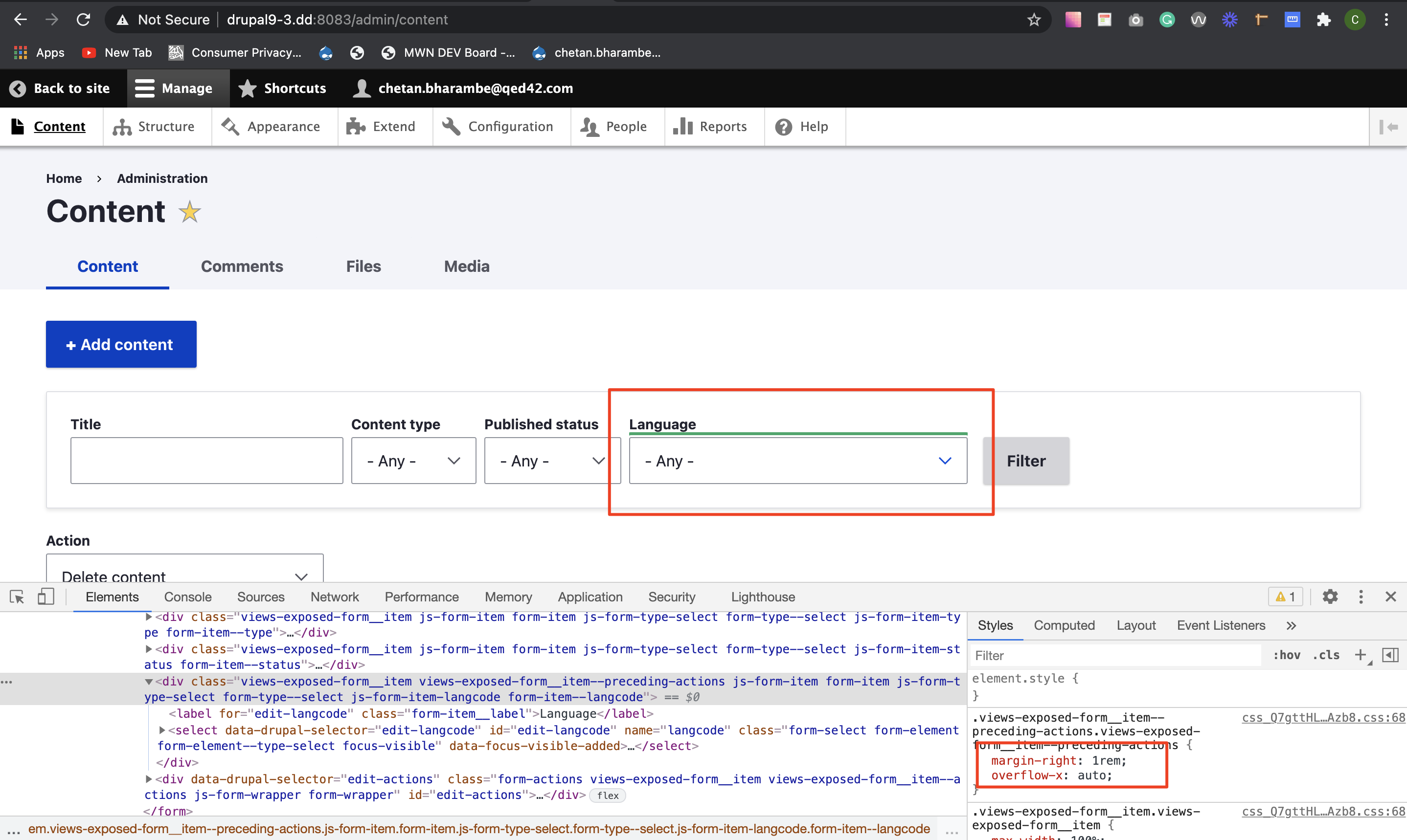
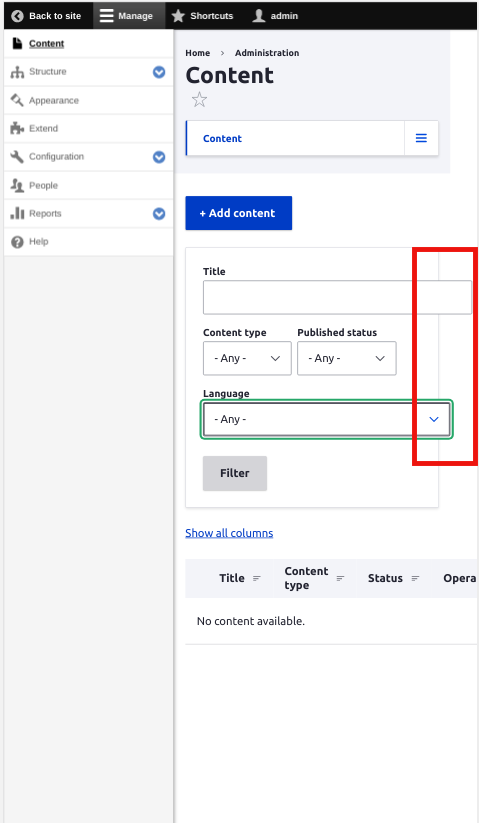
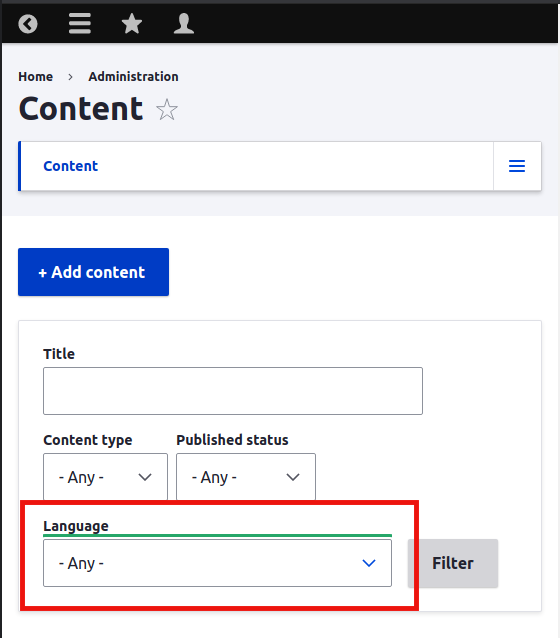
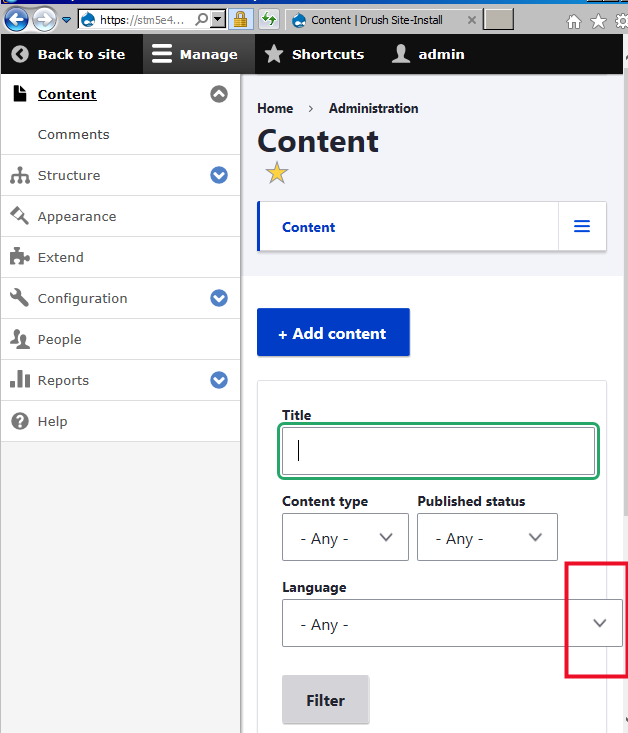
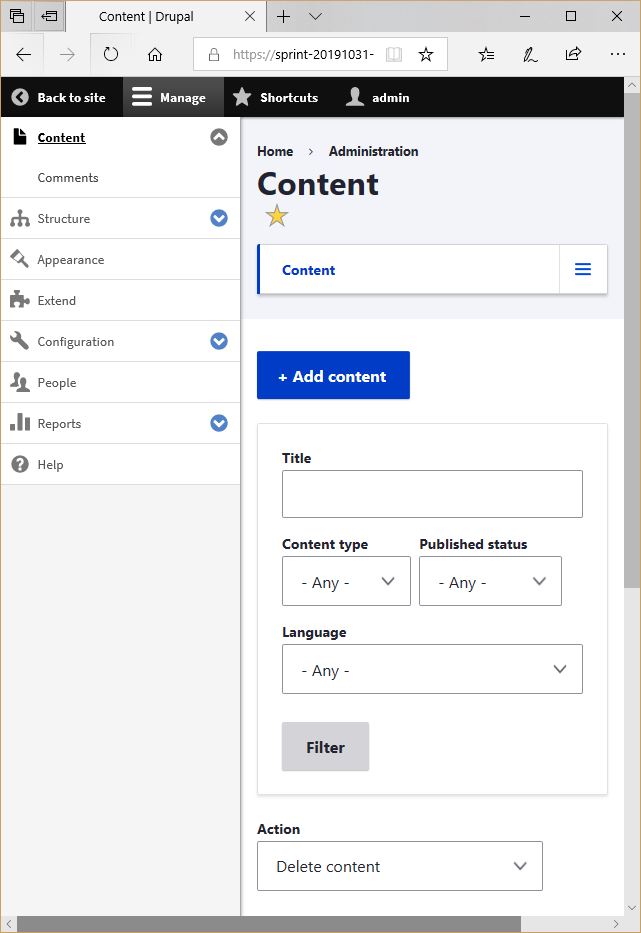
lauriiiThe current solutions breaks focus effect on a lot of form elements:
Comment #19
neelam_wadhwani commentedHello,
overflow:auto was creating issue.
Removed that and it worked for all.
Comment #20
neelam_wadhwani commentedUploaded right name patch file.
Comment #21
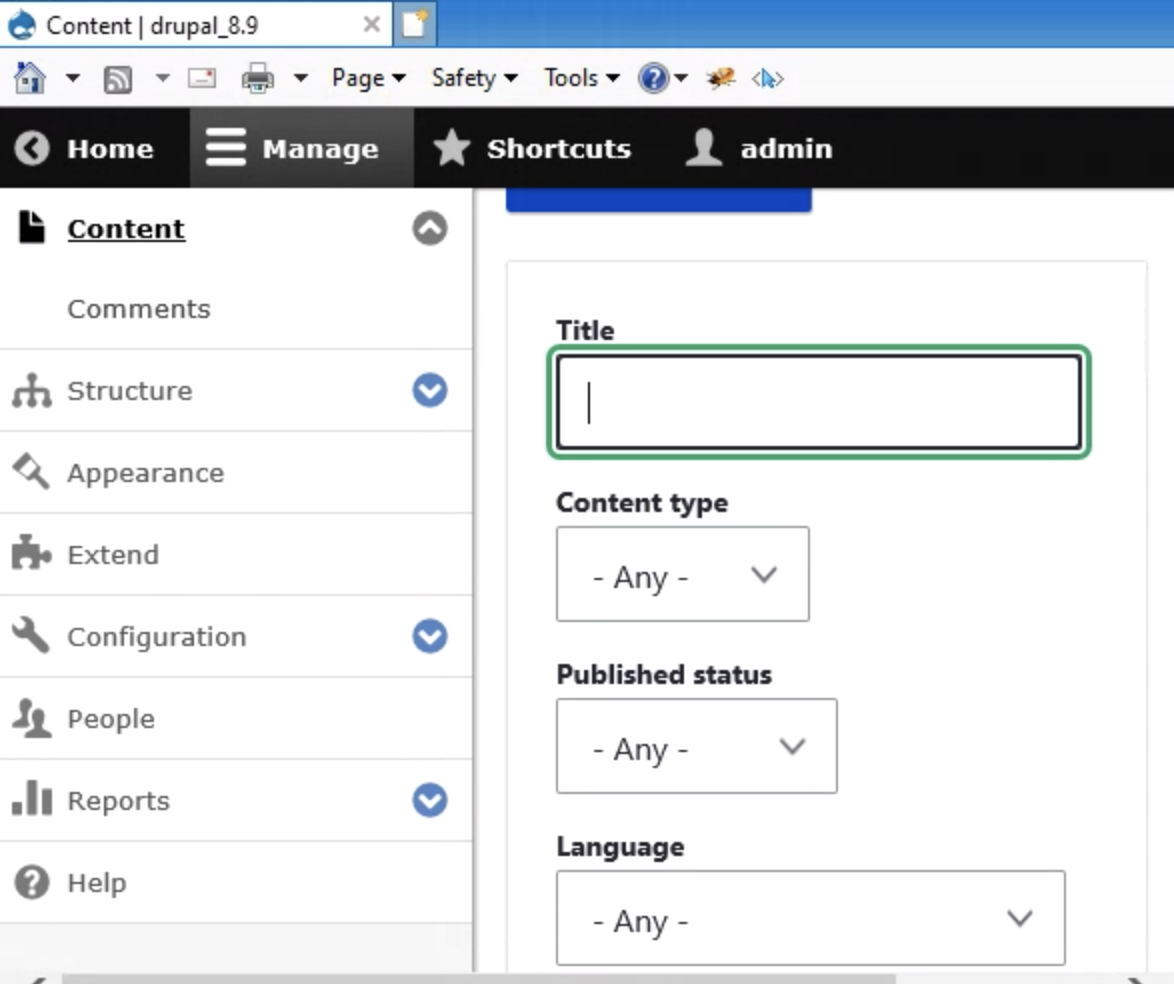
KondratievaS commentedI still can reproduce issue in IE11 reported in #2 (result is OK in FF, Chrome, Safari, IE Edge).
But we should fix it, cause IE11 is not used on small resolutions according to https://www.drupal.org/node/3079238
Comment #22
KondratievaS commentedComment #25
komalk commentedComment #26
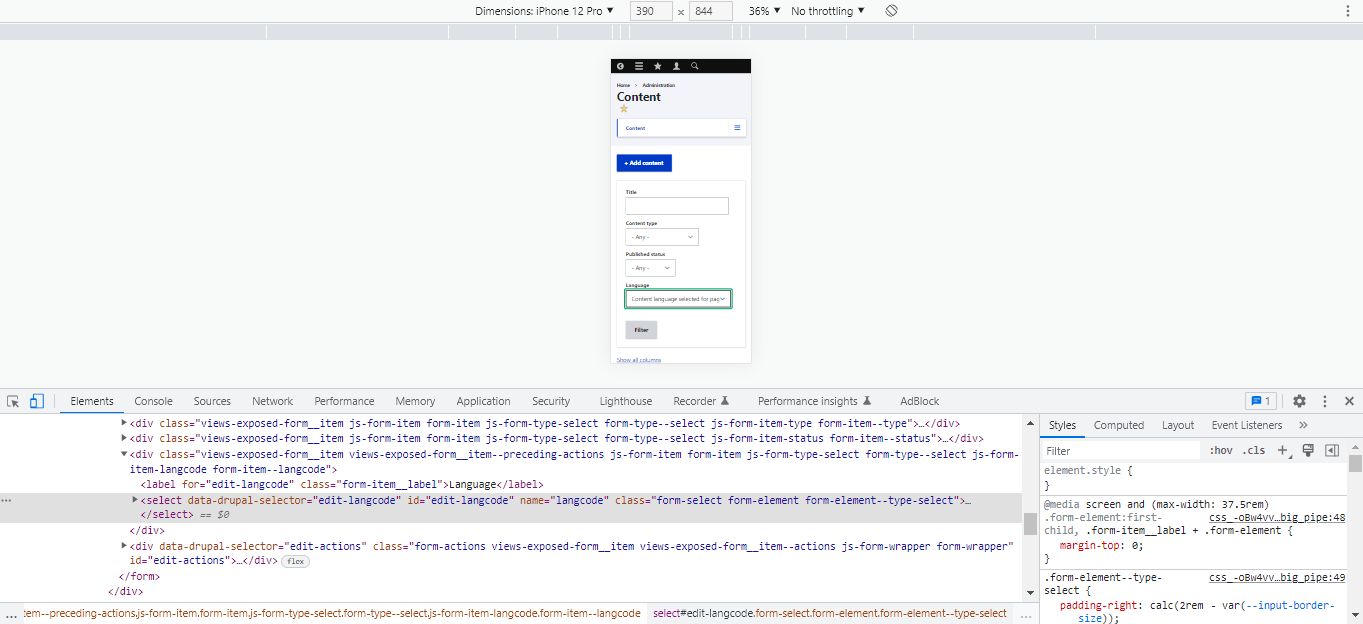
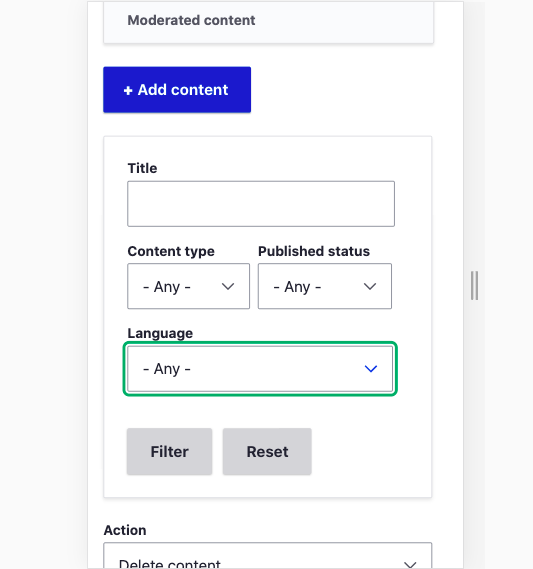
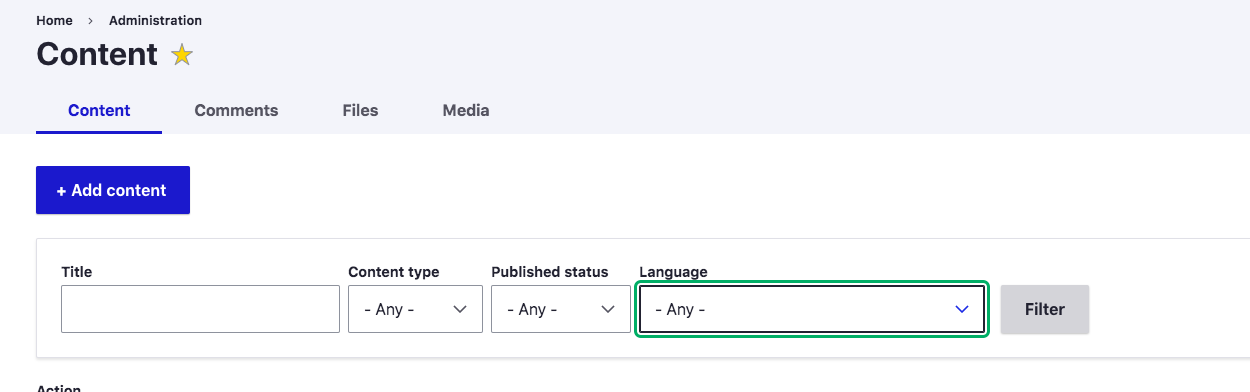
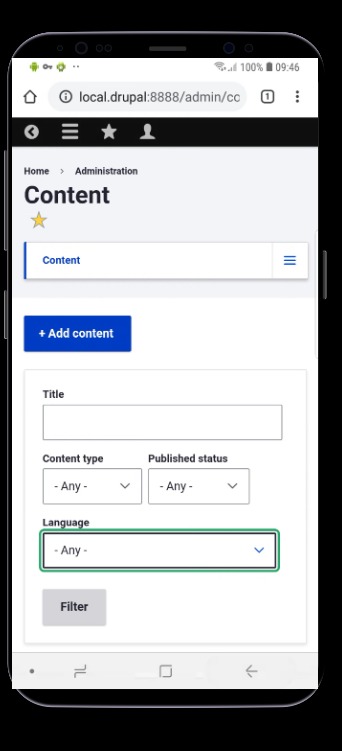
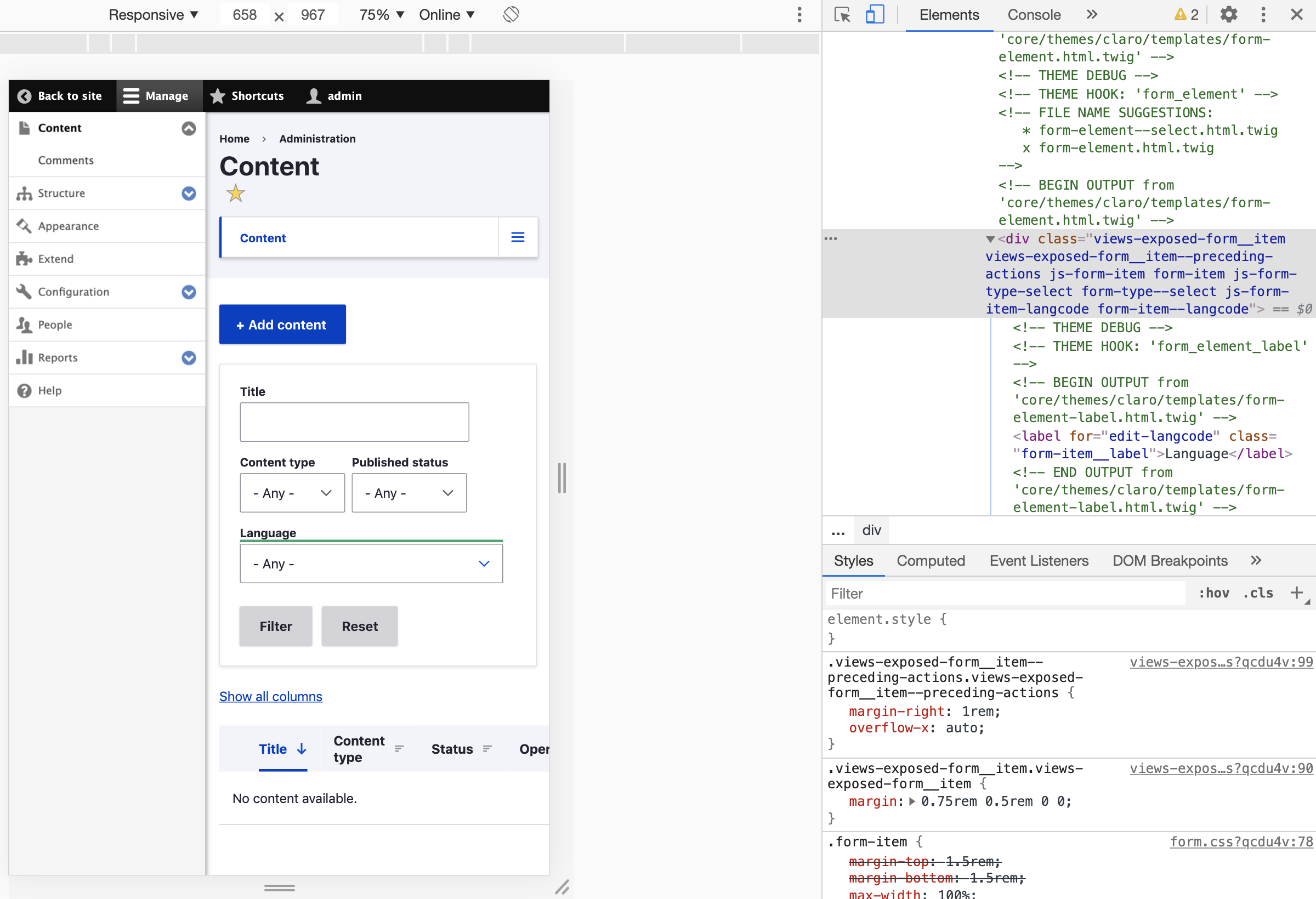
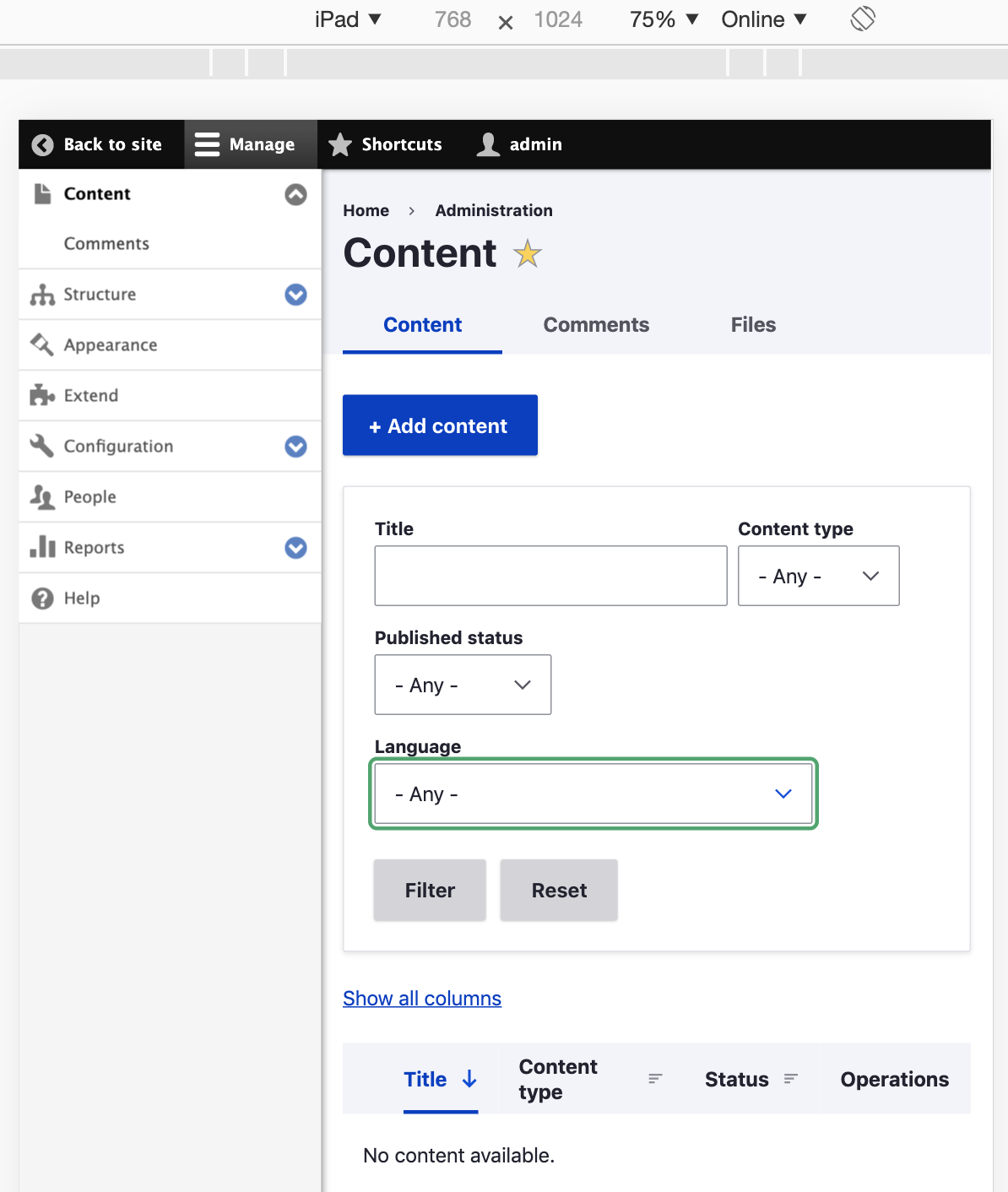
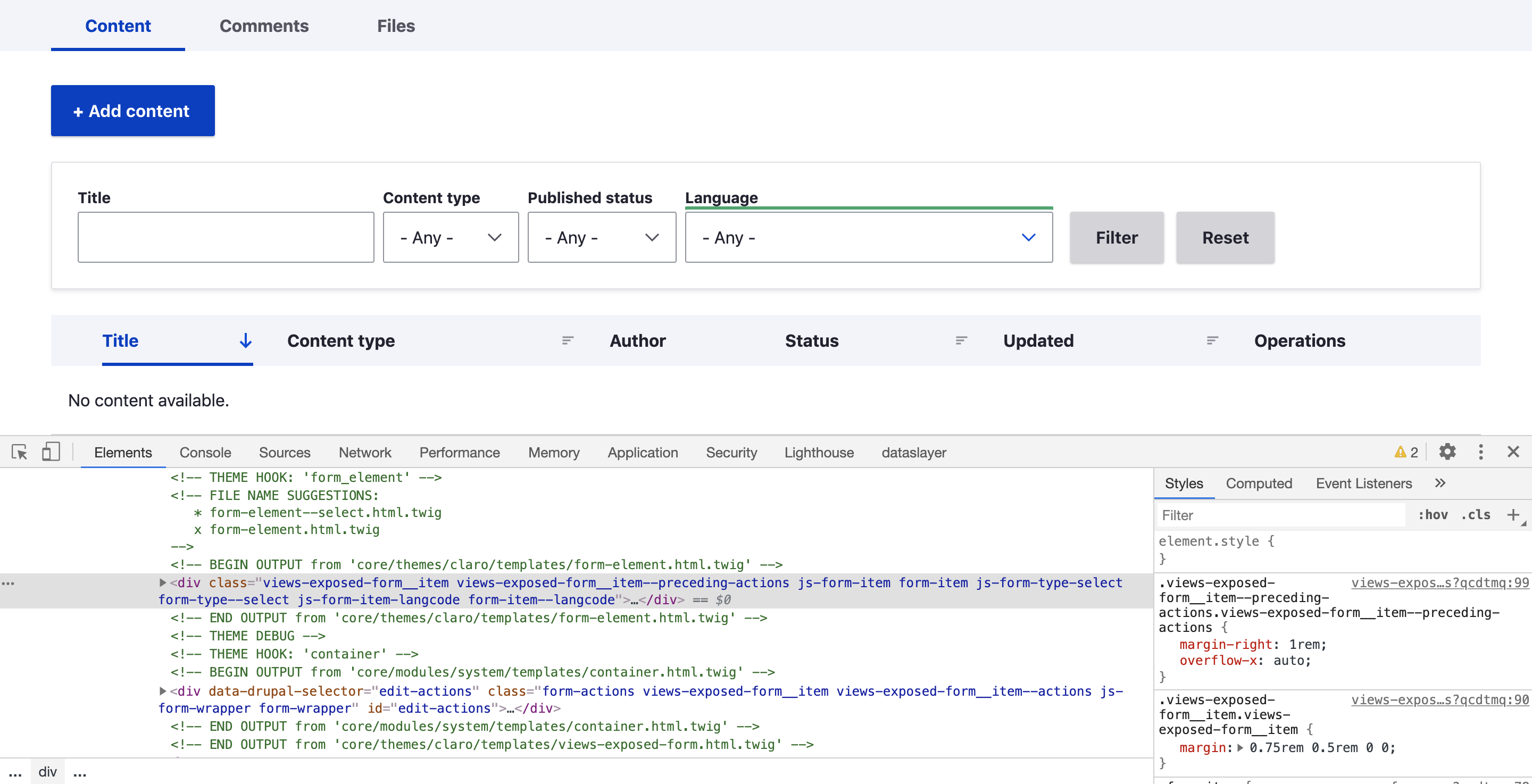
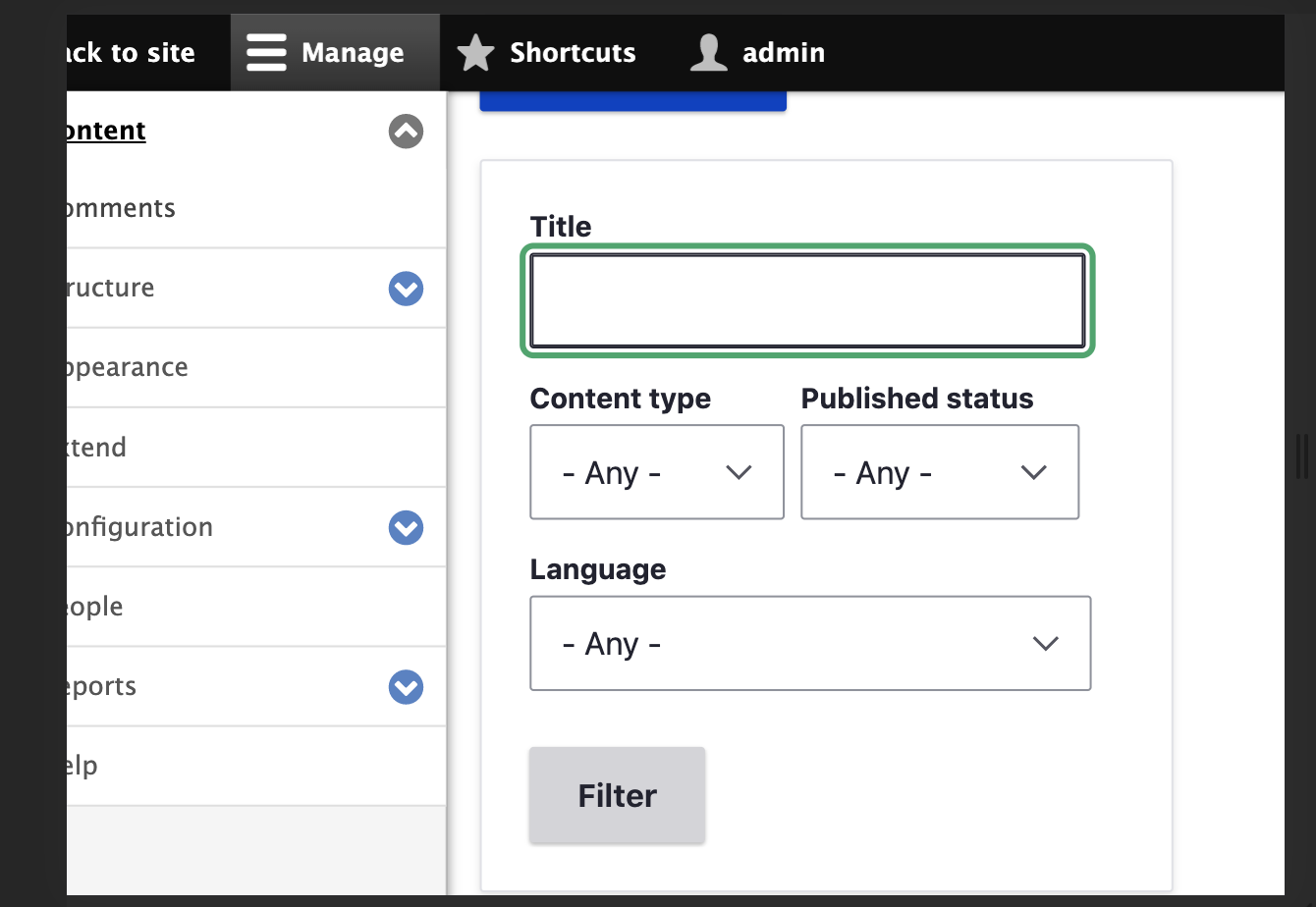
komalk commented1.fixed the focus effect on a lot of form elements.
2.fixed the Element inside form-item can cause overflow.
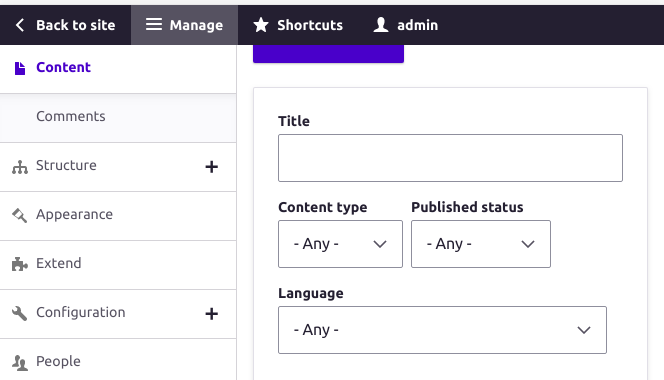
Attached the screen shot for reference please review the patch.
Comment #27
KondratievaS commentedTested patch from #26 and focus is NOT OK
Comment #28
KondratievaS commentedComment #29
komalk commentedComment #30
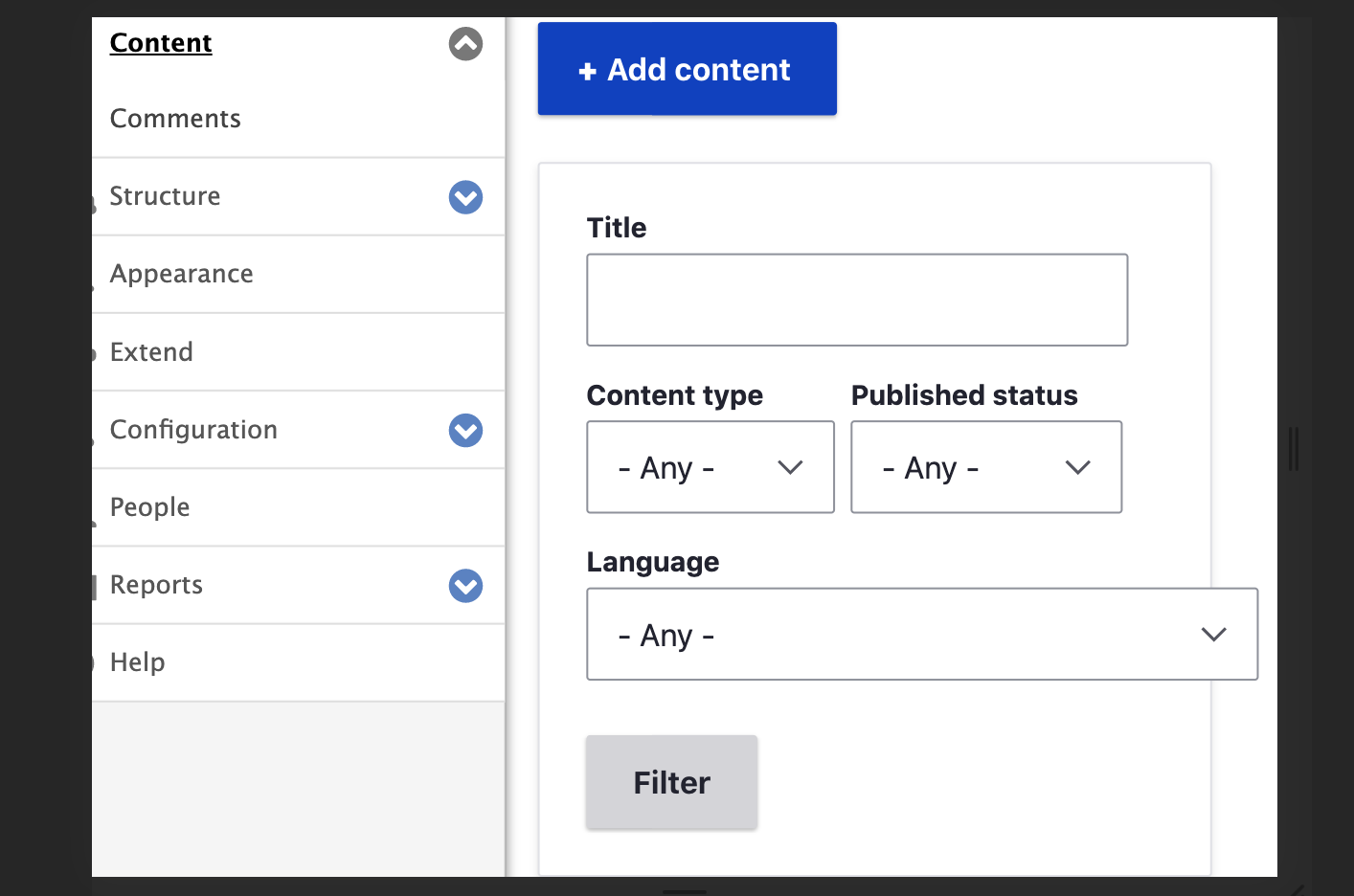
KondratievaS commentedTested patch from #29 and on my side green border bug is not reproduced anymore, but fields beyond block
Comment #31
KondratievaS commentedComment #32
indrajithkb commentedHi,
i couldn't reproduce the #30 issue, but am feeling some issue with the table,
so i think we need to make the table scrollable.
this will fix the issue.
core/themes/claro/css/components/tables.css
Comment #33
indrajithkb commentedComment #34
komalk commentedTest the patch #29 attached the screen shot for reference. i couldn't reproduce the #30 issue.
@Indrajith KB thank you for the suggestion but it's not working in this case.
Comment #35
indrajithkb commentedHi @komalkolekar,
thanks for your #29 patch its working properly and fixing our current issue.
i was concerned about something (someone already addressed the issue with table https://www.drupal.org/project/drupal/issues/3132811 ), that's why i put my concern over here.
issue found fixed

Comment #36
indrajithkb commentedComment #37
indrajithkb commentedComment #38
indrajithkb commentedComment #39
indrajithkb commentedComment #40
lauriiiI can still reproduce #27 with the most recent patch
Comment #41
kiran.kadam911Comment #42
kiran.kadam911Kindly review the attached patch.
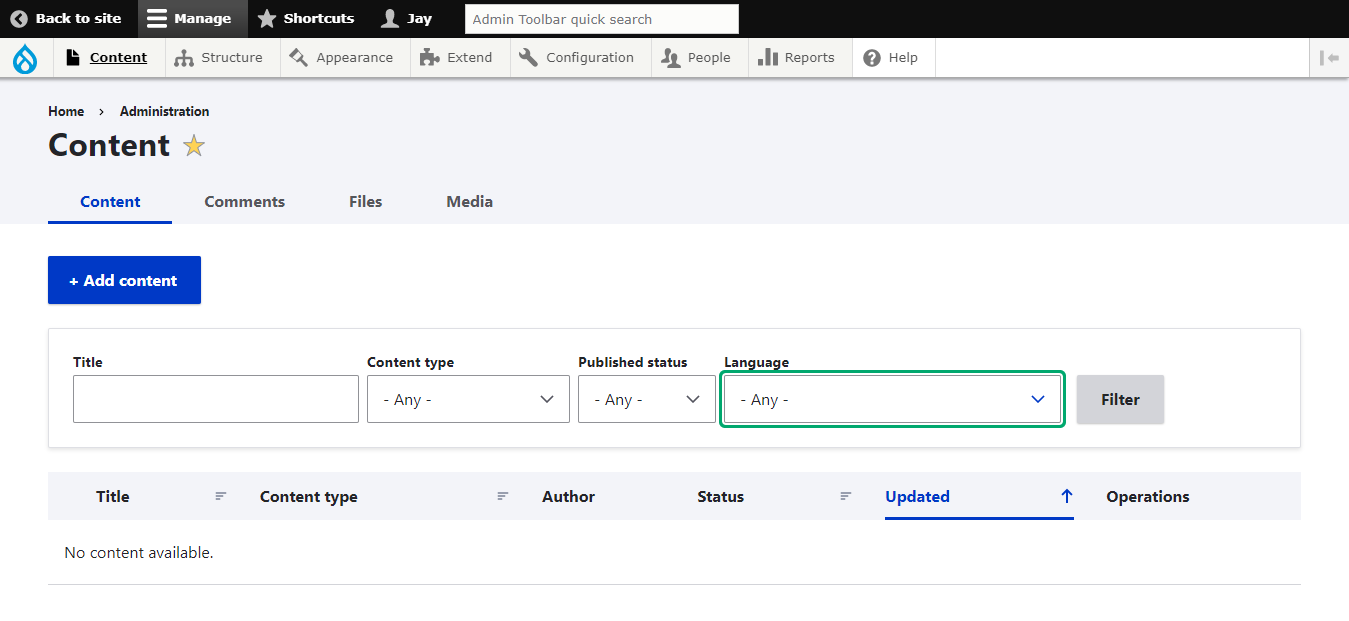
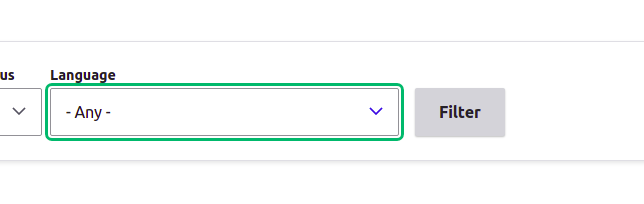
Removing
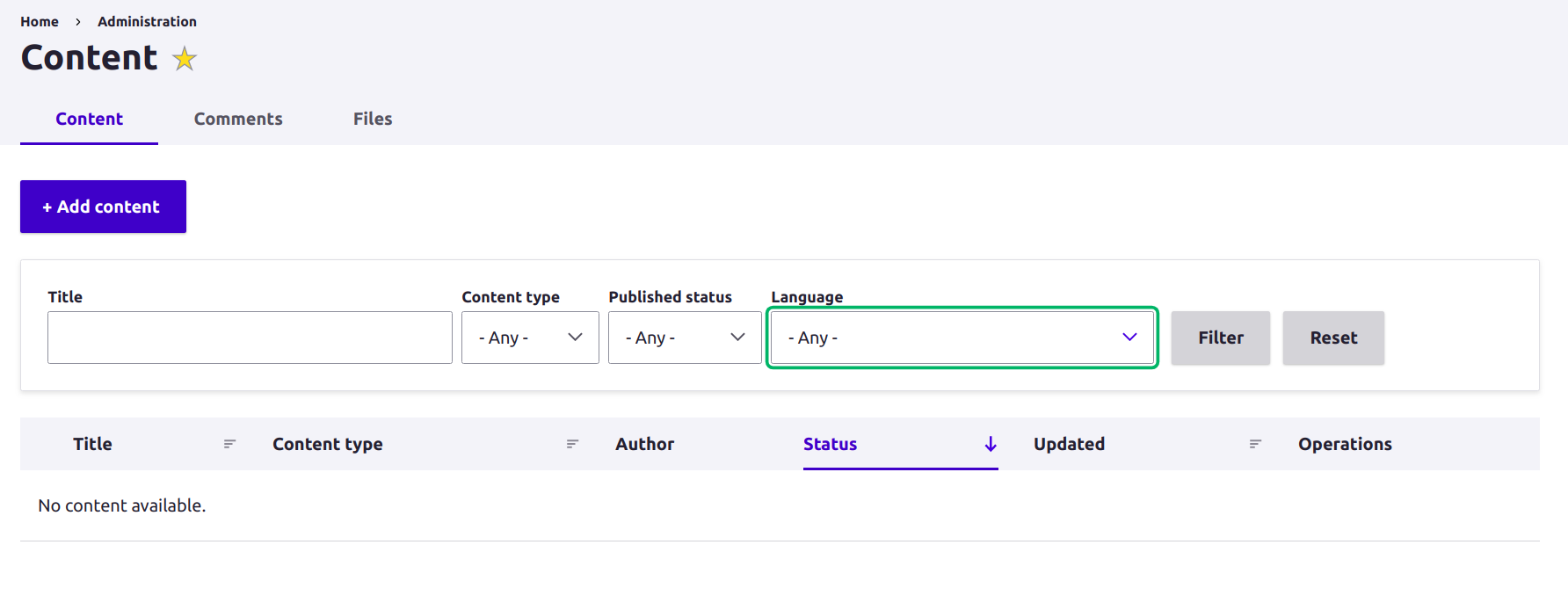
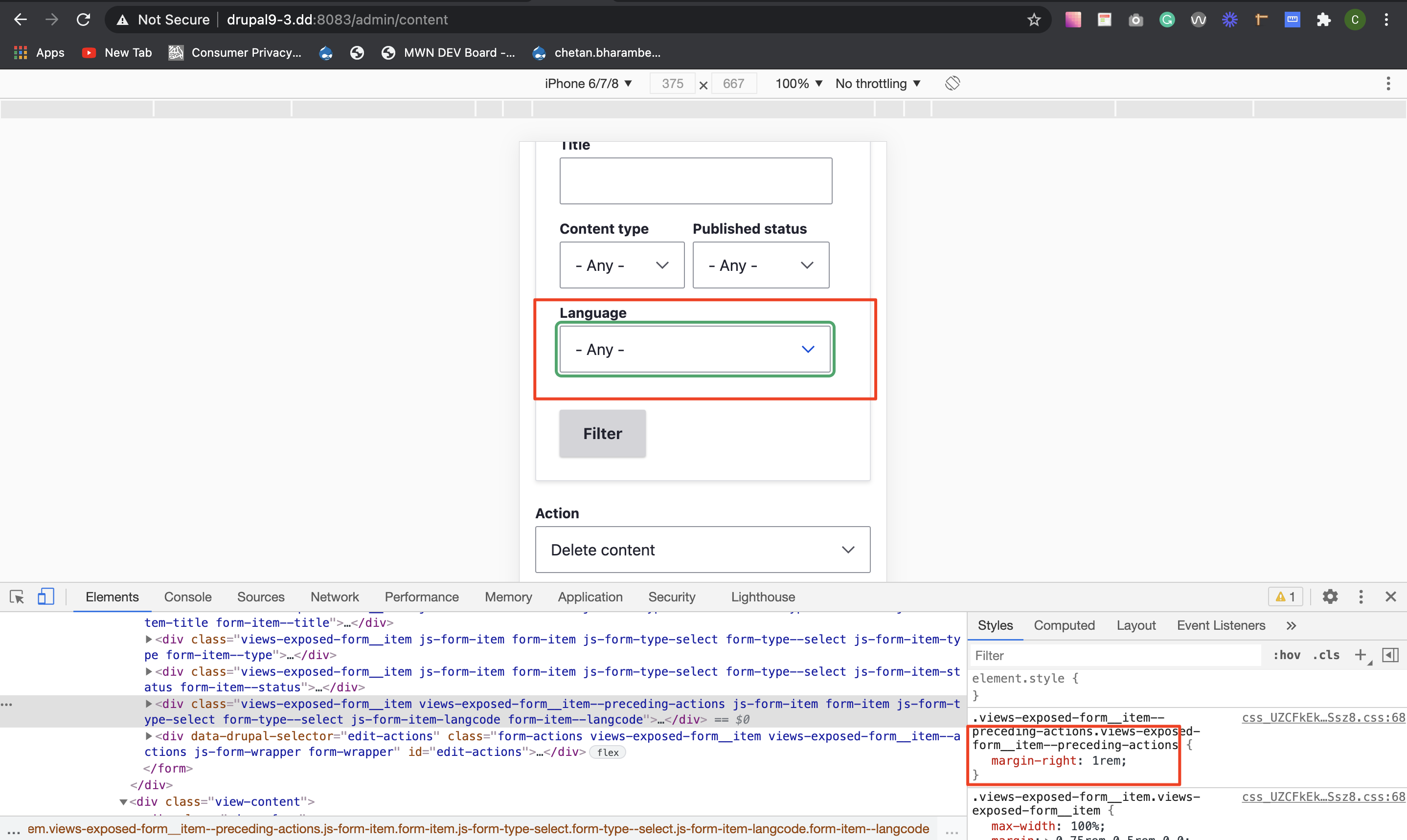
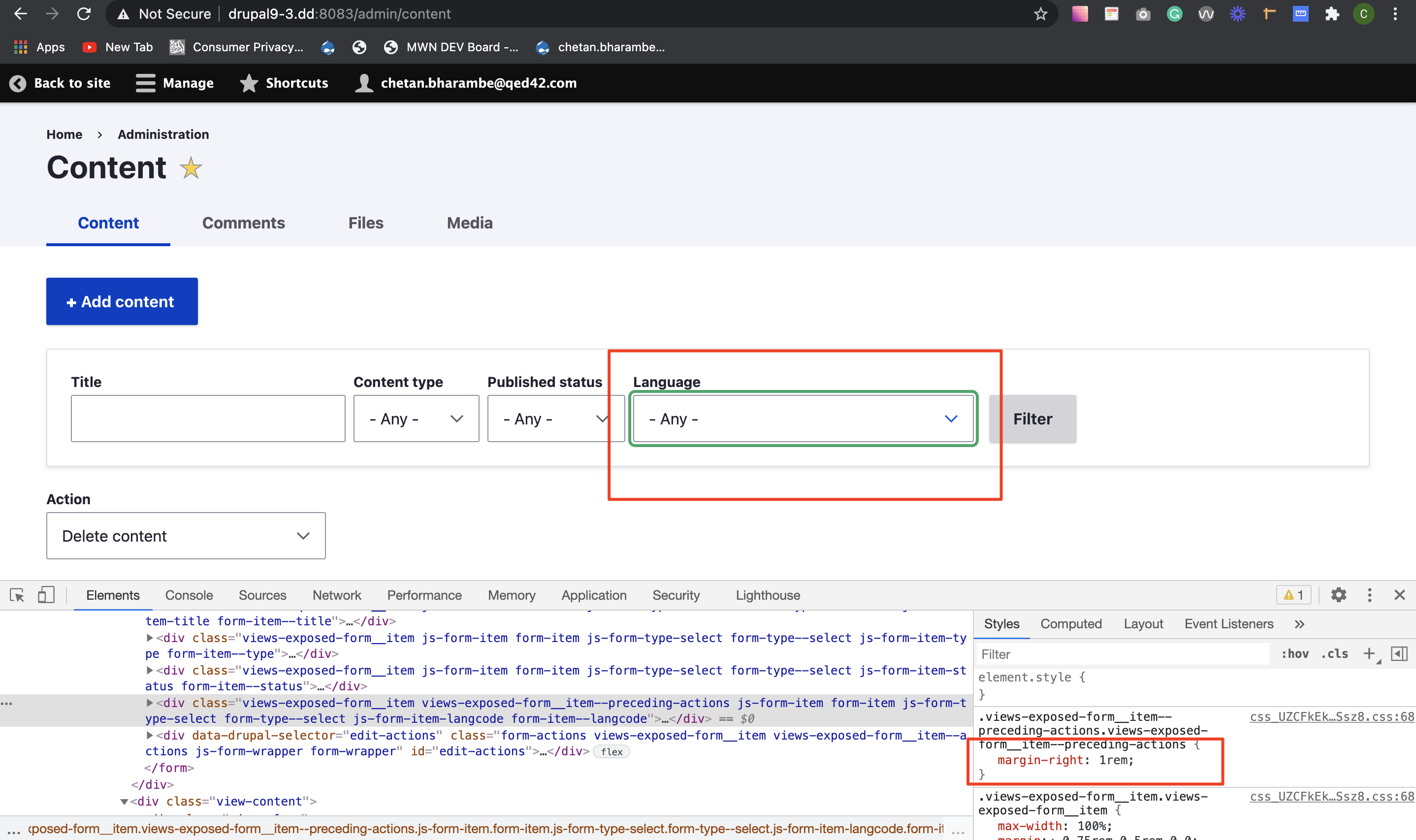
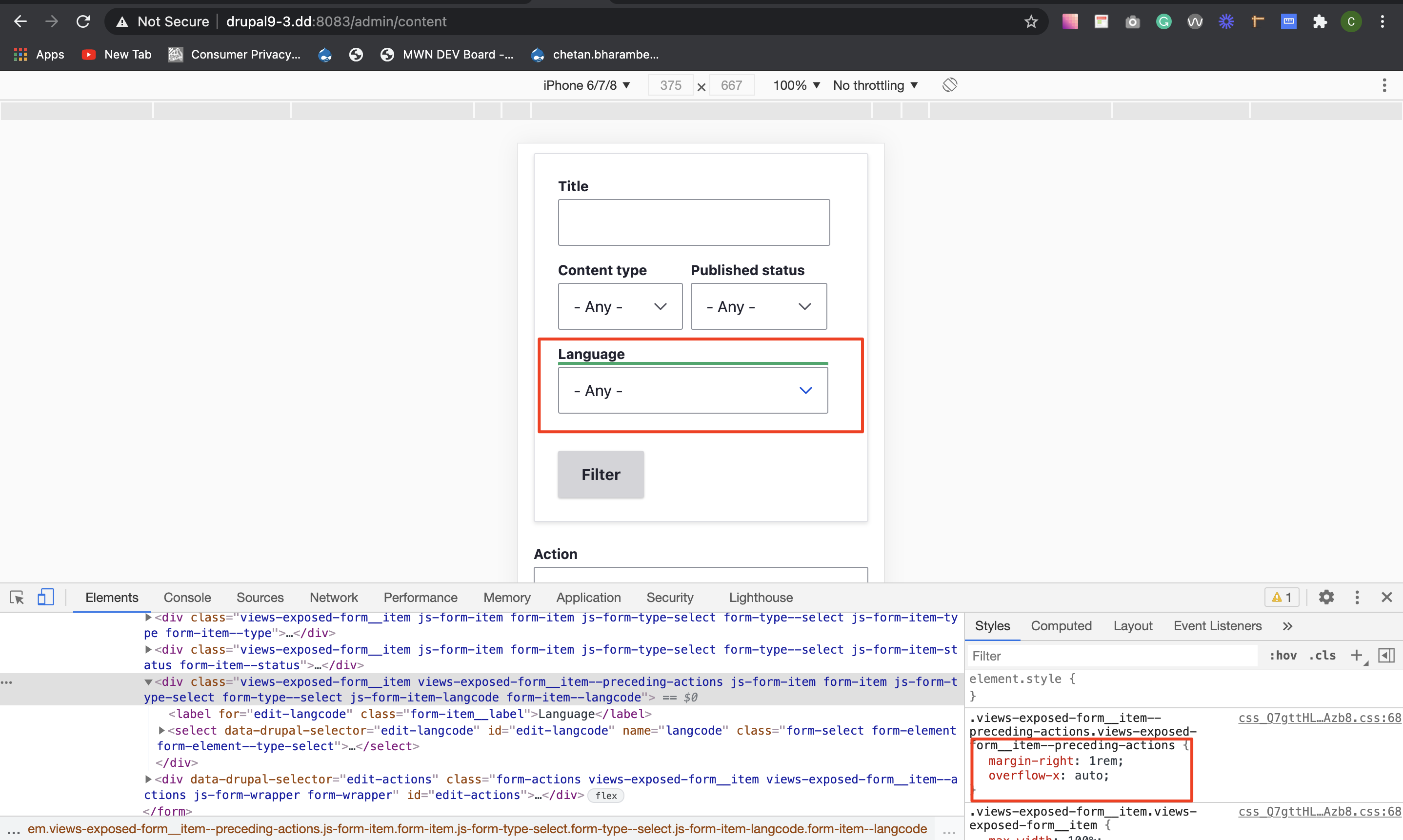
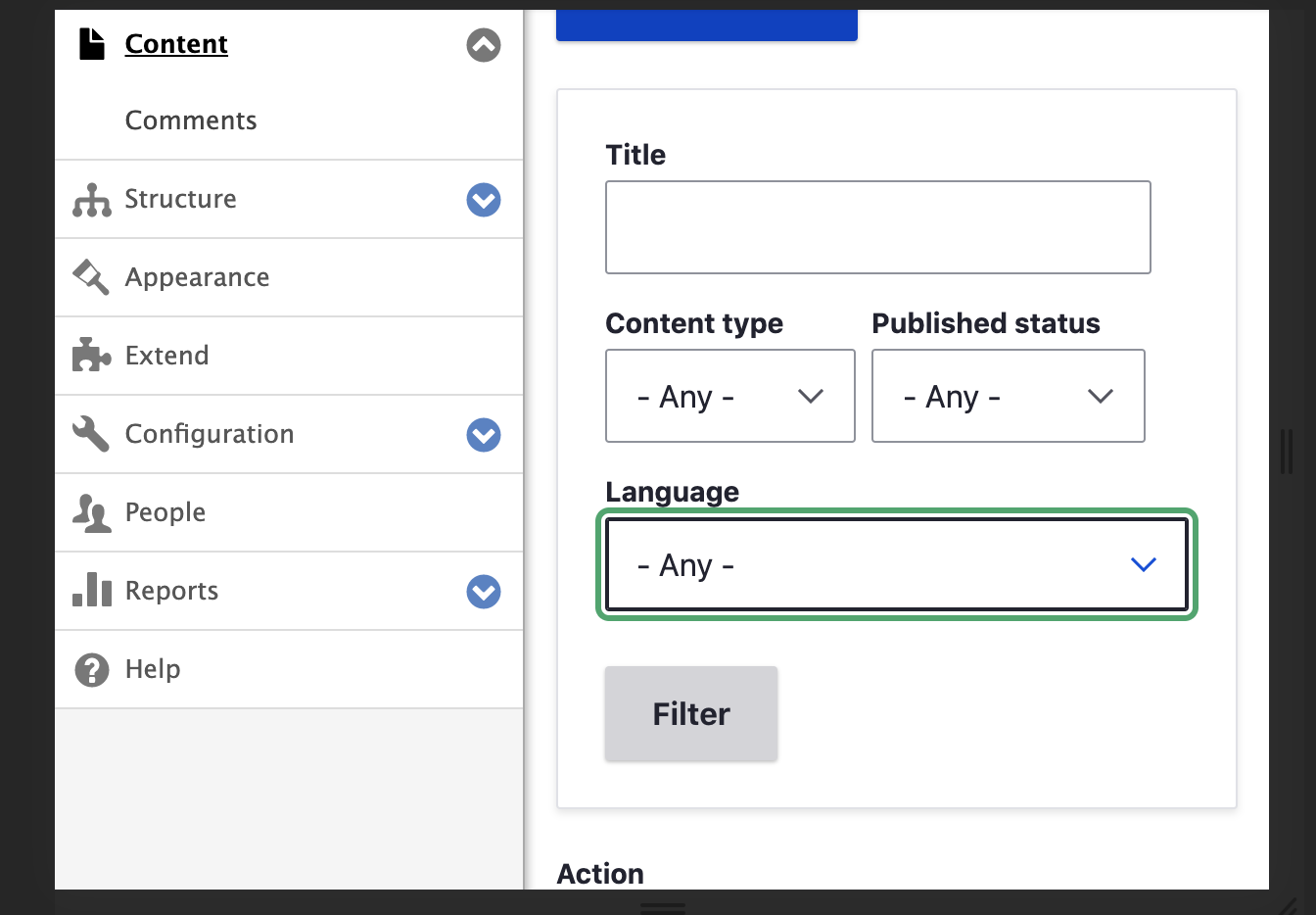
overflow-x: autobecause there is no use of it, It's creating issue for focus border of preceding-actions element(last element before action cta).SS


With
overflow-x: autoDesktop
Mobile
Without


overflow-x: autoDesktop
Mobile
Other field overlapping is because of the result table(already mentioned in #35)
Thanks!
Comment #43
deepalij commentedComment #44
deepalij commentedVerified and tested by applying patch #42. Looks good to me.
Can be moved to RTBC.
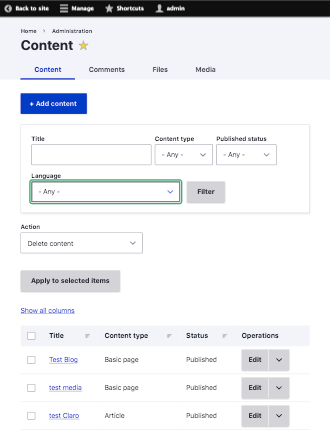
Refer attached screenshots.
Comment #45
quietone commentedThanks everyone for working on this! Good to see progress.
I read the issue summary and skimmed through the comments and it is difficult to know if this is fixed and what patch is to be committed. So, lets have an issue summary update using the issue summary template, the one that when using dreditor. The proposed resolution section should have before and after screenshots. There also needs to be evidence that this have been tested on the Supported browsers.
Comment #48
sakthivel m commented#48 Re-roll the patch for 9.3.x
Comment #49
sakthivel m commented#49 Re-roll the patch for 9.3.x
Comment #50
gauravvvv commentedPatch #49, fixes 1. input fields overflow. 2. fixes #27, focus issue of input fields.
Comment #51
gauravvvv commentedUpdated IS
Comment #52
chetanbharambe commentedComment #53
chetanbharambe commentedVerified and tested patch #49.
Patch applied successfully and looks good to me.
Testing Steps:
# Apply Claro theme from Appearance
# Goto: admin/content
# Press tab and check the focus on the Language input field
Expected Results:
# User should see an accurate focus on the Language input field while pressing the Tab key
Actual Results:
# User is not able to see an accurate focus on the Language input field while pressing the Tab key
Looks good to me.
Can be a move to RTBC.
Comment #54
gauravvvv commentedpatch failed in Drupal CI
Comment #55
sakthivel m commented#55 Fixed Custom Commands Failed, Please review the patch
Comment #56
Madhvi Bhatnagar commentedComment #57
Madhvi Bhatnagar commentedComment #58
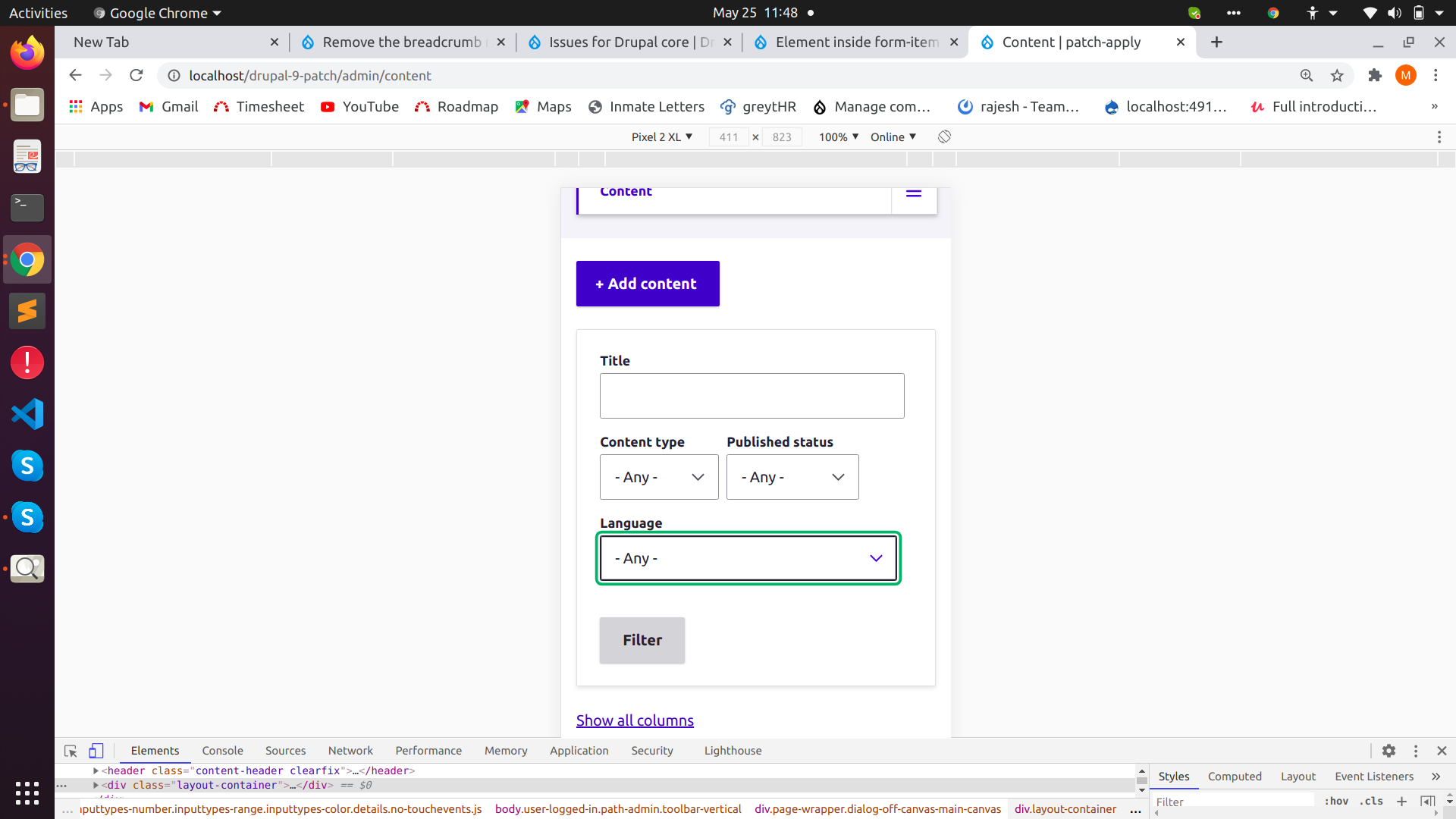
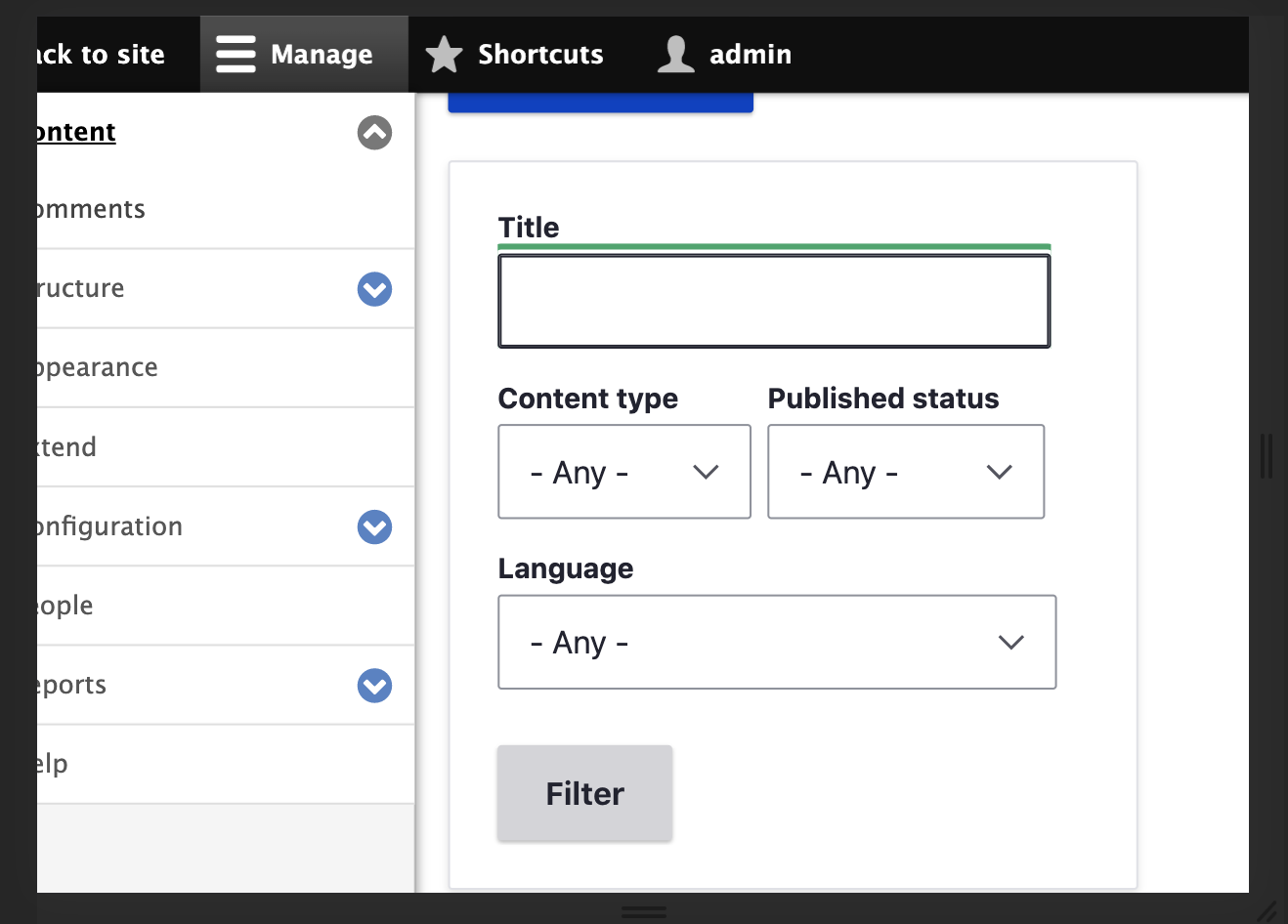
Madhu kumar commentedPatch #55 Applied cleanly and User should see an accurate focus on the Language input field and unwanted overflow are removed.
Sharing screenshot for your reference.
RTBC
Comment #60
vikashsoni commentedApplied patch #55 in drupal-9.3.x-dev
thanks for the patch
for ref sharing screenshots...
Comment #61
kristen pol#45 has not been addressed.
@vikashsoni @Madhu kumar @chetanbharambe @Gauravmahlawat @DeepaliJ @IndrajithKB and anyone else I missed who's tested:
When testing issues such as this, please note the browser(s) you are testing with. See #45 for a link to the supported browsers. Ideally, you will explain all your testing steps or at least note the browser and that you followed the testing steps in the issue summary (if provided). Thanks.
Checked the patch in #55 still applies cleanly to 9.3 and 9.4 but does not apply to 10 (see below). A separate patch will need to be created for Drupal 10.
Comment #62
ranjith_kumar_k_u commentedRe-rolled #55 for 10.0.
Comment #64
Bushra Shaikh commentedComment #65
kristen polPlease see comment #61 before contributing to this issue. Thanks.
Comment #67
gaurav-mathur commentedComment #68
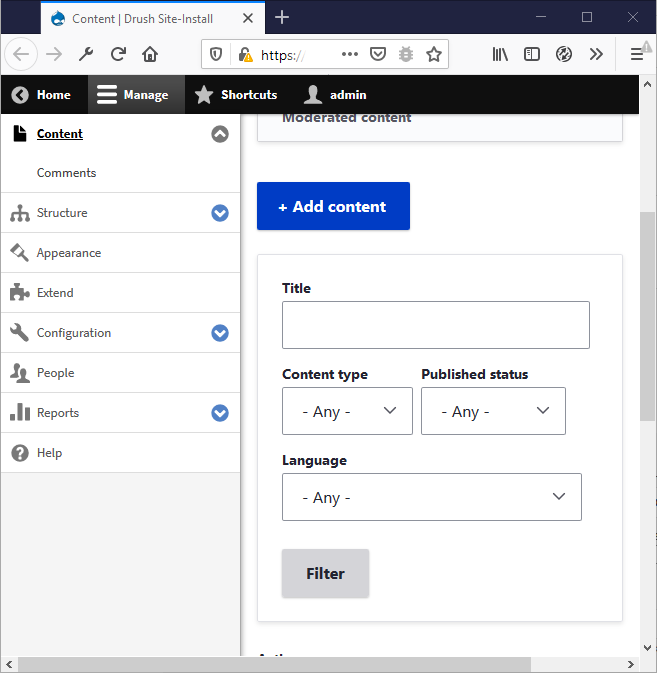
gaurav-mathur commentedI have checked the issue in crome and firefox without applying patch.
Not able to get the issue.
I am using drupa10.1.x-dev version.
Refer to screenshots.
Comment #69
smustgrave commentedThis issue is being reviewed by the kind folks in Slack, #needs-review-queue-initiative. We are working to keep the size of Needs Review queue [2700+ issues] to around 400 (1 month or less), following Review a patch or merge request as a guide.
I'm not seeing this in Drupal 10.1. Can someone please confirm at what breakpoint they are seeing this at? and add the before screenshot to the IS.
Also #45 called for an issue summary update which still needs to happen.
Comment #71
quietone commentedThe last two comments in this issue have not been able to reproduce the problem stated in the Issue Summary. Nor have I on 11.x, firefox 114.4.0esr.
Therefore, closing as outdated. If you are experiencing this problem on a supported version of Drupal reopen the issue, by setting the status to 'Active', and provide complete steps to reproduce the issue (starting from "Install Drupal core").
Thanks!