

The Layout Builder module previously did not provide its own layout plugins. Therefore it depended on the layouts from the Layout Discovery module in core.
Before: Layout Discovery "stacked" layouts
The layouts it used from Layout Discovery were "stacked" layouts.
For instance the Two column stacked layout which had a 1 column row, a 2 column row and another 1 column row:

and the Two column bricks stacked layout:

These layouts were created before Layout Builder was developed. Because Layout Builder allows the user to add multiple sections which each use a layout these stacked layouts are no longer needed.
After: Layout Builder single-row layouts and sections
Layout Builder now provides its own single row 2, 3, and 4 column layouts. It also uses the 1 column layout from the Layout Discovery module. With these layouts it is possible to combine different sections and recreate any of the previous stacked layouts as well as many other configurations.
For instance to create the Two column layout above you can use a section with a 1 column layout, a section with a 2 column layout, and another section with 1 column layout.

The new 2 and 3 Layouts are now configurable and the width of their columns can be adjust to various predefined widths. Using the configuration move complex layout can be provide:
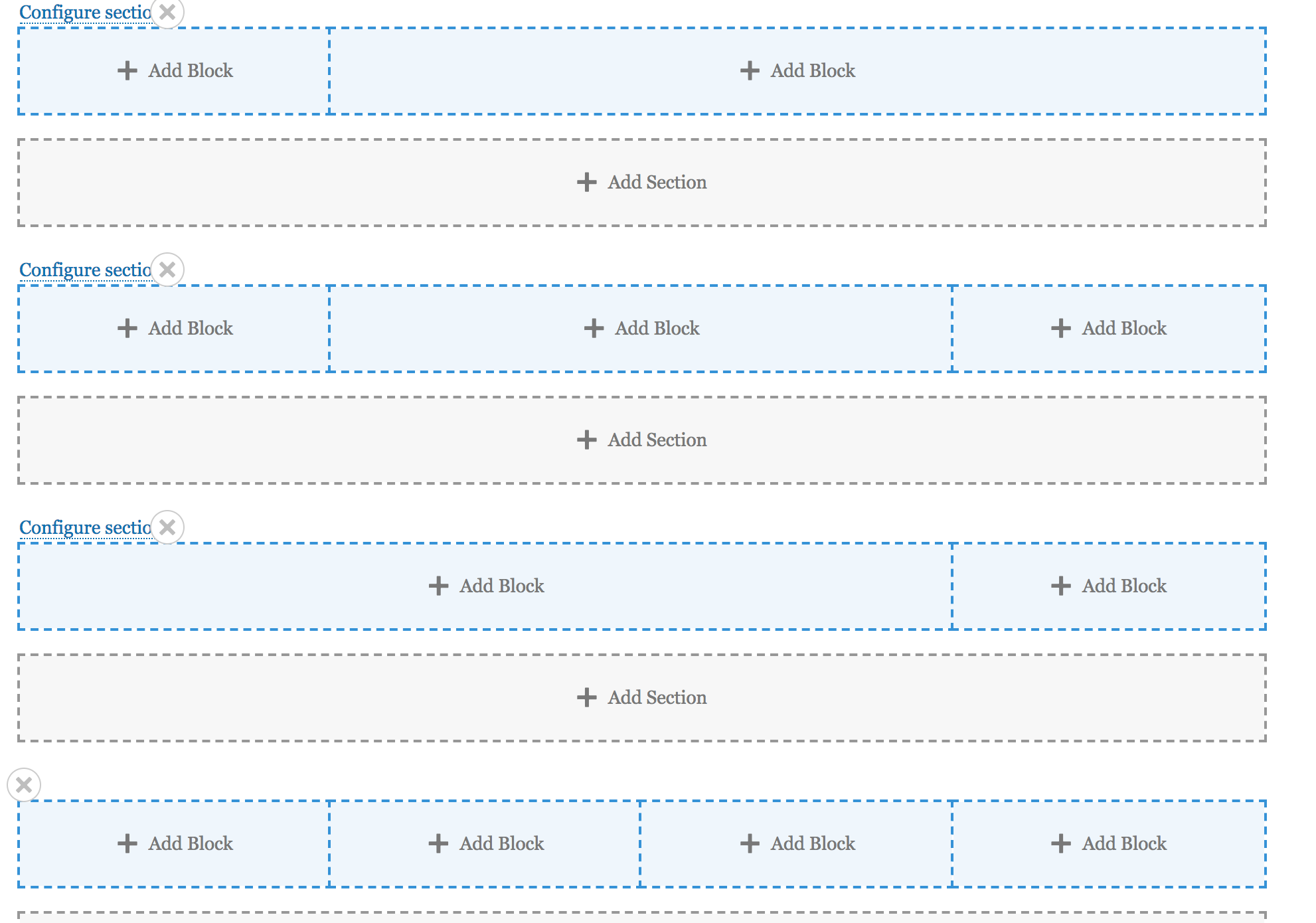
Existing Layouts
Any configuration that uses the previous stacked layouts will still work but new sections with these layouts cannot be added.
| Attachment | Size |
|---|---|
| Two column stacked layout | 41.66 KB |
| Two column bricks stacked layout | 74.42 KB |
| New layouts combined | 98.76 KB |
| Complex layout using configuration | 164.95 KB |


