

Closed (fixed)
Project:
Search API
Version:
8.x-1.10
Component:
General code
Priority:
Normal
Category:
Support request
Assigned:
Unassigned
Reporter:
Created:
18 Oct 2018 at 16:19 UTC
Updated:
12 Mar 2019 at 15:49 UTC
Jump to comment: Most recent



Comments
Comment #2
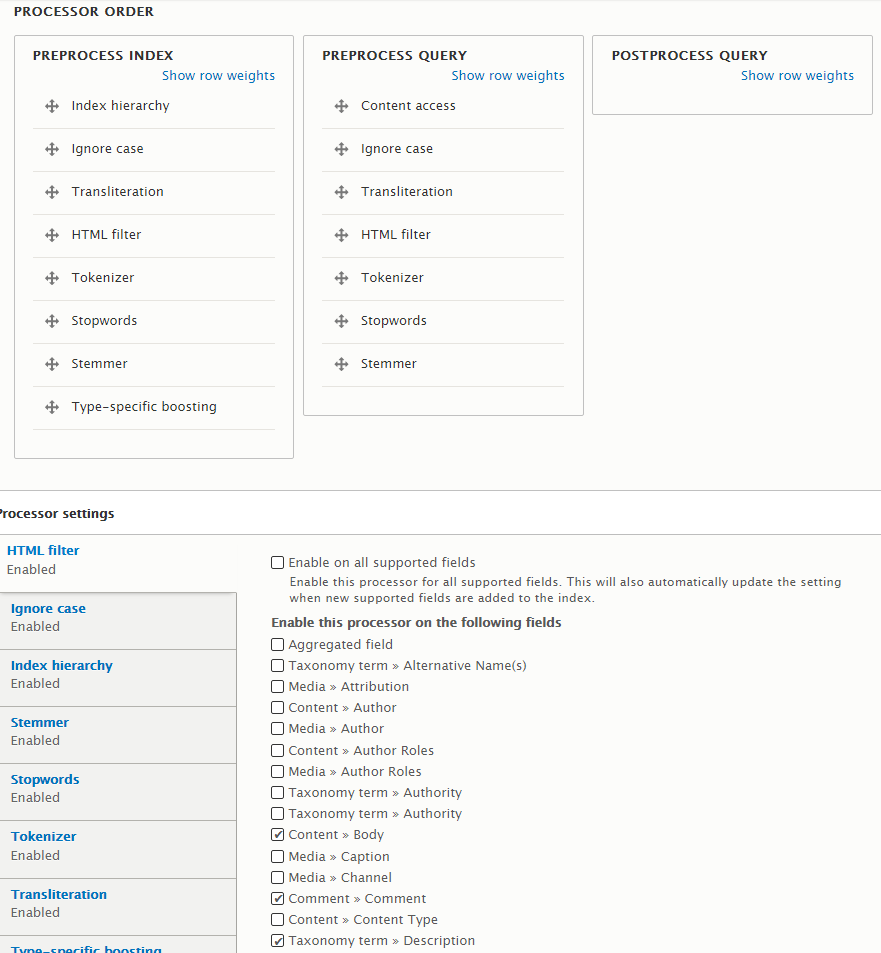
drunken monkeyThe HTML filter will only strip HTML from text fields at indexing time, the text fields shown in search results are untouched by this. If you want them stripped of HTML as well, you can either do it via Views, or get the displayed field values directly from Solr (enable “Retrieve results data from Solr” for the server, disable “Use entity field rendering” for the Views field). I expect you didn’t properly set up the latter. If it works on another site of yours, maybe just compare the settings.
Comment #3
nick hope commentedThank you for the explanation. It gave me a eureka moment that the displayed contents of the results are not coming directly out of the actual index itself.
I did manage to strip the tags with Views, and was able to leave italics, which is nice for my species names. I have actually stopped using Solr for the time being (having seen the cost of the plan on Pantheon that includes it) and am getting on OK with the Database Server.
Comment #4
drunken monkeyJust FYI: There are actually lots of other Solr hosts for lower costs, and the Solr version provided by Pantheon (Solr 3.x!) is rubbish anyways.
Comment #5
nick hope commentedYes, thanks. Platform.sh told me that Solr is available on all their plans.
Comment #7
Marko B commentedI was also confused a bit by how results are displayed, thought html would be stripped out, easy fix for this is to just put something like this.
<p class="search-snippet"><?php print strip_tags($snippet,'<strong>'); ?></p>and strip out all html tags but bold ones, that highlight keywords.