

 The 2026 Drupal Business Survey is open. Your response will help shape the future of the Drupal business ecosystem.
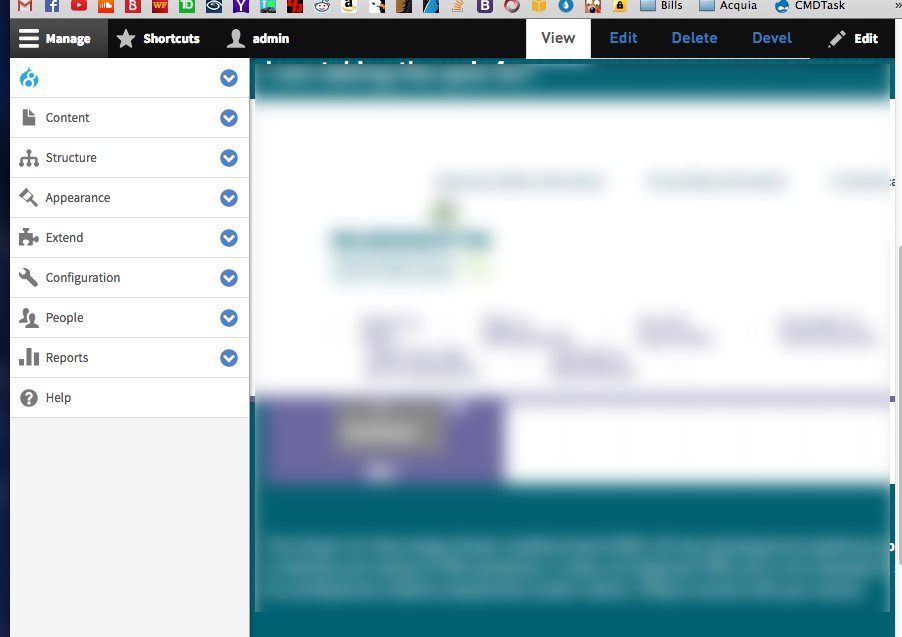
When trying to debug a responsive web site, the toolbar automatically collapses to the left side of the screen making development impossible while logged in since it pushes the body right. I know I can write my own css to take care of this, but I thought it'd be a nice feature someone could turn on or off. What do you guys think?
| Comment | File | Size | Author |
|---|---|---|---|
| #3 | Background.jpg | 48.46 KB | rondog469 |

Comments
Comment #2
eme commentedYou should click on the corresponding menu icon in the black tollbar to collapse it.
Comment #3
rondog469 commentedIt doesn't exist once the menu has collapsed, see screenshot
Comment #4
eme commentedNormally, if you click on Manage, it should collapse. But it seems you've installed another module on your toolbar that may break this. Admin toolbar does not break this.
Comment #5
rondog469 commentedAh, I get it. Clicking the toolbar closes it. I was looking for the collapse icon this whole time
Comment #6
rondog469 commentedComment #7
eme commented:-)