Problem/Motivation
I'm using this module version 8.x-2.2 on Drupal 8.1.1 and Boostrap theme 8.x-3.0-beta3. I've followed the instructions here but I can't manage to make it work on a boostrap theme.
If I change from html.html.twig from this...
<!DOCTYPE html>
<html {{ html_attributes }}>
  <head>
    <head-placeholder token="{{ placeholder_token|raw }}">
    <title>{{ head_title|safe_join(' | ') }}</title>
    <css-placeholder token="{{ placeholder_token|raw }}">
    <js-placeholder token="{{ placeholder_token|raw }}">
  </head>
  <body{{ attributes.addClass(body_classes) }}>
      <a href="#main-content" class="visually-hidden focusable skip-link">
        {{ 'Skip to main content'|t }}
      </a>
      {{ page_top }}
      {{ page }}
      {{ page_bottom }}
      <js-bottom-placeholder token="{{ placeholder_token|raw }}">
  </body>
</html>
... to this (to add the wrapping div) ...
<!DOCTYPE html>
<html {{ html_attributes }}>
  <head>
    <head-placeholder token="{{ placeholder_token|raw }}">
    <title>{{ head_title|safe_join(' | ') }}</title>
    <css-placeholder token="{{ placeholder_token|raw }}">
    <js-placeholder token="{{ placeholder_token|raw }}">
  </head>
  <body{{ attributes.addClass(body_classes) }}>
    <div id="my-page">
      <a href="#main-content" class="visually-hidden focusable skip-link">
        {{ 'Skip to main content'|t }}
      </a>
      {{ page_top }}
      {{ page }}
      {{ page_bottom }}
      <js-bottom-placeholder token="{{ placeholder_token|raw }}">
    </div>
  </body>
</html>
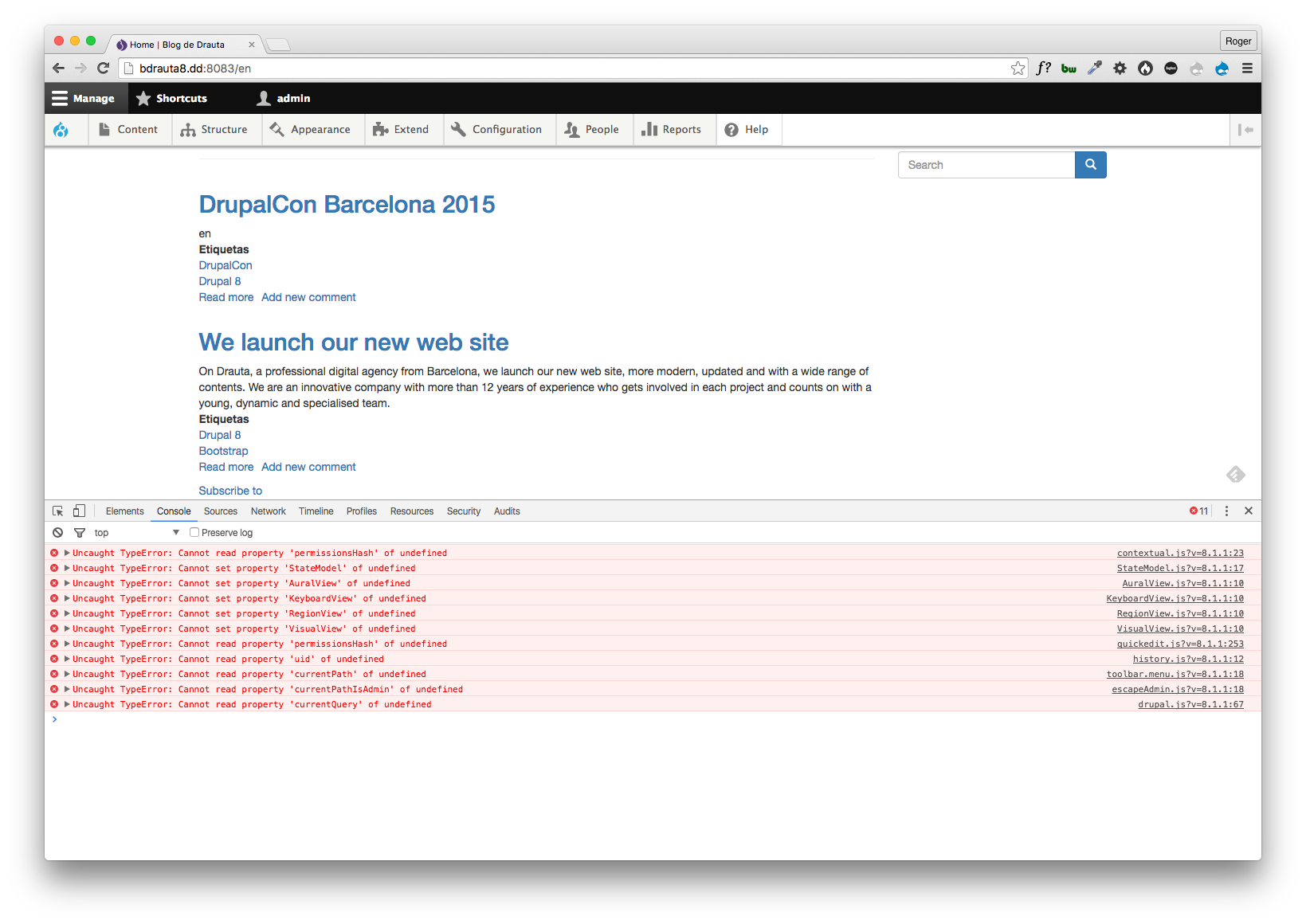
... a lot of JS errors appear on console (see screenshot). I have both module's blocks placed on second sidebar. On Bartik the responsive menu worked like a charm but not in Boostrap.
Proposed resolution
Fix the problem and improve documentation on how to make this module work on Bootstrap (show how to modify the default templates)
Resolution
A wrapping div needs to be added to page.html.twig template with the class 'page-wrapper'. Documentation has been improved and linked to this issue. Comment #7 possibly the most useful to replicate in your bootstrap theme. Please do not follow the 'Problem/Motivation' above as a solution.



Comments
Comment #2
rcodinaComment #3
lilee commentedadd
<div id="page">at page.html.twigit work for me.
Comment #4
rcodina@lilee What I have to add at page.html.twig? Your comment is empty between "add" and "at".
Comment #5
tancHave you tried adding your page wrapper div to page.html.twig? Don't forget to close it again at the bottom of the template.
I used a div with a class "page-wrapper" successfully with bootstrap 3 by adding it to page.html.twig
Comment #6
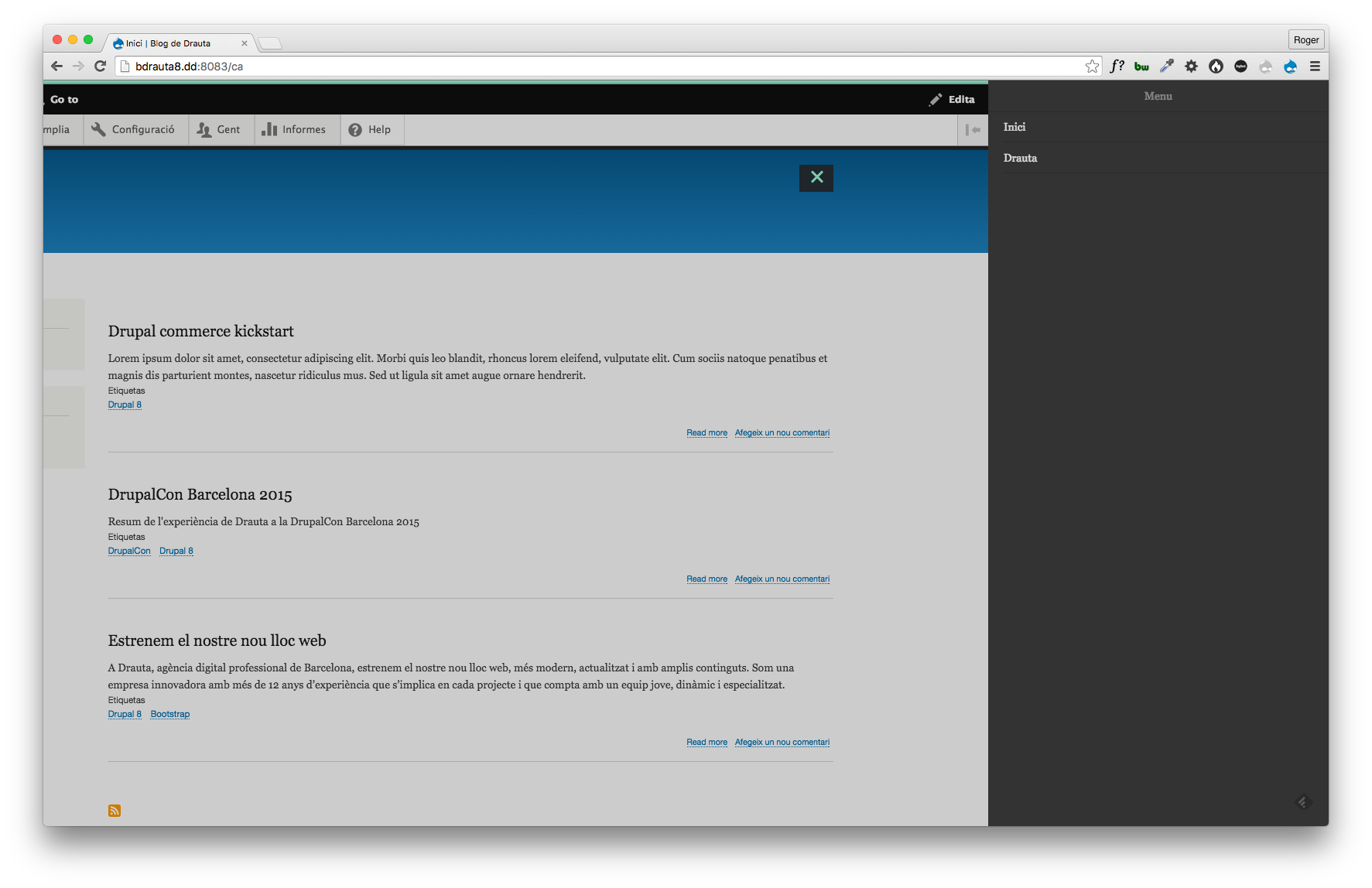
rcodinaOk, by putting a div with class "page-wrapper" on page.html.twig the menu works However the look and feel of the menu is different if you compare it to bartik (see screenshots). Do you reproduce this?
Comment #7
peter van den heuvel commentedWhat worked for me is in my Bootstrap-theme add this markup in de "page.html.twig":
Comment #8
mrdrewkeller commentedJust wanted to chime in and say that this is an issue with the 7.x version as well. Wrapping the entire page in an additional div solved it for me.
I agree that it may be worth adding something to the documentation about this since Bootstrap themes do not wrap the page in a div by default.
EDIT: Never mind, it looks like it was already added to the documentation!
Comment #10
tancThanks for everyones input on this. I've updated the README.md and added a link to this issue, as well as updating the doc and this issue's summary.
Comment #12
nishantkumar155 commentedplease can you reply with clearsteps the above steps doesnt work for me for bootstrap theme
Comment #13
nishantkumar155 commentedis not working for me
Comment #14
nishantkumar155 commentedi follow same process it doesnt worked for me
Comment #15
tanc@nishantkumar155 maybe you can say exactly which steps you followed and which version of the module you're using?
Comment #16
nishantkumar155 commented@tanc : i am using Bootstrap 8.x-3.0-beta3 as base theme , and module version is 8.x-2.3 and drupal version is 8.1.3 , thank you
Comment #17
tancWhat steps did you follow?
Comment #18
tancComment #19
tancLack of response so closing this as its working for others
Comment #20
dalesawanas commentedI just installed Drupal 8 with Bootstrap and the Responsive mmenu module along with Superfish and Hammer.js. The menu is off sitting at the side. I am reading that I need to configure a page.html.twig file and add a wrapping div? Pretty simple.
I've looked and looked at all solutions and no-one tells me where the file is underneath all the folders in my Bootstrap 3 folder so I can edit the html file? Where is it?
** Update**
I found all the twig files under the /bootstrap/php/twig/ but which file am I editing?
Comment #21
dalesawanas commentedI recently installed Drupal 8 along with the Bootstrap 3 theme with the Responsive mmenu module and Superfish and Hammer.js. Now my menu is sitting at the left hand side. I'm told to edit a html.html.twig file but I cannot find it for the life of me and there are no instructions on where and how to do it.
I've got no problem with editing and adding a wrapper div but where is this file?
Help!
Comment #22
hmartens commentedI'm using D8 with Bootstrap.
I added the
When I click on the hamburger menu, it opens the bootstrap dropdown menu and has a Menu item inside. When I click on the Menu link it opens the off-canvas menu but the menu is empty.
Please help.
Comment #23
suldan commented@hmartens@gmail.com
I think the mm plugin dropdown adds a class dropdown to the submenu and bootstrap.css hides this class. I tried to remove this plugin, but still didn't get rid of the class.
Edit: Used the jquery.mmenu.min.js (without mm dropdown addon), but the classes dropdown-menu and dropdown are still there.
Comment #24
kunalkursija commented@hmartens@gmail.com:
I was facing the same issue as yours. I resolved it by following:
Possible Issue:
Hope this will help.
Comment #25
solariel commentedOverriding menu.html.twig is not enough.
Bootstrap theme has separate template for main and user menus. You'll need to override them too in addition to the menu.html.twig
Comment #26
doxigo commentedHaving the same issue with Radix theme (Also a bootstrap based theme), even after adding a wrapper to my page and overriding menu.html.twig with classy, still not working
Comment #27
npoku commented@doxigo, were you able to get this to work on Radix? I can't seem to stop the menu from flashing on the bottom first, before being hidden.
Comment #28
doxigo commented@npoku not sure to be honest, can't remember but I think I worked it out with a wrapper at some point
Comment #29
npoku commented@doxigo. Much thanks. I'll continue to work on it and post a reply if I confirm a solution for radix subthemes.
Comment #30
andrew perriman commentedI am having problems with the unformatted menu flashing up on page load in a Bootstrap subtheme. I have tried:
Nothing works. I notice that @npoku is still looking for a solution for Radix. Does any anyone have any other suggestions?
Comment #31
tanc@Andrew this is an old closed issue. Can you open a new one with reproduction steps? I need to know exactly which theme, version of this module and version of mmenu you're using.