
About Display Suite in Drupal 8
You are browsing documentation for an older version of Drupal, which is not supported any longer, and the information may not be correct. See current documentation for Contributed modules
[This temporary placeholder text for DS in D8 Landing Page]
The Display Suite module (DS) allows you to take full control over how your content is displayed using a drag and drop interface. Arrange your nodes, views, comments, user data etc. the way you want without having to work your way through dozens of template files.
Enabling DS allows for admin access to the main configuration screen located at /admin/structure/ds . This screen is shown below.
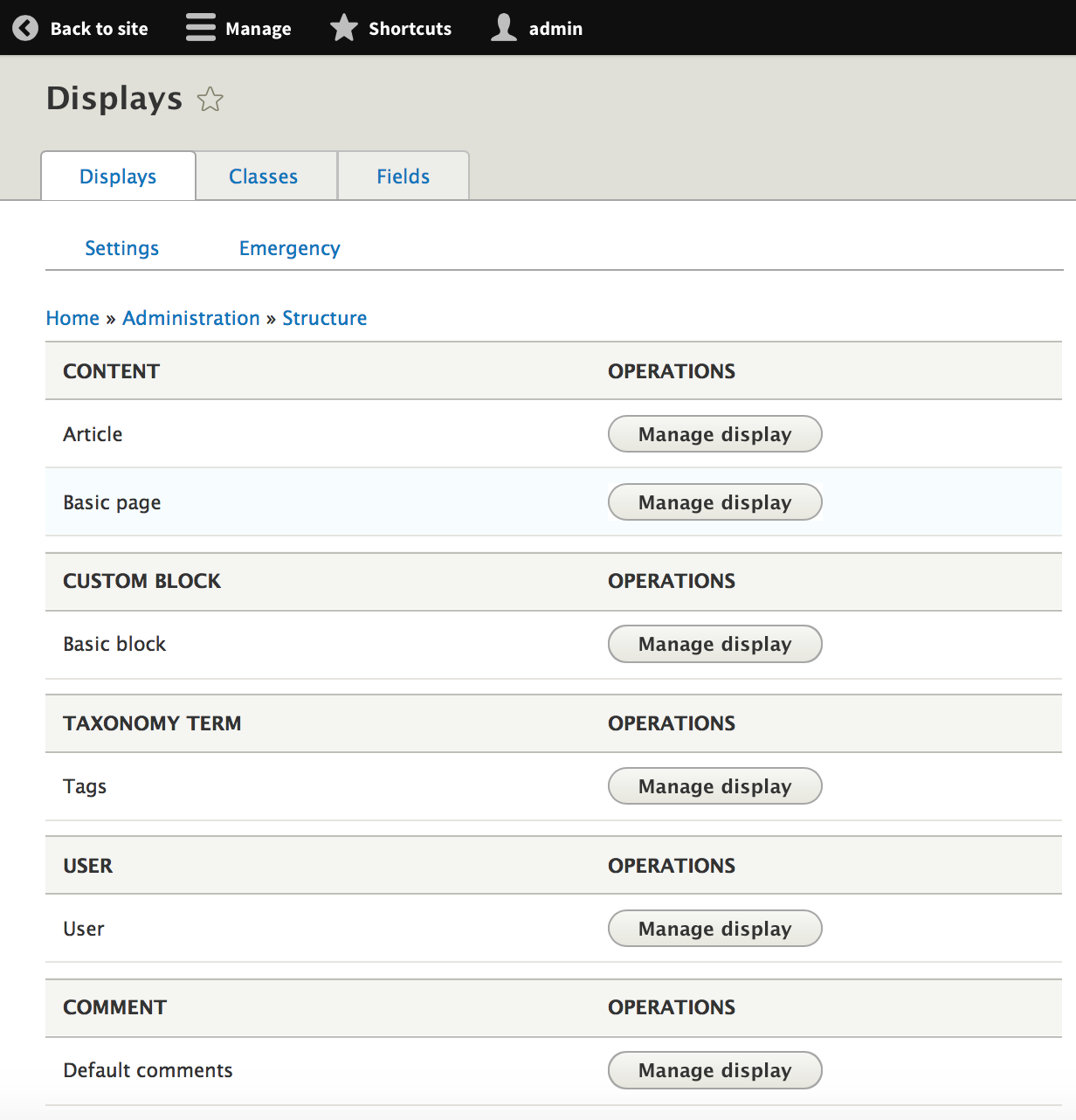
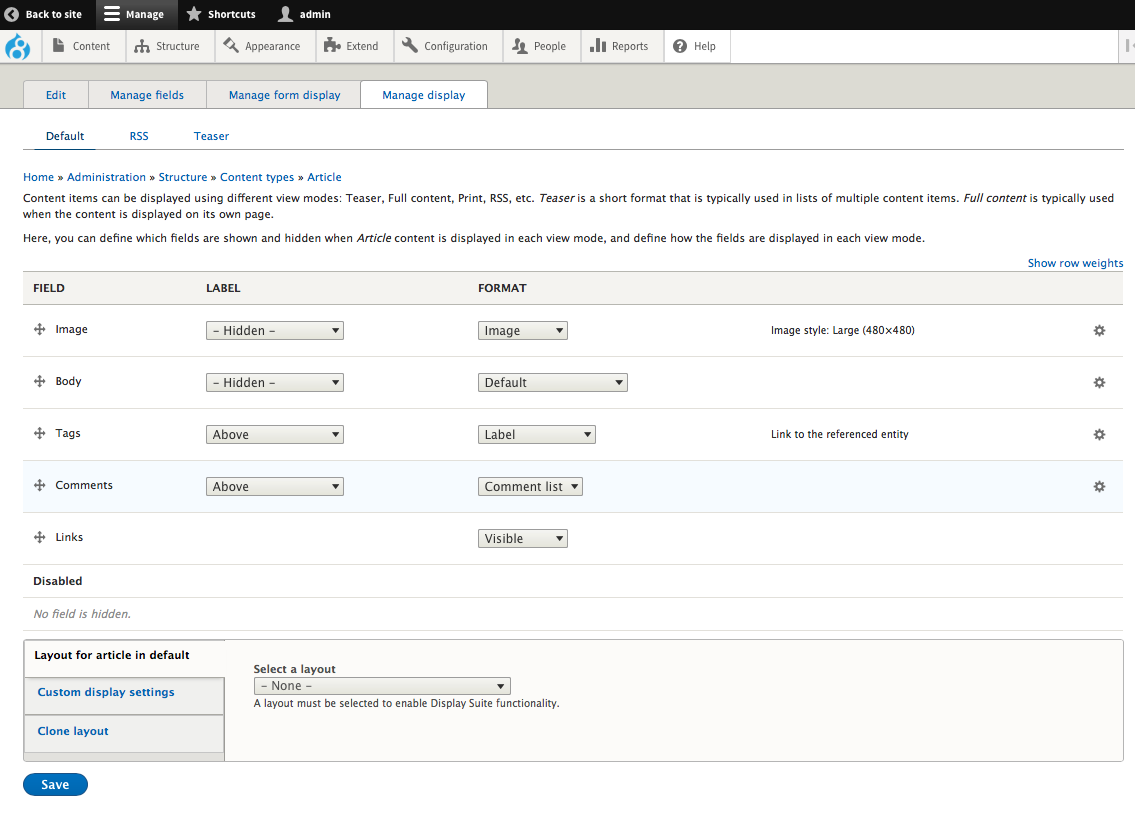
To perform the OPERATION "Manage Display" for any CONTENT, click the associated OPERATIONS button. The screenshot below is the "Manage Display" screen for the Article CONTENT type.
Help improve this page
You can:
- Log in, click Edit, and edit this page
- Log in, click Discuss, update the Page status value, and suggest an improvement
- Log in and create a Documentation issue with your suggestion
