

Closed (fixed)
Project:
Bootstrap
Version:
8.x-3.x-dev
Component:
User interface
Priority:
Normal
Category:
Bug report
Assigned:
Unassigned
Reporter:
Created:
9 Apr 2016 at 09:19 UTC
Updated:
24 Apr 2016 at 21:04 UTC
Jump to comment: Most recent

Comments
Comment #2
matas.k commentedComment #3
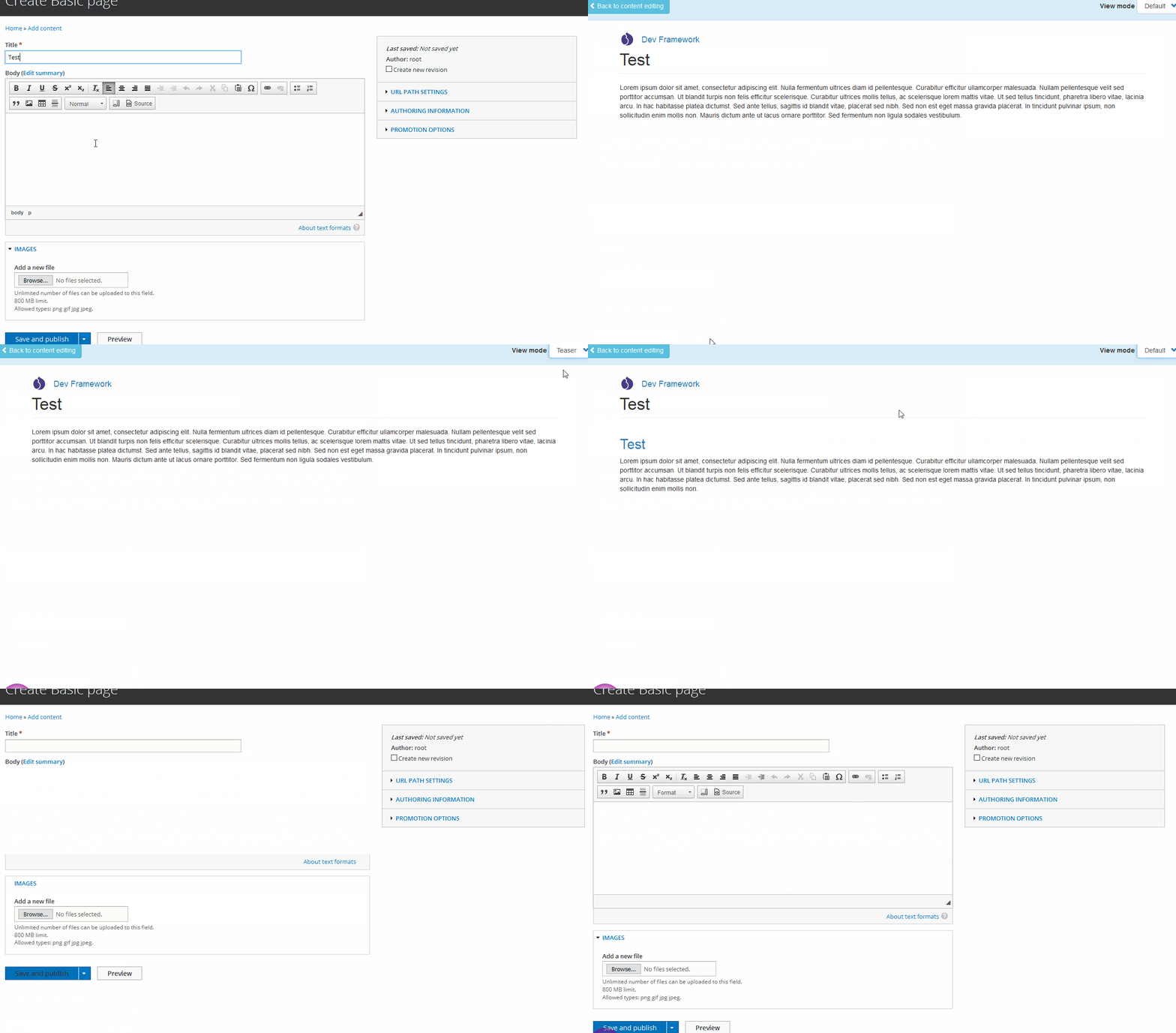
matas.k commentedThe problem tracked down by ciss on freenode:
When you click Preview you get this in URL:
/node/preview/193b0ec1-3fa8-4f1e-88ce-6b0a0db10d4d/defaultAnd when you click Return to Content editing you get
/node/add/page?uuid=3ab9edb0-3797-4ea6-bb8a-0795cf6d6f0cThis is when e.g. on Bartik.
On Bootstrap when you click Return to Content editing it gives you just
node/add/pageand completely miss the?uuid=part. Which is causing the issue.Comment #5
markhalliwell