Closed (fixed)
Project:
Administration menu
Version:
5.x-2.4
Component:
Documentation
Priority:
Normal
Category:
Support request
Assigned:
Unassigned
Reporter:
Created:
25 Apr 2008 at 19:10 UTC
Updated:
23 May 2008 at 22:41 UTC


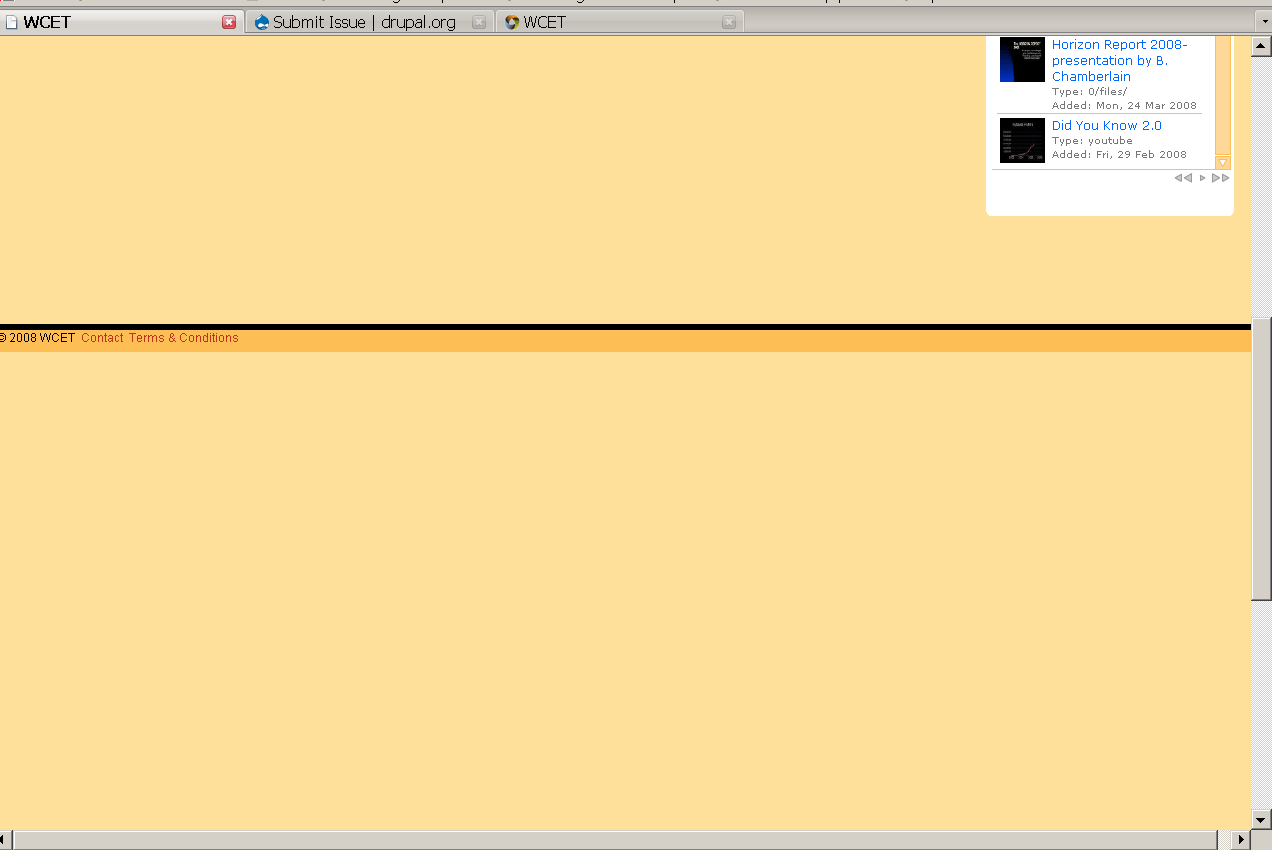
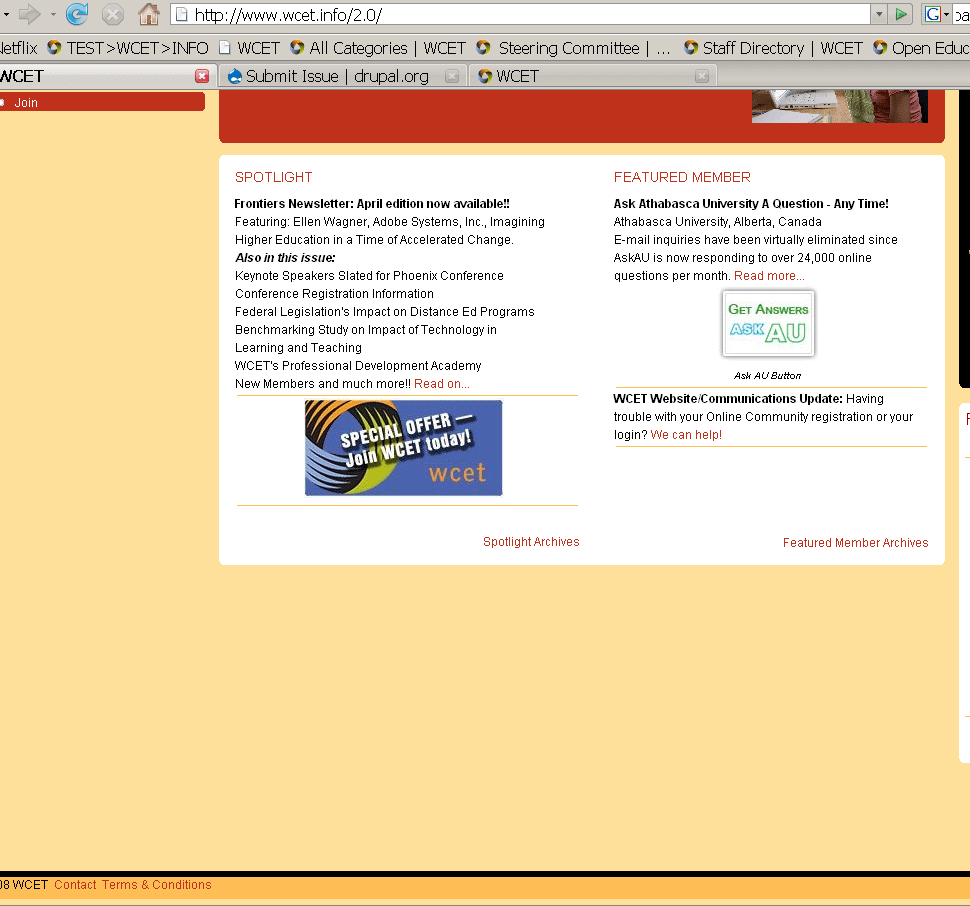
Hi everyone, love using this module, but I have found a strange quirk. When I view my main pages without the admin-menu, the screen height behaves, and the browser window is correct. (please see attached picture 1). However, when I log in and get the admin-menu, there is now a difference in the browser window height, there is a ton of "blank" space, the footer stays in it's correct place, but the window height is now too much and proceeds past the footer - way too much. Almost like it set itself to 200%. (please see attached picture 2). I've seen odd problems like this, but I am at a loss to find a conventional solution. I've been backtracking anything I could think of that maybe I did, but I cannot see a problem without using the admin-menu - so I feel like this may be the problem. I'm using the garland theme, Drupal 5.x - any help would be greatly appreciated!
| Comment | File | Size | Author |
|---|---|---|---|
| admin_menu_2.gif | 16.92 KB | kirikintha | |
| admin_menu_1.gif | 52.07 KB | kirikintha |

Comments
Comment #1
sunThis is caused by a long list of links to module issue queues at Drupal.org. Just go to administer >> User management >> Access control >> admin_menu and disable the permission for your or all roles.
Comment #2
sunAdded this question to the FAQ:
Comment #3
sunAlso, #242377: Hide sub-level menu items contains a patch to fix this behaviour, which still needs testing.
Comment #4
kirikintha commentedYou rock! Thanks!
Comment #5
Anonymous (not verified) commentedAutomatically closed -- issue fixed for two weeks with no activity.