

Closed (outdated)
Project:
Commerce Kickstart
Version:
7.x-2.x-dev
Component:
User interface
Priority:
Normal
Category:
Bug report
Assigned:
Issue tags:
Reporter:
Created:
29 May 2015 at 06:48 UTC
Updated:
30 Sep 2022 at 20:09 UTC
Jump to comment: Most recent, Most recent file

Comments
Comment #1
anikettoComment #2
bojanz commented2.6? Make sure you're running the latest release (2.25), we fixed many issues since 2.6
Comment #3
mglamanPostponing until verification of version being run. Also looks like custom theme.
Comment #4
ram4nd commentedChanged the tag for consistancy by Topical issue tags.
Comment #5
anikettoHello,
Sorry for the lack of response on this issue.
Yes I had been using a custom theme built for Commerce Kickstart, however the theme builder had pointed out that the original fault of the checkout tables being unresponsive is the fault of Commerce Kickstart itself. Hence the query.
The version was 2.25 only. I in my stupid spree made it 2.6 without properly checking it!
I later made a workaround by removing the quantity field, so that the price remove and total columns were shown properly.
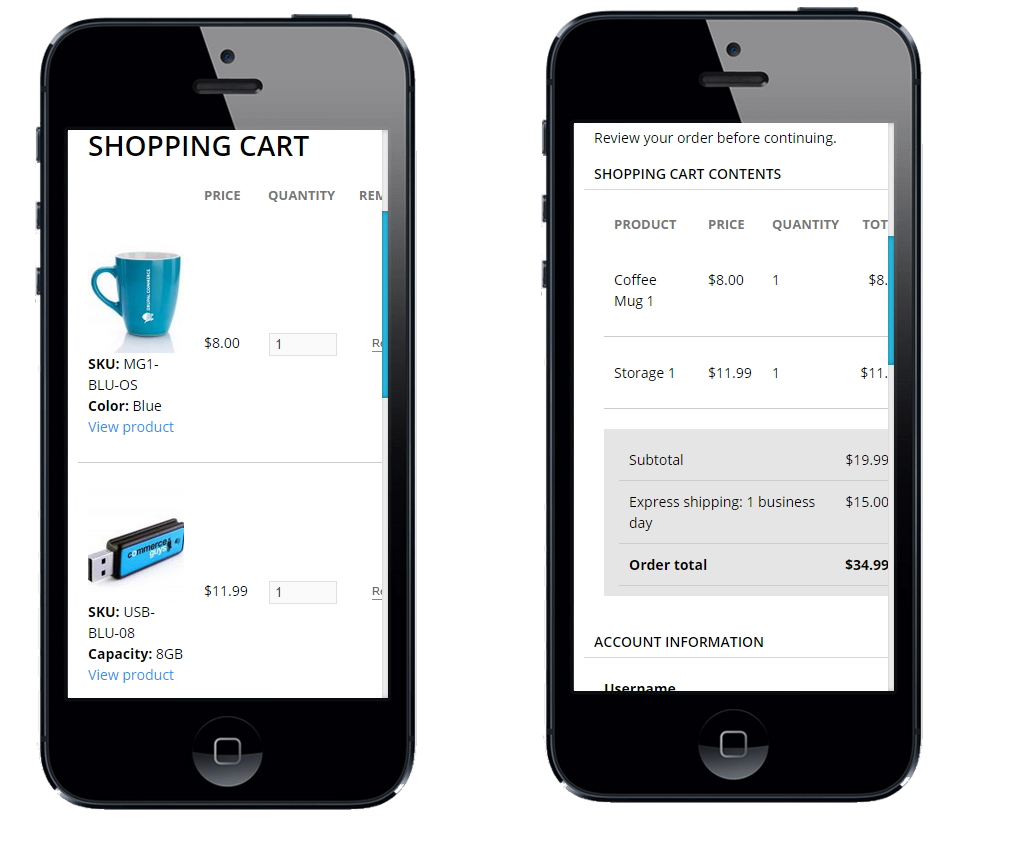
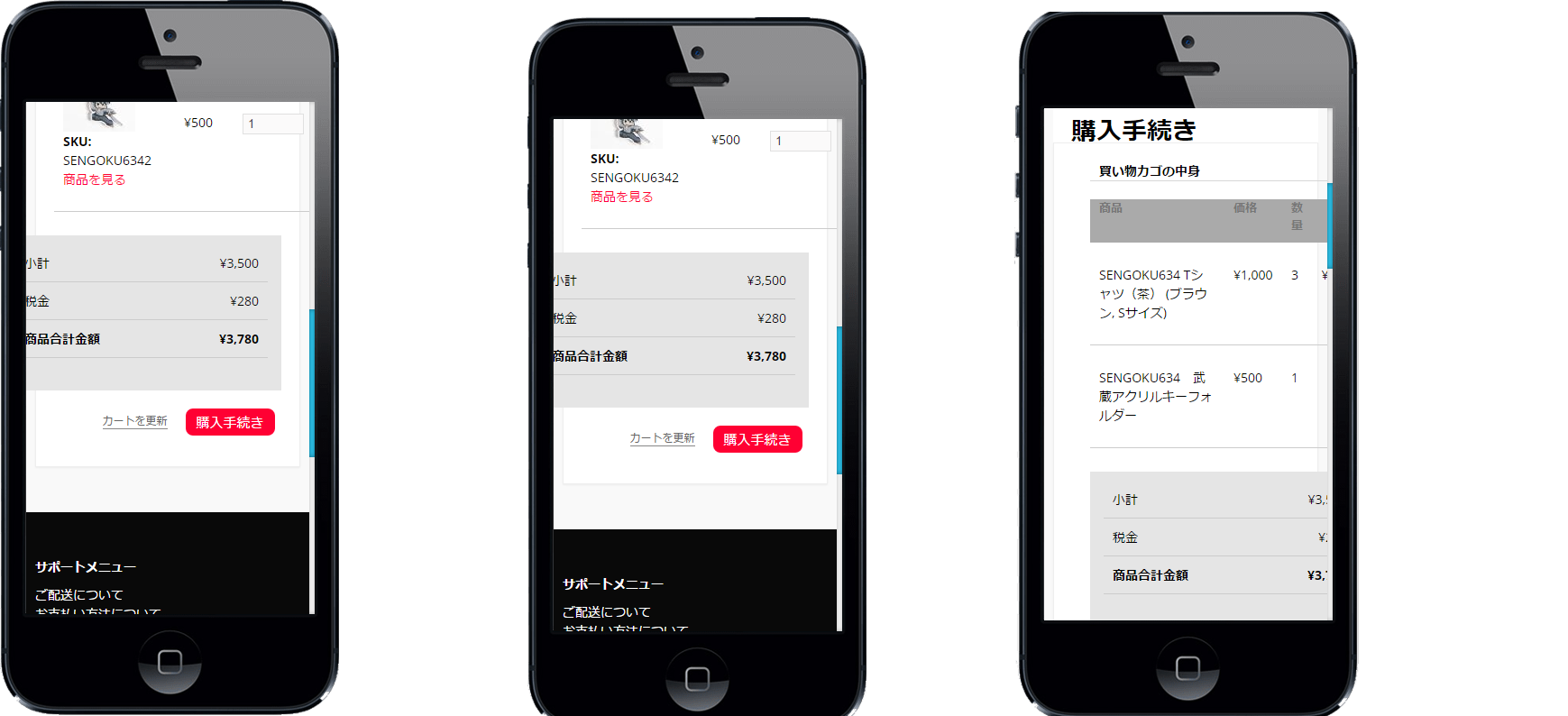
However after that I have tried installing the latest commerce kickstart (version 2.25) and yet the same issue. Please check the attached image for reference.
The checkout tables are not responsive. Can you suggest a solution for this?
Thank you!
Comment #6
bojanz commentedComment #7
Anonymous (not verified) commentedAn solution to your problem may be to go to the View of the commerce_cart_form and change the Format from Table to Responsive Grid. This can be styled with CSS.
Comment #8
Anonymous (not verified) commentedComment #9
mglamanWe should look at adding Commerce Responsive UI - https://www.drupal.org/project/commerce_responsive_ui
Comment #10
avpadernoComment #11
rszrama commentedCommerce Kickstart 2.x is in minimal maintenance mode. Closing out all outdated tickets now to maintain focus on Commerce Kickstart 3.x.