

Closed (duplicate)
Project:
Drupal core
Version:
8.0.x-dev
Component:
user.module
Priority:
Normal
Category:
Bug report
Assigned:
Issue tags:
Reporter:
Created:
6 Feb 2015 at 11:49 UTC
Updated:
9 Feb 2015 at 18:02 UTC
Jump to comment: Most recent, Most recent file

Comments
Comment #1
lewisnymanThis sounds noviceish
Comment #2
vermario commentedOk, I will have a shot at this. :)
Comment #3
vermario commentedPatch attached.
- I added the new css file in the user.libraries.yml file
- I moved all styles having to do with presentational features (colors, etc) to the new file
- I left structural properties (layout, etc) in the old one.
Please review :)
Comment #4
vermario commentedPlease ignore the previous patch, the newly added file was missing.
(using Sourcetree git GUI for this, and I missed one step).
Should be good to test now.
Comment #5
idebr commented@vermario Thanks for picking this up! I did a manual test as well and found no regressions.
There is one minor code style issue that should be fixed before this patch can be committed:
Every css file should start with a @file docblock. Suggestion:
Comment #6
mortendk commentedmade a couple of fixes in this patch:
- fixed the lint errors in the css file (http://lewisnyman.co.uk/drupalcore-frontend-toolkit/)
Theres one lint error we cant fix and thats the
- moved all visual styles to theme.css
- added background colors to the indicator in user.module.css (gray & lightgray, cant remember if we have a policy on colors ?) if theres no background color, it dosnt look like its working, so it would be very confusing for anybody "where did the indicator go" - we can bikeshed the colors, i think its fairly safe to just go with 2 gray tones.
Anyways there need to be a bgcolor in the module to make it work
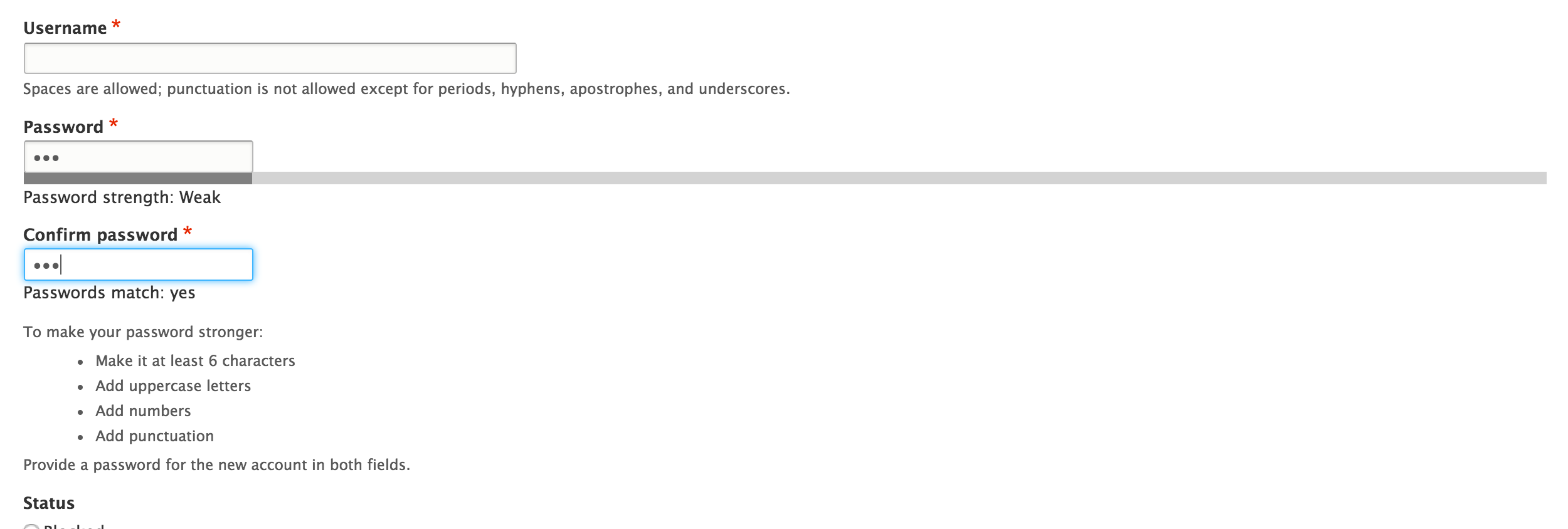
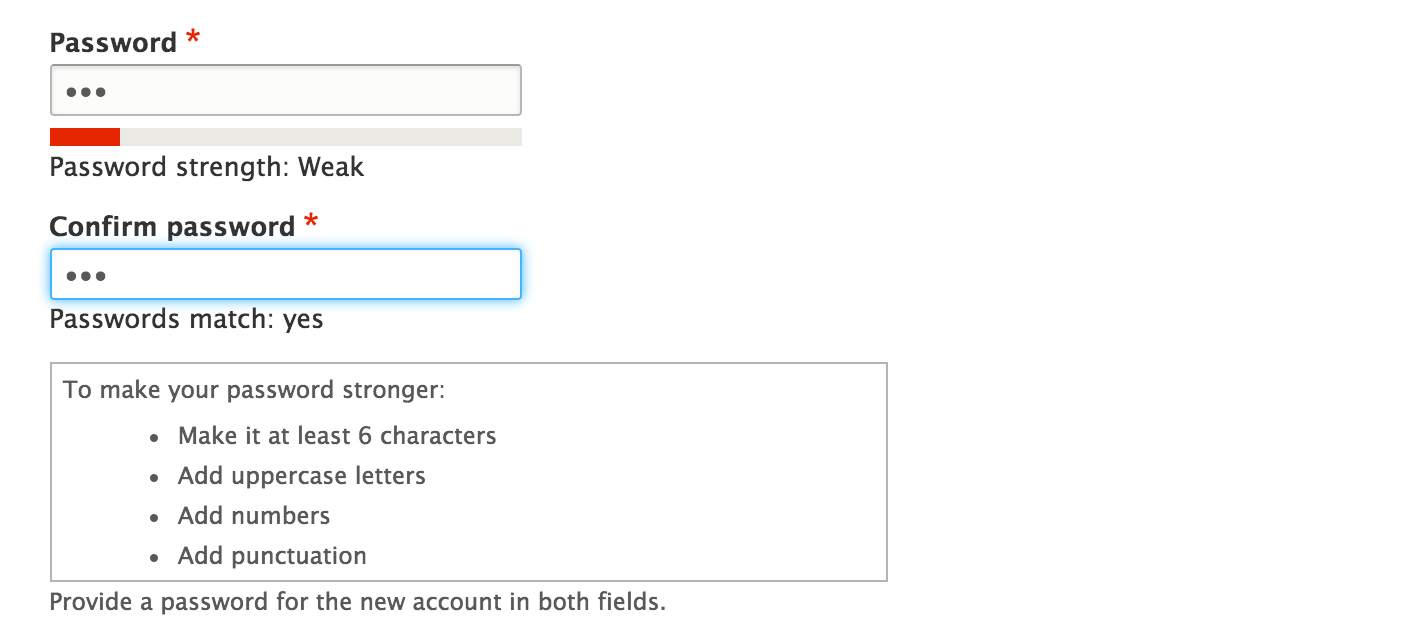
also screenshots:


with theme
without
Comment #7
idebr commented@mortendk Thanks for working on this issue. There is an effort to clear user.admin.css of lint errors in #1663210: Clean up css in the User module. Can you separate those changes from this patch to prevent scope creep?
Comment #8
mortendk commentedtotally! and yes less scope creep ;)
new patch uploaded - removed the creeping , im gonna go review the other one
Comment #10
mortendk commentedhuh testbot really ?
Comment #11
idebr commentedI'm fine with using some default colors for the password indicator colors. On the other hand, one could also argue we should keep them in user.module.css file since the colors are not only visual but also functional.
Let's update the @file docblocks to indicate why the css is split up between user.module and user.theme.css files. Eg. 'Password strength indicator component.' for user.module.css and 'Visual styling for the Password strength indicator component.' for user.theme.css
For consistency, let's move all
width: 55%;code to theme or keep all of it in .module. Right now it is split between both.Comment #12
mortendk commentedmoved the
div.password-confirmover and corrected the doc blocks.Yes the colors are functional, hency why its gray and lightgray, so the visual element is still there, but not confused with a color scheme & as neutral as possible.
Its one of those bikesheds that i think we should try not getting into ;)
Comment #13
mortendk commentednow its a duplicate of #1663210: Clean up css in the User module