
Encrypted USB Card Readers
Last updated on
4 May 2018
This is documentation for Drupal 7, which is no longer supported. Learn more and find resources for Drupal 7 sites
As of version 2.5, Commerce iATS supports the use of encrypted USB card readers with iATS Payments.
To start using an encrypted USB card reader:
- Edit the Commerce iATS credit card payment method by selecting Store, Configuration, then Payment methods from your Drupal admin menu
- Check the "Use encrypted USB card reader" option of the credit card payment method
- Select the name of the USB card reader you're using
- Save the changes to the payment method

Using a USB card reader is only available to admin users, so you'll need to add payments via the orders admin page. When you do, you'll see this interface:
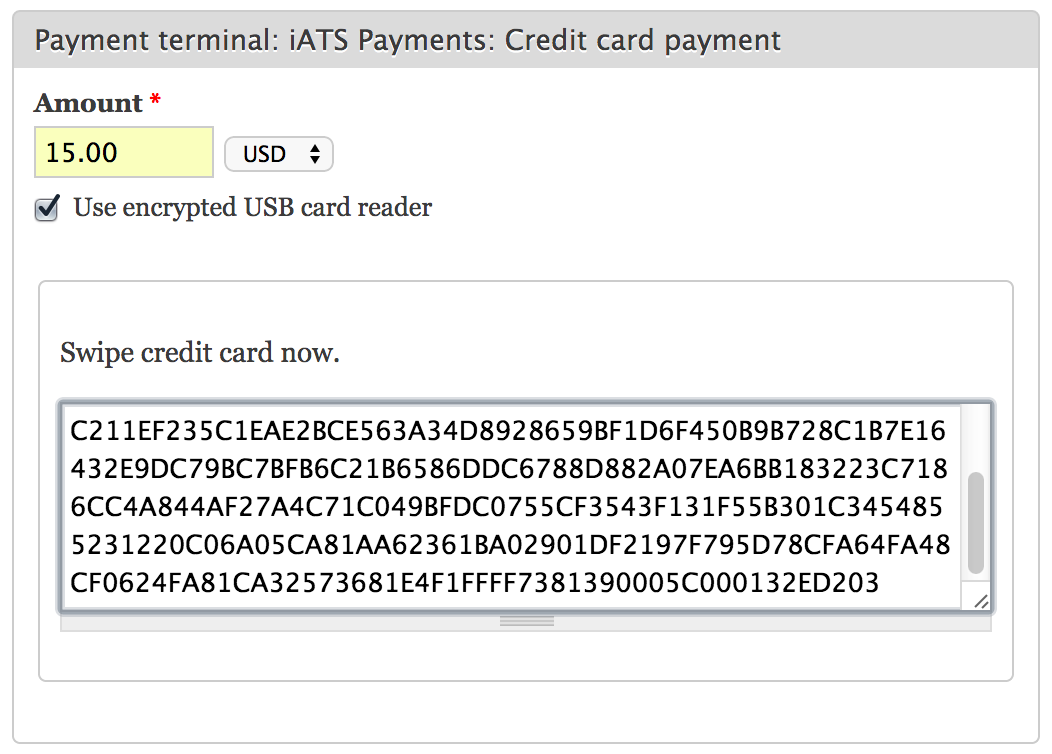
Swipe a credit card so the encrypted data is entered into the text box, then just submit the form to process a payment.
Help improve this page
Page status: No known problems
You can:
You can:
- Log in, click Edit, and edit this page
- Log in, click Discuss, update the Page status value, and suggest an improvement
- Log in and create a Documentation issue with your suggestion
