Hi,
I've got a problem with thumbnail attribute. I've got mixed authentification with an AD server.
Settings :
(2- servers) I used samaccouontname for authname attribute and thumbnailPhoto attribute for user picture.
(3- user) I checked :
> Create or Synch to Drupal user on successful authentication with LDAP credentials. (Requires LDAP Authentication module).
> Create or Synch to Drupal user anytime a Drupal user account is created or updated. Requires a server with binding method of "Service Account Bind" or "Anonymous Bind".
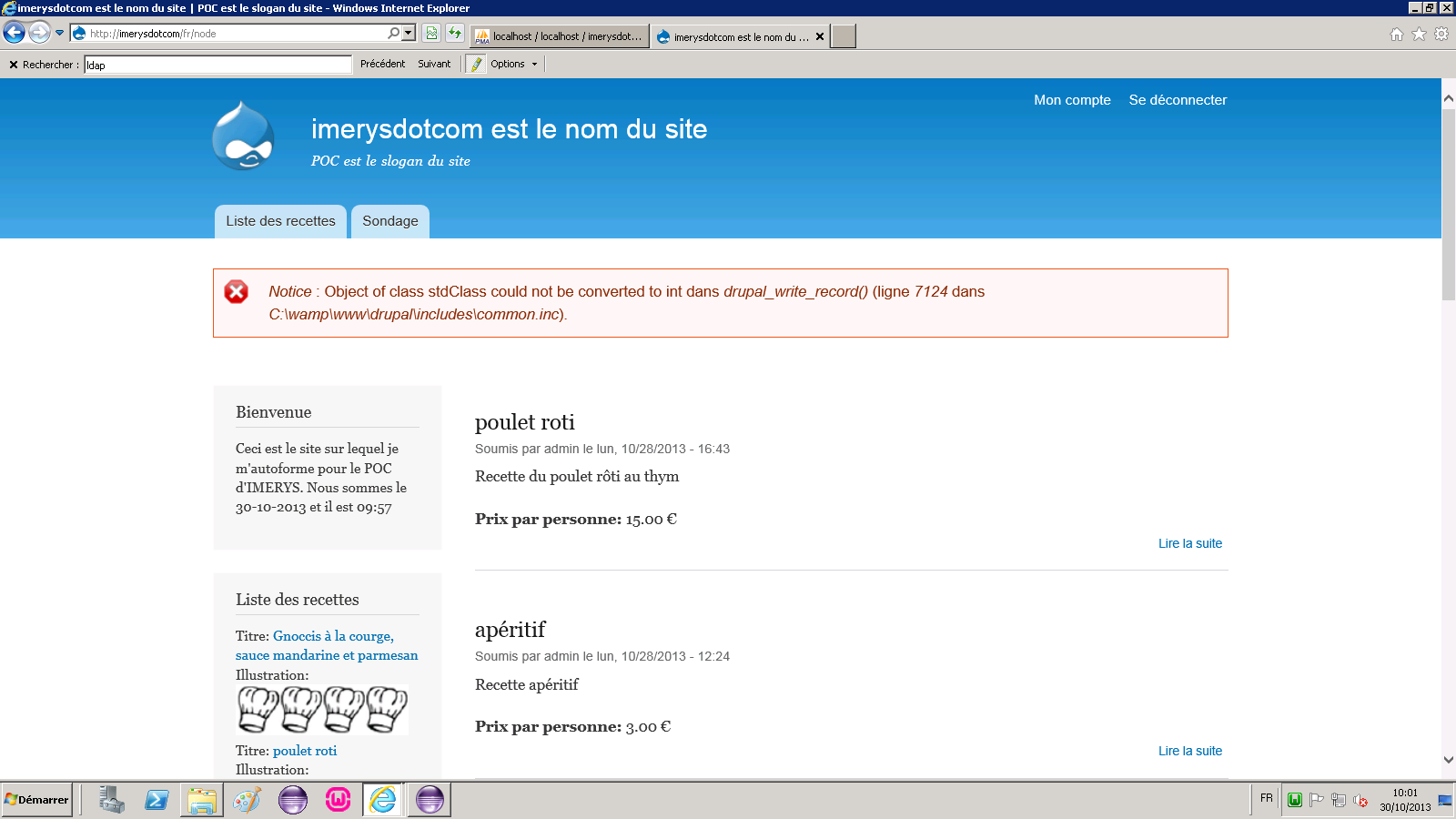
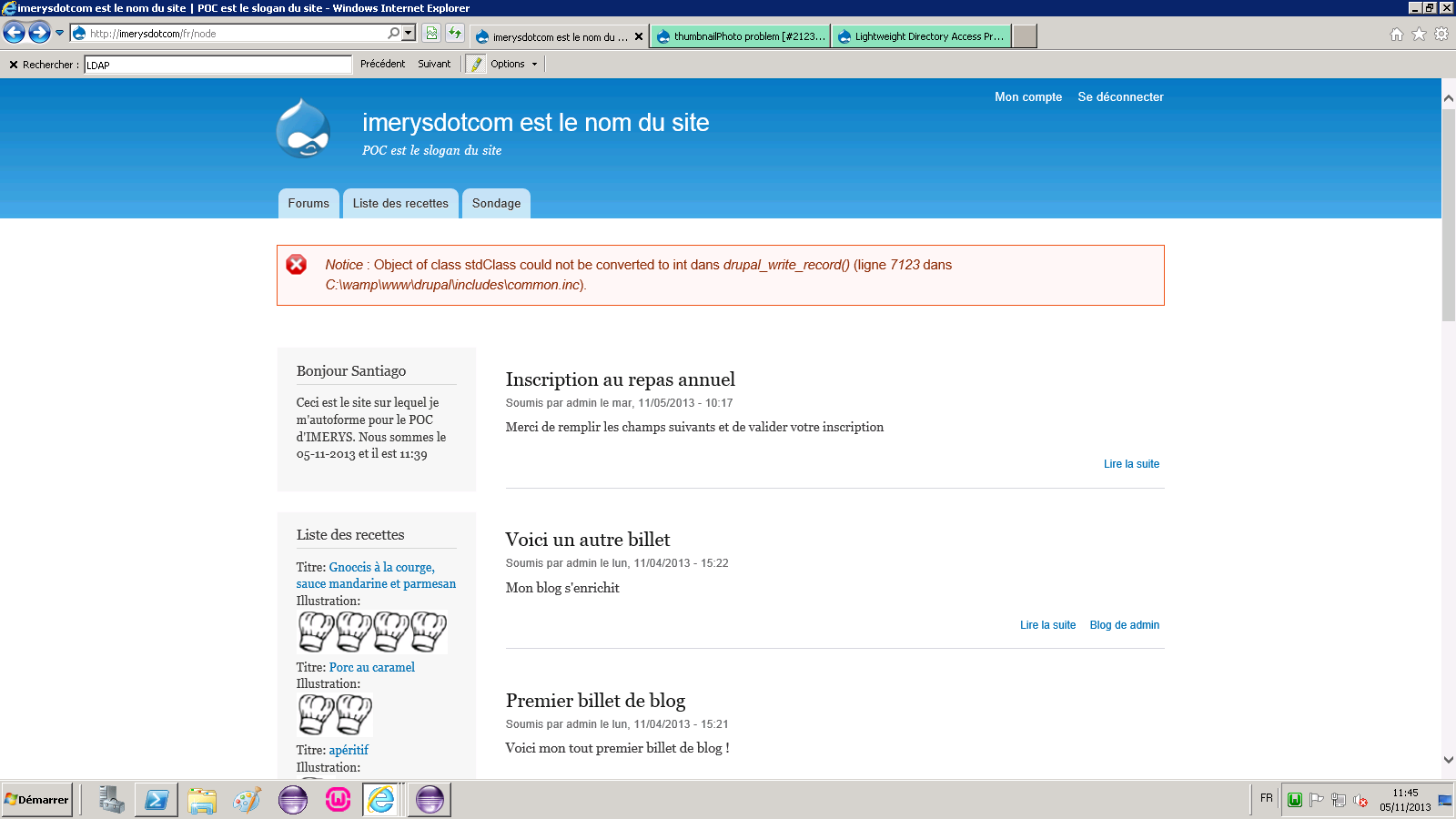
1/ When I logged in for the first time with an account, connection is successfull, but I've got this notive message (see file attachment).
The user picture is empty.
2/ The second time I logged in, the notice message don't appear, and the thumbnailPhoto is ok.
For next step, I've deleted the user)
1/ I've disabled the thumbnailPhoto in 2- servers settings
2/ When I logged in with the new user, the notice message don't appears.
I think the problem deals with thumbnailPhoto settings (on user creation)



Comments
Comment #0.0
jbaran commentedComment #1
johnbarclay commentedComment #2
jbaran commentedDear johnbarclay,
I changed version 7.x-2.0-beta6 to 7.x-2.x-dev but the problem persists.
I only have the error message the first time an user logged in (LDAP) website (with mixed authentification). The error message id :
Notice : Object of class stdClass could not be converted to int dans drupal_write_record() (ligne 7123 dans C:\wamp\www\drupal\includes\common.inc).The user is well logged in (user is created and mapped with LDAP info), but his thumbnailphoto is not available. The next time I will log in website, the error will not appear and the thumbnailphoto appear.
I think the error message appear on user creation (thumbnailphoto creation) but I can't uncheck thumbnailphoto update on creation !
Comment #3
jbaran commentedComment #4
jbaran commentedProblem is fixed, I just have to install module reg_with_pic to enabled photo hen register. => https://drupal.org/node/1403638
Thanks a lot, hope this link will help everybody.
Comment #5
jbaran commentedhttps://drupal.org/node/1403638 Need to install reg_with_pic module to enabled picture on register
Comment #6
c3rberus commentedI ran into the same issue and this worked, thanks!!