

Closed (fixed)
Project:
Responsive images and styles
Version:
7.x-2.x-dev
Component:
Miscellaneous
Priority:
Normal
Category:
Support request
Assigned:
Reporter:
Created:
21 Dec 2012 at 14:15 UTC
Updated:
13 Feb 2013 at 14:30 UTC
Jump to comment: Most recent file


Comments
Comment #1
jelle_sFixed in the latest dev version.
Comment #2
aanjaneyam commented@Jelle_S Thanks for your response and the fix. However, as stated on the first post the custom breakpoints groups are not appearing on admin/config/media/resp_img. So how should we choose the custom breakpoint groups created (as per http://drupal.org/node/1867848 at no. 5 of "Configure responsive images". Hence I am also not able to associate the breakpoint group to content type on manage display page. Does it only support breakpoints created via theme's info file? Or this post should actually be posted on the resp_img module's issue queue.
Comment #3
jelle_s@amsri: can you get the latest dev version from git (or wait 12h for drupal.org to sync with git) and test again?
and I am indeed moving this to the resp_img issue queue since that path is defined in that module.
If the problem also occurs on the latest dev can you post a screen?
I assume you're using resp_img 7.x-2.x?
Comment #4
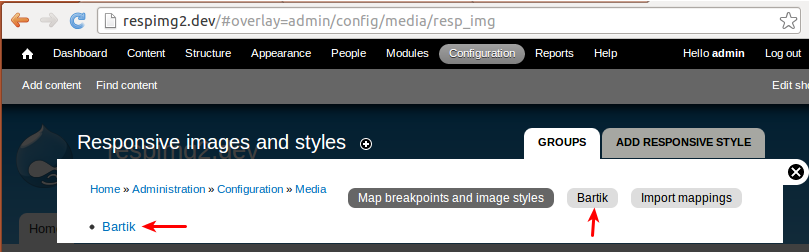
jelle_sPS: Here's my view of that page (with 1 group called Bartik):
Comment #5
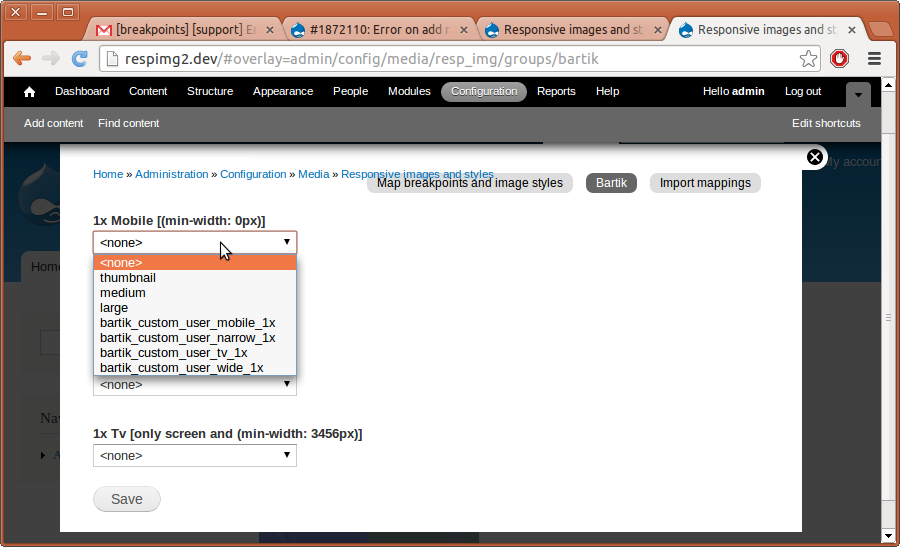
jelle_sOh, and the mapping form:
Comment #6
jelle_sMarked #1878894: Custom breakpoints groups are not appearing on admin/config/media/resp_img as duplicate
Comment #7
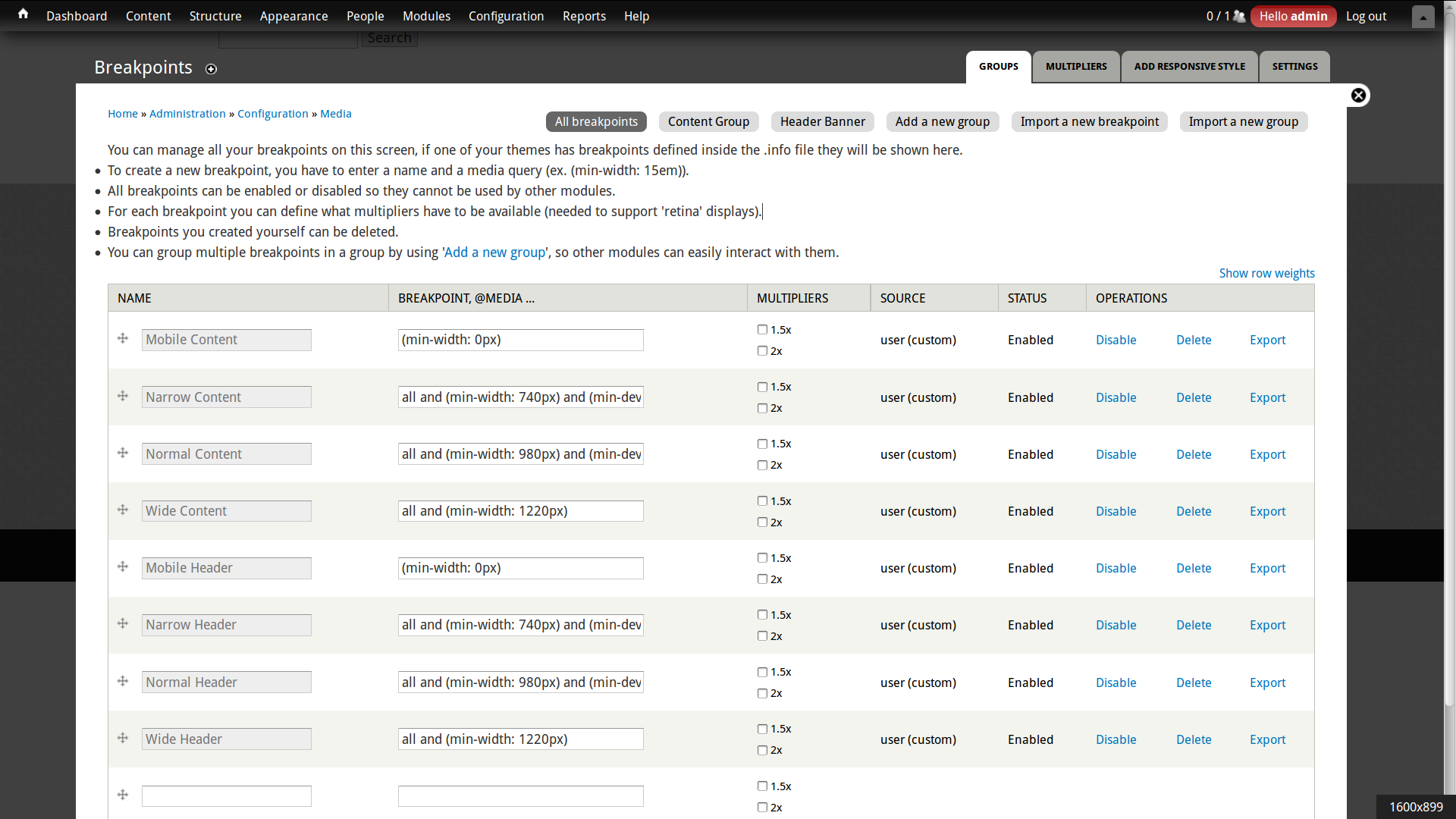
aanjaneyam commented@Jelle_S thanks for your screenshots. Here is my screenshot of the pages admin/config/media/resp_img and admin/config/media/breakpoints. Custom groups appear in admin/config/media/breakpoints but not in admin/config/media/resp_img.
Comment #8
attiks commentedDid you try clearing your cache?
Are you using the latest dev version of breakpoints?
Comment #9
aanjaneyam commentedYes I have cleared the cache several times and am running latest dev version of Breakpoints (as the warning notice mentioned in 1st post above has disappeared after upgrading to latest dev of breakpoints)
Comment #10
attiks commentedComment #11
jelle_sLooking at your screenshot again, and I just realized you're using the 7.x-1.x, not 2.x.
1.x works a bit different and does not show the breakpoint groups on that page. In fact, 1.x doesn't even have the Breakpoint module as a dependency. If you'd want to use resp_img 2.x you can, but the upgrade path isn't thoroughly tested.
Upgrade path (as described on the project page):
Upgrade from 1.x to 2.x
There now is an upgrade path from 1.x to 2.x.
To upgrade, follow these steps:
Comment #12
aanjaneyam commented@Jelle_S thanks for your kind and detailed response. I have upgraded as per direction to latest 2.x-dev version of resp_img and I can now see groups list and mapping form per group. I will now test if every thing works responsively as expected. Thanks again.