
SMS
Room Reservations can send SMS text message confirmations and reminders to users' cell phones. It does this by sending email to locations provided by the phone companies. Most mobile carriers offer free email To SMS gateways that receive these emails and forward them as text messages to their customers' mobile phones. When the user makes a reservation, she is given the opportunity to get a confirmation and reminder on her cell phone. To take advantage of this, she needs to select her carrier from the list provided and then enter her phone number.
The SMS pages are used to enable SMS text messaging in Room Reservations and to maintain a list of mobile carrier information.
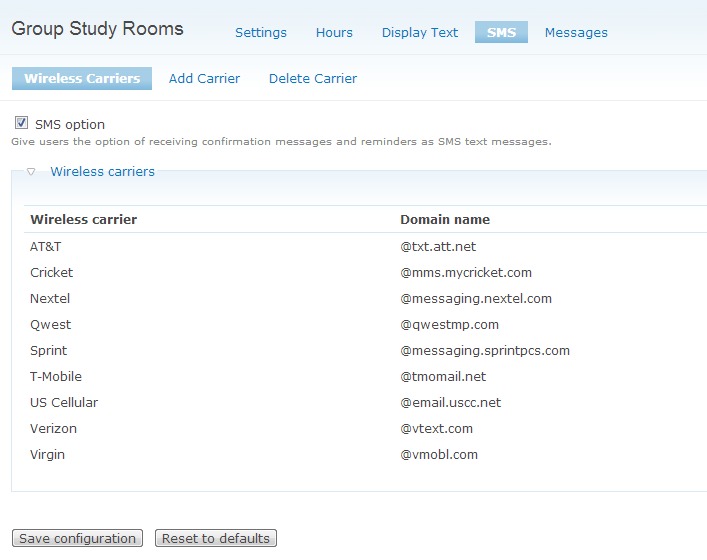
Check the SMS option to enable SMS text messaging for the application. A list of carriers and their corresponding gateway addresses is listed.
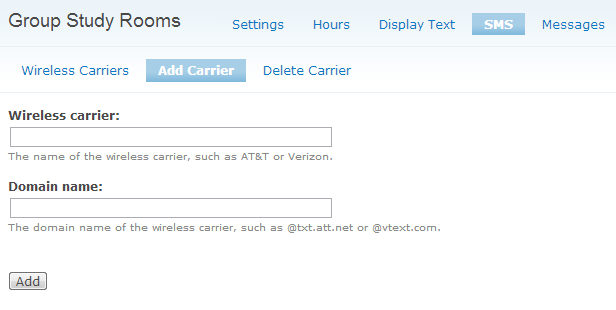
To add a carrier to the list, click Add Carrier. Information about wireless carriers that offer this service can be found on the internet. Search Google using the phrase 'email text messages to cell phones'.
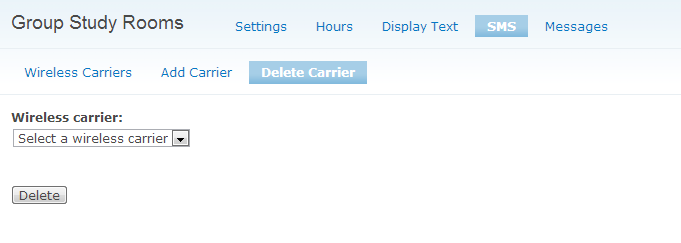
To remove a carrier from the list, click Delete Carrier. Select a carrier from the dropdown list and click Delete.
Help improve this page
You can:
- Log in, click Edit, and edit this page
- Log in, click Discuss, update the Page status value, and suggest an improvement
- Log in and create a Documentation issue with your suggestion

