

Closed (fixed)
Project:
Webform
Version:
7.x-4.x-dev
Component:
Code
Priority:
Normal
Category:
Feature request
Assigned:
Unassigned
Reporter:
Created:
1 Mar 2012 at 21:33 UTC
Updated:
11 Oct 2019 at 18:47 UTC
Jump to comment: Most recent, Most recent file

Comments
Comment #1
quicksketchThanks for the suggestion. While possible, I'm not sure we'll get to this any time soon, as it's not a trivial change (as it's essentially creating a custom display mode for title, while all other components use "above", "inline", or "none").
Comment #2
danchadwick commentedThere won't be further feature development in the X.x-3.x branches. Get the irony of closing my own issue? I implemented this in custom themeing.
Comment #3
danchadwick commentedReconsidering. This is a nice feature.
Comment #4
danchadwick commentedAlso supports left/right headers by give the component a label in the form "Left title|Right title".
I also refactored the code a bit, reducing redundant code between form output and html display output.
Committed to 7.x-4.x and 8.x.
Comment #8
fallenturtle commentedWhere is the UI for dealing with this? I can't find it.
Comment #9
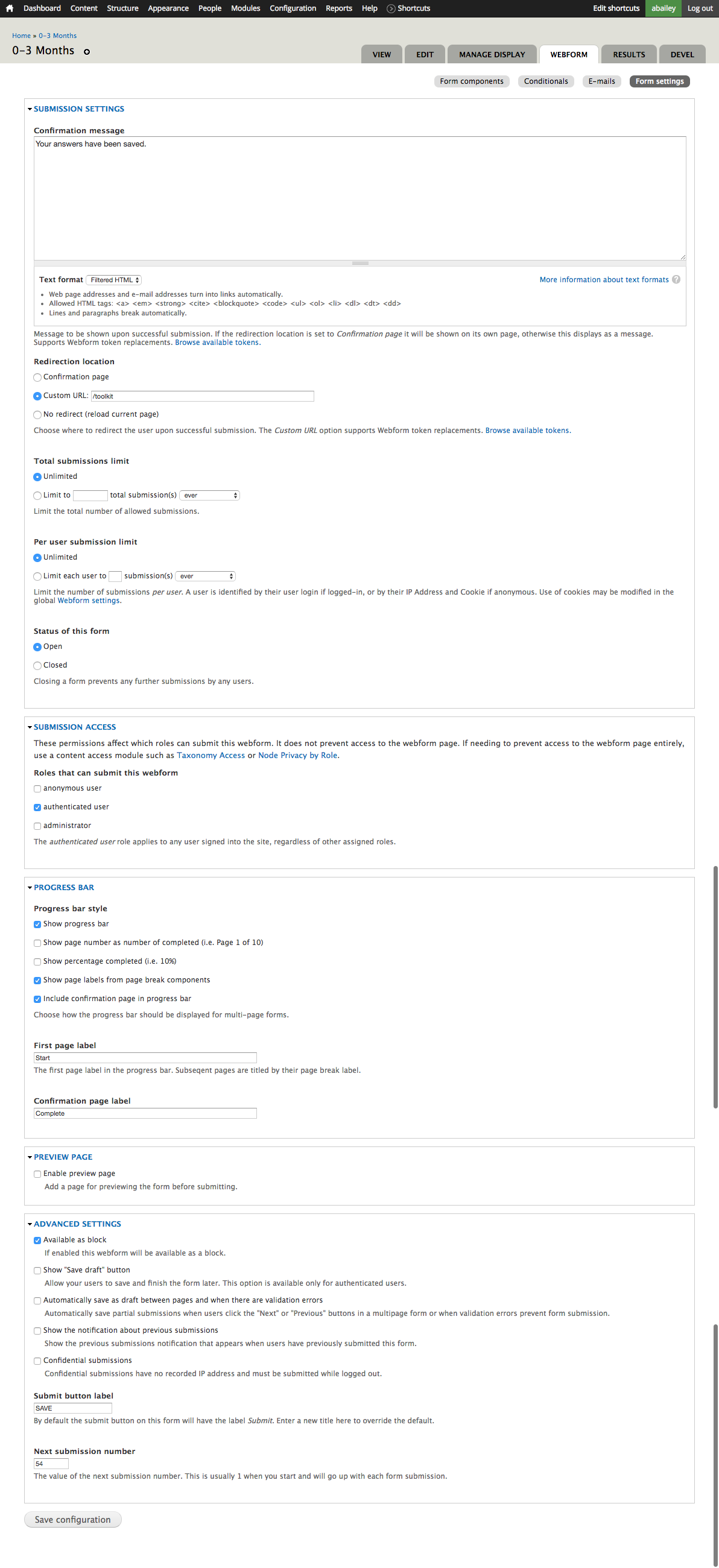
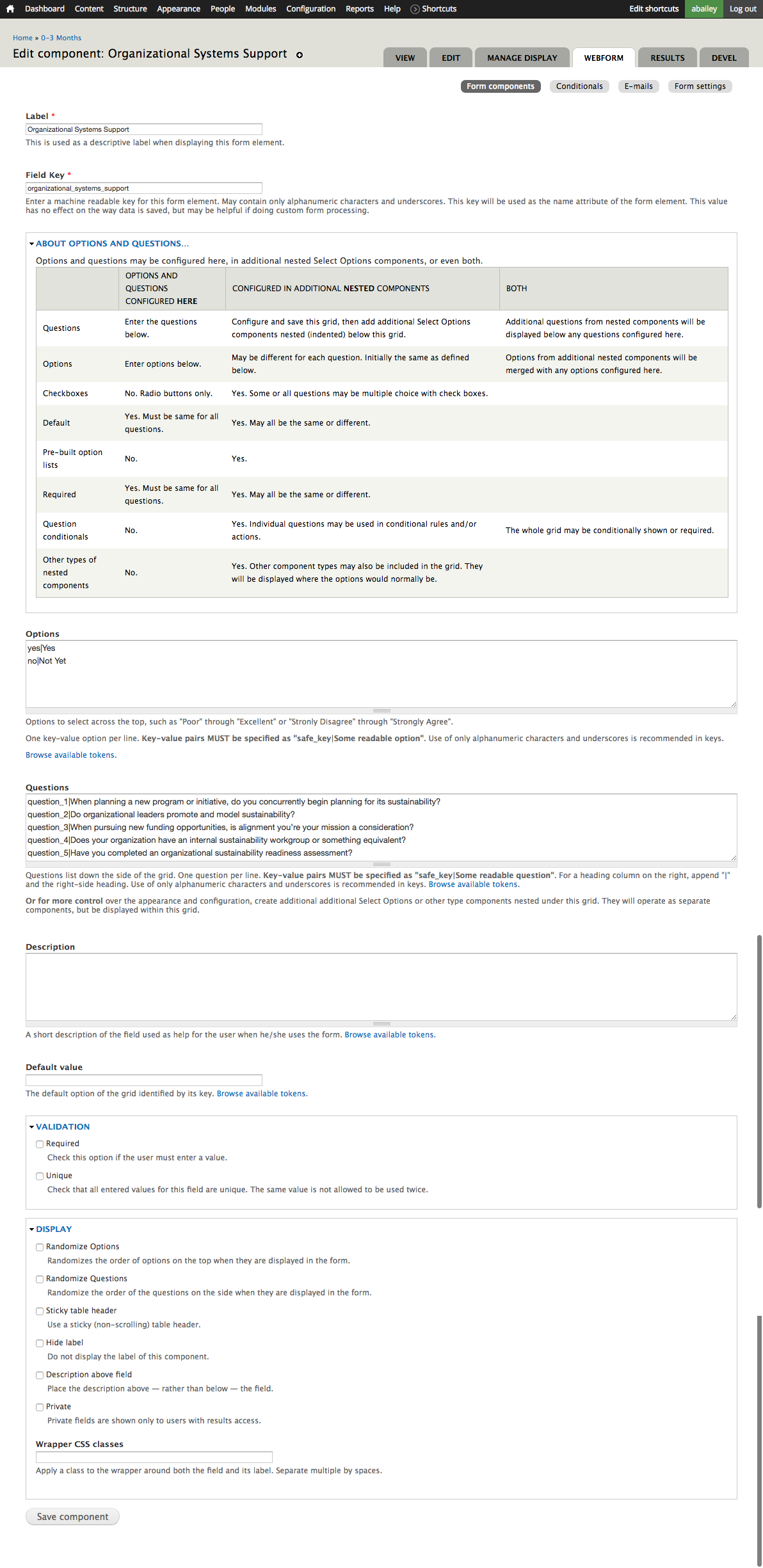
fallenturtle commentedI think the options are missing... or I can't find them. I included screen captures from the component page and the form settings page.
I'm using Drupal 7.43 and the dev version of webform.
Thanks
Comment #10
fallenturtle commentedStepping back status change as its probably something I'm doing wrong.
Comment #11
liam morlandNo, this feature was inadvertently removed in #2581891: Advanced grid (multiple choice, conditionals, non-homogeneous options). It will be restored in #2726789: Return inside labels to grid components.