

Closed (fixed)
Project:
Drupal core
Version:
7.x-dev
Component:
image system
Priority:
Normal
Category:
Bug report
Assigned:
Unassigned
Reporter:
Created:
11 Nov 2011 at 06:41 UTC
Updated:
8 Jan 2012 at 20:43 UTC
Jump to comment: Most recent file

Comments
Comment #1
btmash commentedAttaching patch for review.
Comment #2
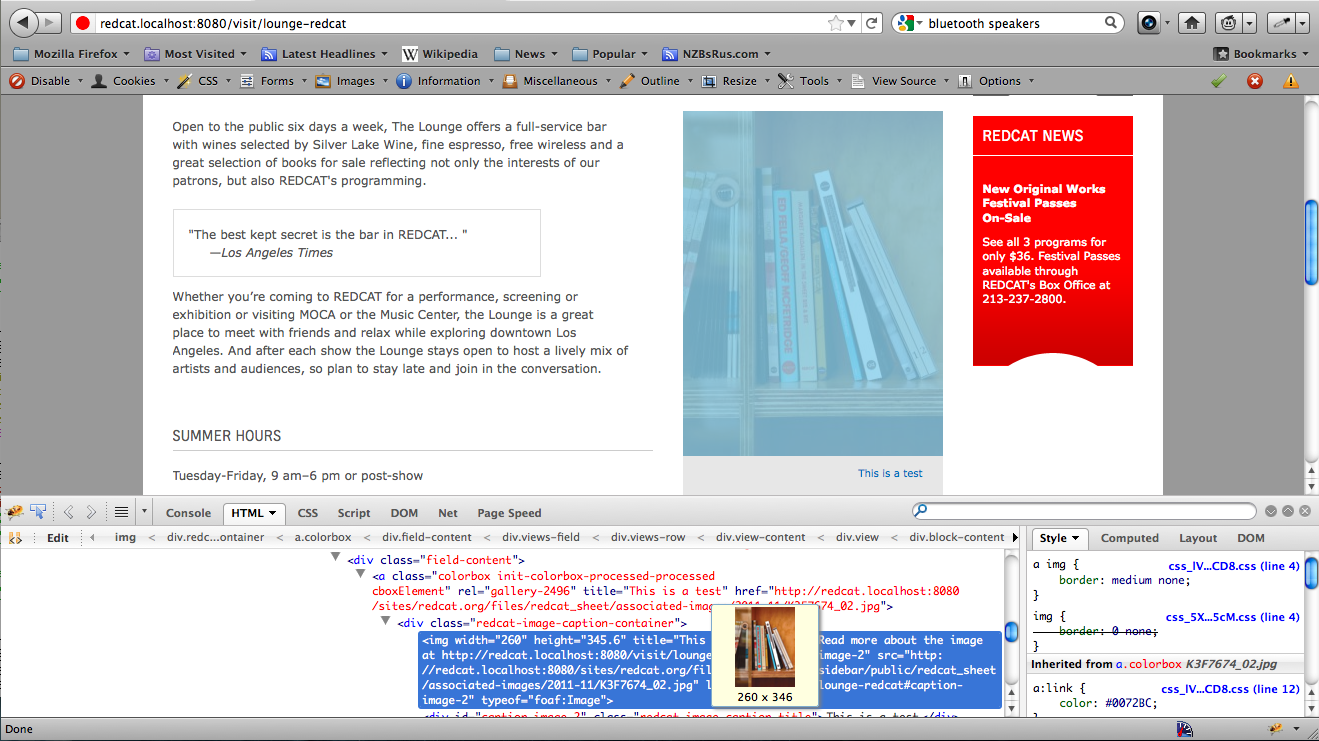
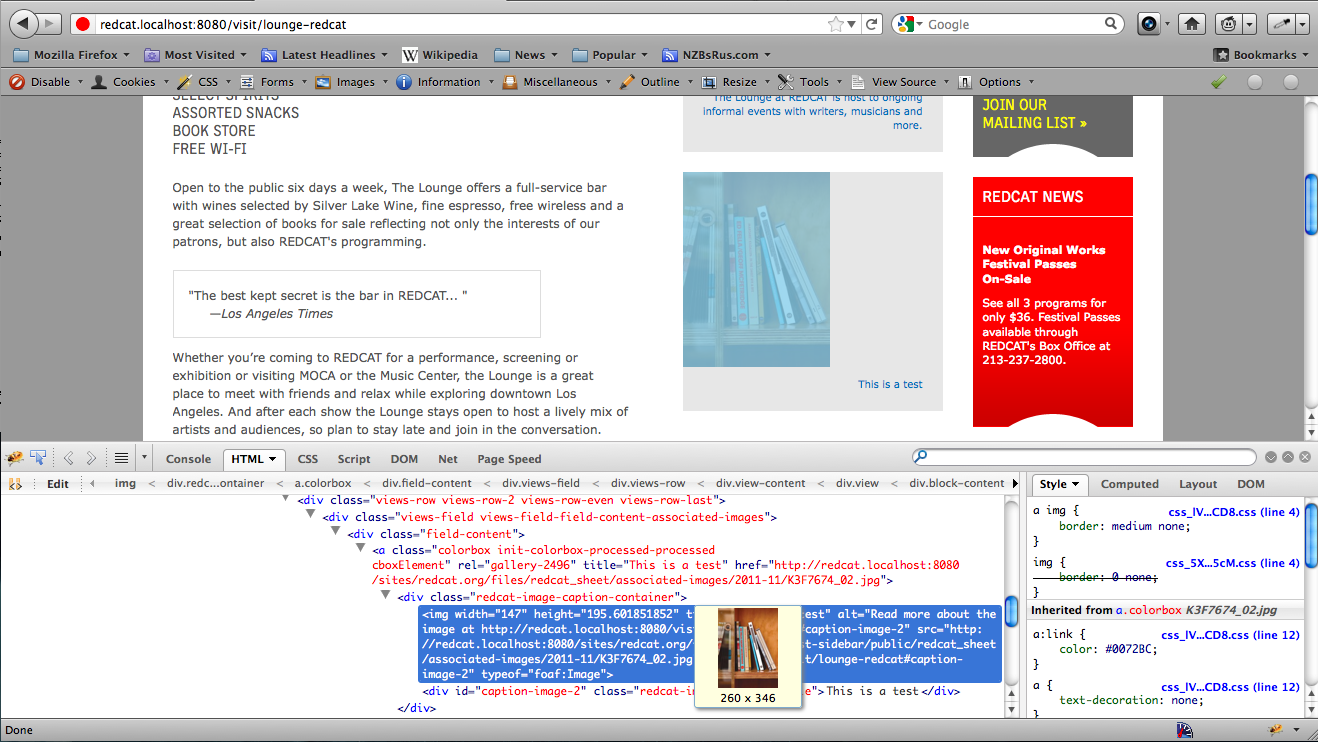
btmash commentedJust wanted to add an after-patch picture that shows the patch seems to resolve this issue.
Comment #3
good_man commentedConfirmed, and the patch seems working very fine.
Comment #4
jbrown commentedWhat about like this?
Comment #5
jbrown commentedFrom looking at the code it seems to be a total coincidence that image_dimensions_scale() and image_scale_effect() ever produce the right values. It's actually quite difficult to follow what is supposed to be happening.
Under certain circumstances it generates the wrong values. Returned values can be different depending on whether it is for an actual image transformation, or just the dimensions. This is because image_scale_effect() is stuffing missing dimensions with PHP_INT_MAX.
The patch in #1 makes things worse by adding even more code. I am unable to determine if that patch really fixes the problem in all circumstances.
My patch in #4 refactors these functions. image_dimensions_scale() is now very simple and it is very easy to determine how it works.
I have attached the D7 version of the patch also.
Comment #6
btmash commentedI should be able to do a real test of the patch you've written (I agree that what I have was probably far from ideal :() but from a first glance through the code, it looks good. Not sure why your patch didn't run through the tests, though.
Comment #7
jbrown commentedThanks BTMash!
The testing system ignored the patch in #6 because this issue is currently for Drupal 8 and the filename of the patch ends in _d7.patch
Comment #8
btmash commentedStill not tested, but rerolled it for 8.x.
Comment #9
btmash commentedAck...double comment.
Comment #10
jbrown commentedMy D7 patch in #5 was just a re-roll of my D8 patch in #4, so I think this latest re-rolling was unnecessary.
Comment #11
jbrown commentedThere was a duplicate issue: #1324076: "Allow upscaling" on image style results in incorrect image dimensions
Comment #12
btmash commentedAck...not sure why I hadn't looked at #4. Anyways, I finally had a chance to test the patch with various images and it tests out properly for me. I'm going to change the status to RTBC (and hopefully a few others can chime in with tests/whatnot as well :))
Comment #13
btmash commentedargh...I hadn't changed it to rtbc.
Comment #14
xjmWe have steps to reproduce, so we have at least one test case to add, and hopefully more. :)
Also, it would be good to have some more detailed inline comments.
Comment #15
xjmSorry, wrong status before.
Comment #16
btmash commentedDouble post...
Comment #17
btmash commentedSince I am not entirely familiar with creating tests for this, I created a new test function that directly tests against image_dimensions_scale() which is a large cause of the issue. Attaching two patches. One that is only a test, and one that is the patch from #9/#4 plus the patch.
Comment #18
btmash commentedRemoving whitespace.
Comment #19
btmash commentedThinking it all through, here are all possible scenarios that I see for getting the scaled dimensions of an image. An image should fall under the following scenarios:
And this image can fall under the following set of scaling presets:
Of these possibilities, I have written out most of the first one (and I am unsure on what other tests are covered in the dimensions tests). We should write out these various possibilities to ensure they all get covered.
Comment #20
jbrown commentedThe source dimensions can be:
The target dimensions can be:
Scale up can be:
So there are 30 combinations that need to be tested.
Comment #21
btmash commentedThe images can also be larger or smaller than the target dimensions, bringing the tally to 60.
Comment #22
jbrown commentedYeah - I agree.
I think it is better just to test control flow branches individually rather than every possible unique route through the function. There's really only about 6 branches. I'll post a patch soon.
Comment #23
jbrown commentedOkay I converted it to a unit test because it is a pure function that we are testing.
There are really 8 branch conditions to test:
but I was able to test all of these with 5 input / output datasets.
I also improved the comments.
Comment #24
jbrown commentedComment #25
jbrown commentedUpdated patch. The following 8 branch conditions are tested in 5 input / output datasets:
The first dataset also tests the exact conditions that trigger the bug originally reported in this issue:
Comment #27
xjmHandy tip I learned recently: When you upload your tests-only and combined patches in a single comment, attach the tests-only patch first and the combined patch second. That way testbot leaves it at Needs Review. :)
Comment #28
btmash commentedWould it be worthwhile to to have an 'expected output, actual output' as part of the search result? Since it goes through a loop, it would be hard to track down which test case is failing.
Comment #29
btmash commentedI've added in the expected output part of things. I find it helps but more review helps.
Comment #30
jbrown commentedGreat!
I re-rolled it for D7.
Comment #31
xjmThis is looking good, and it now has tests. Yay! The new inline comments are also very helpful. Here's a review for the latest tests:
Let's initialize the $tests array at the top of the function and add a comment that explains what these are. Something like:
Let's flesh these comments out a little more to be a bit more clear out of context. Also, they should be capitalized and have periods. E.g., maybe something like:
Or something along those lines. What do you think?
This block of code is a bit hard to scan. Let's add some inline comments? E.g., something like:
Codewise, I think these tests provide sufficient test coverage. Awesome work, @BTMash and @jbrown.
Comment #32
jbrown commentedComment #33
xjmAlright, this looks ready to me.
Comment #34
brunorios1 commented#30 worked for me in D7!
Comment #35
jbrown commentedSorry - fixed typos in the comments in the test: "branches" => "branch".
Comment #36
xjmAh, yep. I re-read the fixed patch and it's still good to go.
Comment #37
Tor Arne Thune commentedMissing 2 "be"s here.
it's -> its
Re-rolling with changes :)
Comment #38
xjmI'm starting to look a little foolish. :) Perhaps someone else should RTBC this.
Comment #39
jbrown commentedLooks good!
Comment #40
xjmAlright. :)
Comment #41
catchLooks great, nice set of tests as well.
Committed/pushed to 8.x, will need a re-roll for 7.x.
Comment #42
jbrown commentedThanks catch!
Comment #43
xjmBackport looks fine as well.
Comment #44
kehan commentedPatch in #42 fixes the issue for me thanks.
Comment #45
alive2000 commentedI'm confirm that the patch #42 works as expected
Comment #46
webchickAwesome, committed and pushed to 7.x. Thanks!
Comment #48
klonosAfter updating to latest 7.x dev the images I've previously uploaded and that were displayed fine do not show up any more. Not in their nodes or the views that use these fields (still, their thumbnails show just fine though). Could this be related to this commit here or what... ???Comment #48.0
klonoschange proposed solution
Comment #49
klonos...their img tags are rendered just fine, but when I try to load their src URL, it says the image cannot be displayed because it contains errors (firebug shows "Failed to load the given URL")....never mind me. Browser cache glitch :/