Hi, I'm using Drupal 5.1 with TinyMCE 2.1.0. I installed IMCE according to the INSTALL.TXT, and everything works fine in Firefox. However, in IE6/IE7 I don't see the browse button. I tried a few things and figured, that without this line in "imce_set_tinymce.js" it works in IE too:
$(window).load(imceInitiateTinyMCE);
I had another problem too, I could not click on the uploaded images in the browser (on my account page), as they were not links or something, and the onmouseover hover color on the rows didn't work either. It only worked when I commented out this line in imce_browse.js:
$(imceStartBrowser);
I wonder if something is wrong with my setup, or this is related to IMCE. I'm not a JavaScript programmer, and I understand it is not a fix to comment out these lines, so please help me to solve this in the appropriate way.


Comments
Comment #1
teimel commentedNevermind, I put back the original files and it works. I'm pretty confused, no idea what happened, but... it works :)
Comment #2
ufku commentedComment #3
keesje commented@Tiemel
I have exactly the same problem, could you recall what "original files" you put back? I'm frustrated, I can't get IMCE to work with tinyMCE in IE7.
Comment #4
lias commentedI'm having the same issue except with FCKeditor. What exactly is the solution?
Comment #5
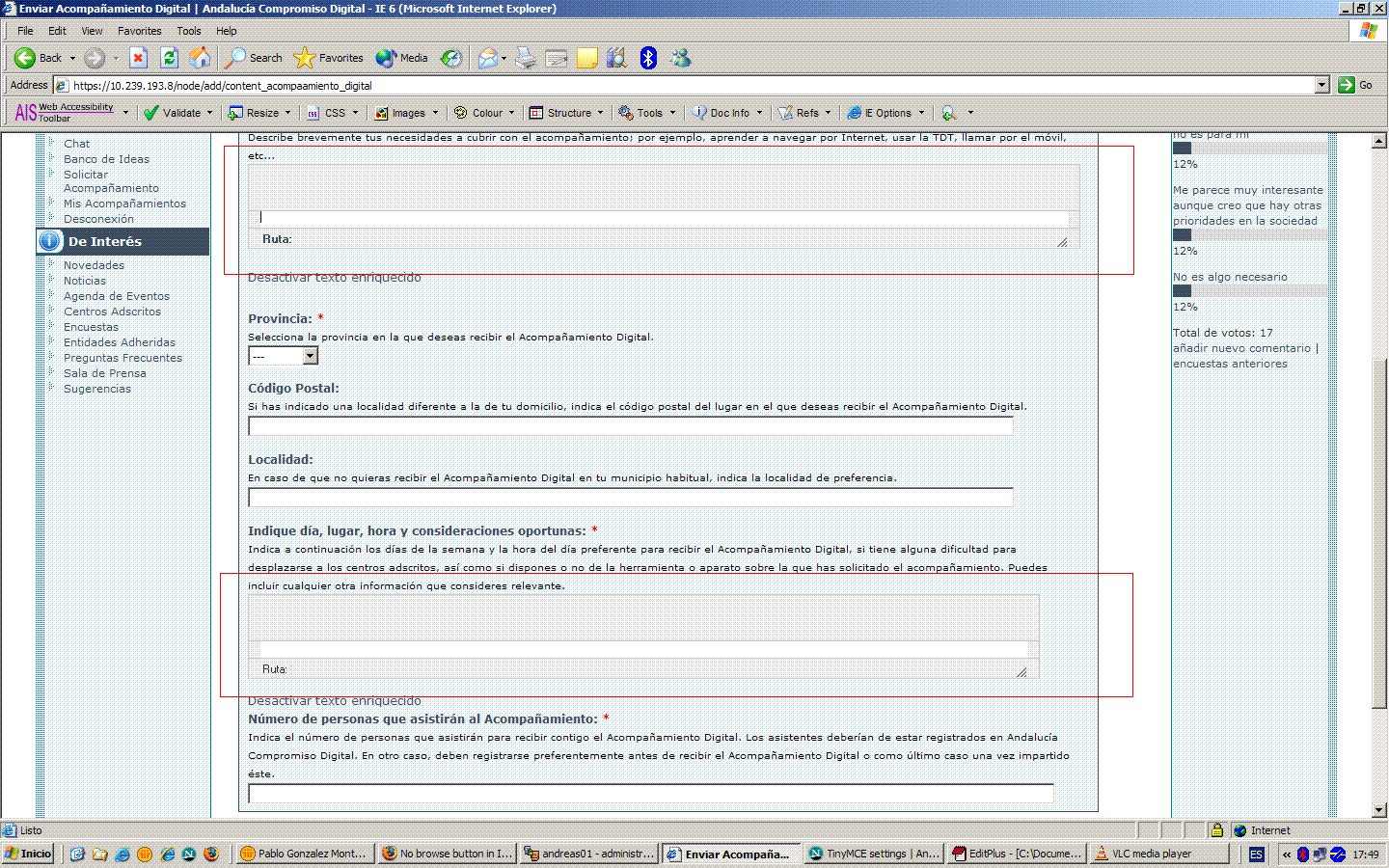
pablo_j_gm commentedNo buttons in IE 6/7. It works nice in FF x.x
Driving me crazy. Still no answer.
Thanking you in advance
Comment #6
mupsi