

Closed (fixed)
Project:
Dynamic Background
Version:
6.x-1.x-dev
Component:
User interface
Priority:
Normal
Category:
Feature request
Assigned:
Issue tags:
Reporter:
Created:
8 Jul 2011 at 07:29 UTC
Updated:
4 Jan 2014 at 00:53 UTC
Jump to comment: Most recent, Most recent file





Comments
Comment #1
cableman0408 commentedThis could be create as an extension to the module, but is not supported at the moment. I'll try to find time to build this extension.
Comment #2
adityadubay commentedHi Cableman,
Thanks for reply.
Please help me in this, I really feel it could be great feature for normal user :)
Aditya
Comment #3
cableman0408 commentedI have started working on this feature :-)
Comment #4
adityadubay commentedThanks a ton Dude :)
Comment #5
cableman0408 commentedI have create the feature in the 6.x-1.x-dev branch, which should be rebuild to night. I would like to get some feedback before I create a 6.x-1.3 release with the feature.
Comment #6
adityadubay commentedWow its really look beautiful :)
We can also provide upload option to user.
Thanks for your hardwork and help :)
Aditya
Comment #7
cableman0408 commentedI have not create an upload for users, as I was not sure if it would be a good idea. I'll try to find some time to create a upload field and maybe limit the number of uploads, as users may upload large amounts for data else.
Comment #8
adityadubay commentedYa technically you are right :)
Comment #9
adityadubay commentedHi,
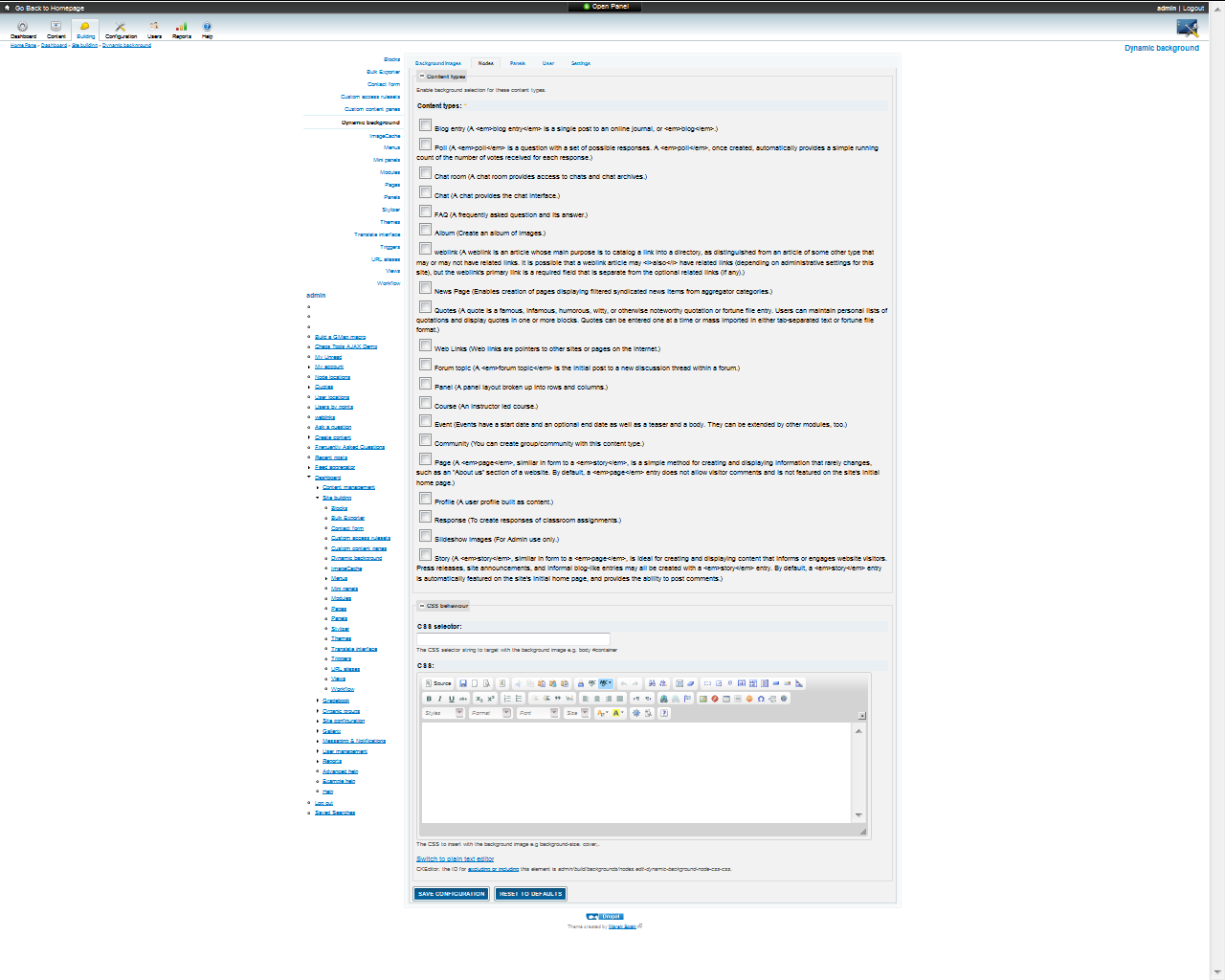
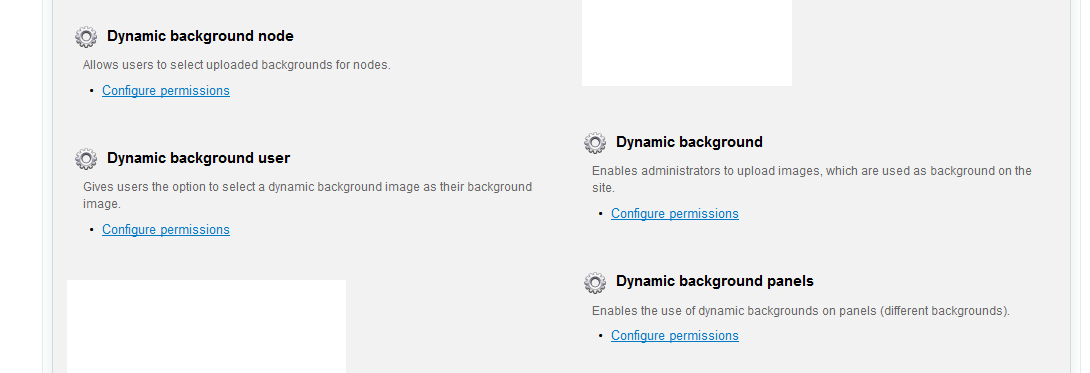
I install Dev version of module. there is no settings page now ?????????? I got only configure permission option (Image attached) with this warning on user account:
warning: Invalid argument supplied for foreach() in /home/digitall/public_html/newlearnforfun/sites/all/modules/dynamic_background/modules/dynamic_background_user/dynamic_background_user.module on line 104.
Aditya
Comment #10
cableman0408 commentedThat inside a submit handler.... have you tried running update.php to update the database and have you cleared the cache.
Comment #11
korejo commentedGreat work! :) That really will prove to be the useful module... The selected background will be published too right? I mean it will be visible to the page visitors..
Please let me know if it is completed and where I can get it from..?
Comment #12
adityadubay commentedHi,
Now I am getting below warning while I try to upload images:
warning: move_uploaded_file(/tmp/background3.jpg) [function.move-uploaded-file]: failed to open stream: No such file or directory in \includes\file.inc on line 628.
warning: move_uploaded_file() [function.move-uploaded-file]: Unable to move '\tmp\php1BDA.tmp' to '/tmp/background3.jpg' in \includes\file.inc on line 628.
File upload error. Could not move uploaded file.
Failed to upload the image; the image type should be jpeg, jpg or png.
I follow all instructions about update.php and clearing cache as you told above :)
Please do the needful :)
Thanks in Advance :)
Aditya
Comment #13
cableman0408 commentedI can reproduces this error when my temp directory dos not exists or I don't have write permission to the temp directory. Go into admin/settings/file-system and set a correct temporary directory.
Comment #14
adityadubay commentedNo Success :(
I select background and update but still showing default one.
I cleared all cache(server and browser), rebuild menu and theme stucture and also run cron from default way as well as from supercron too but no change.
Comment #15
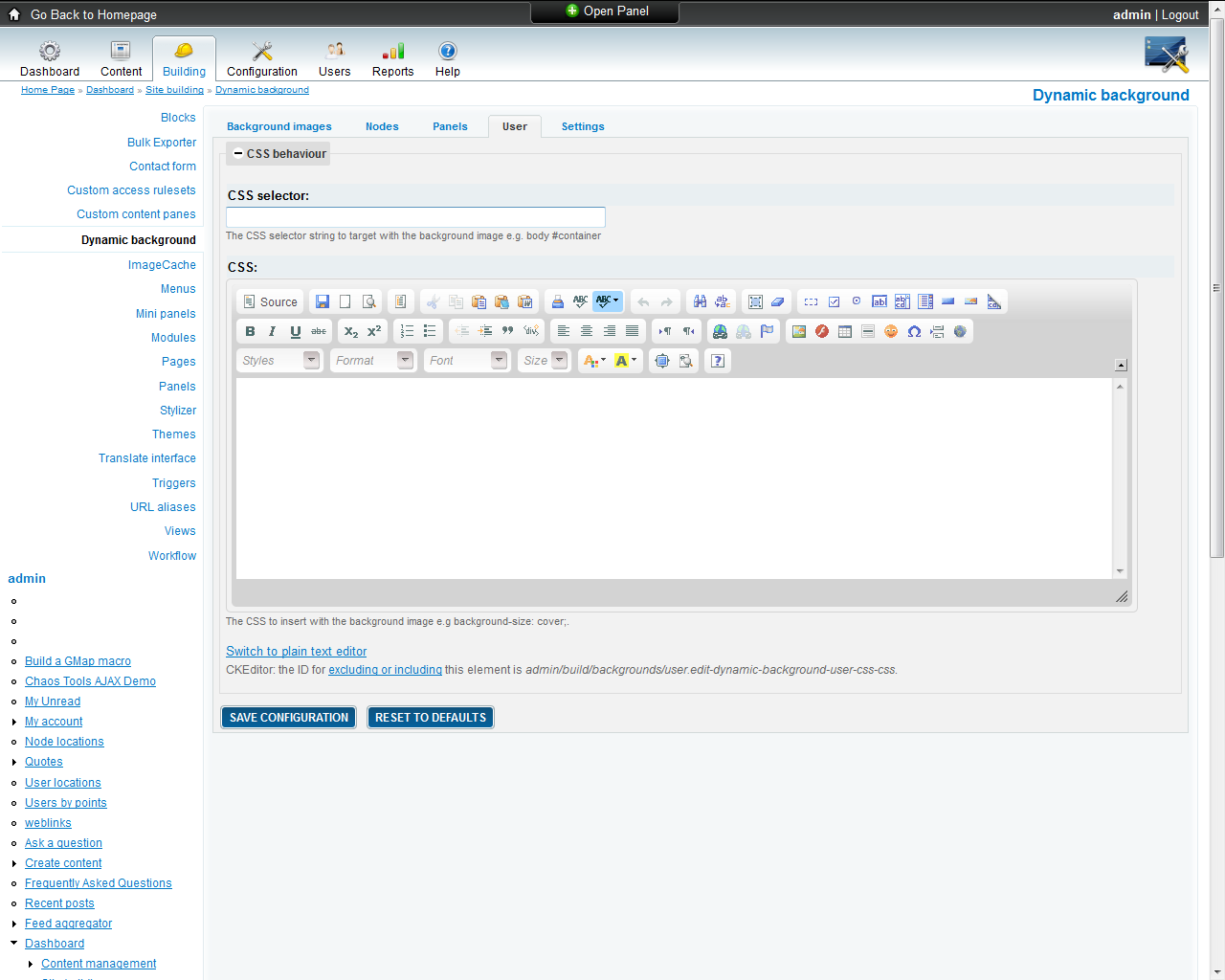
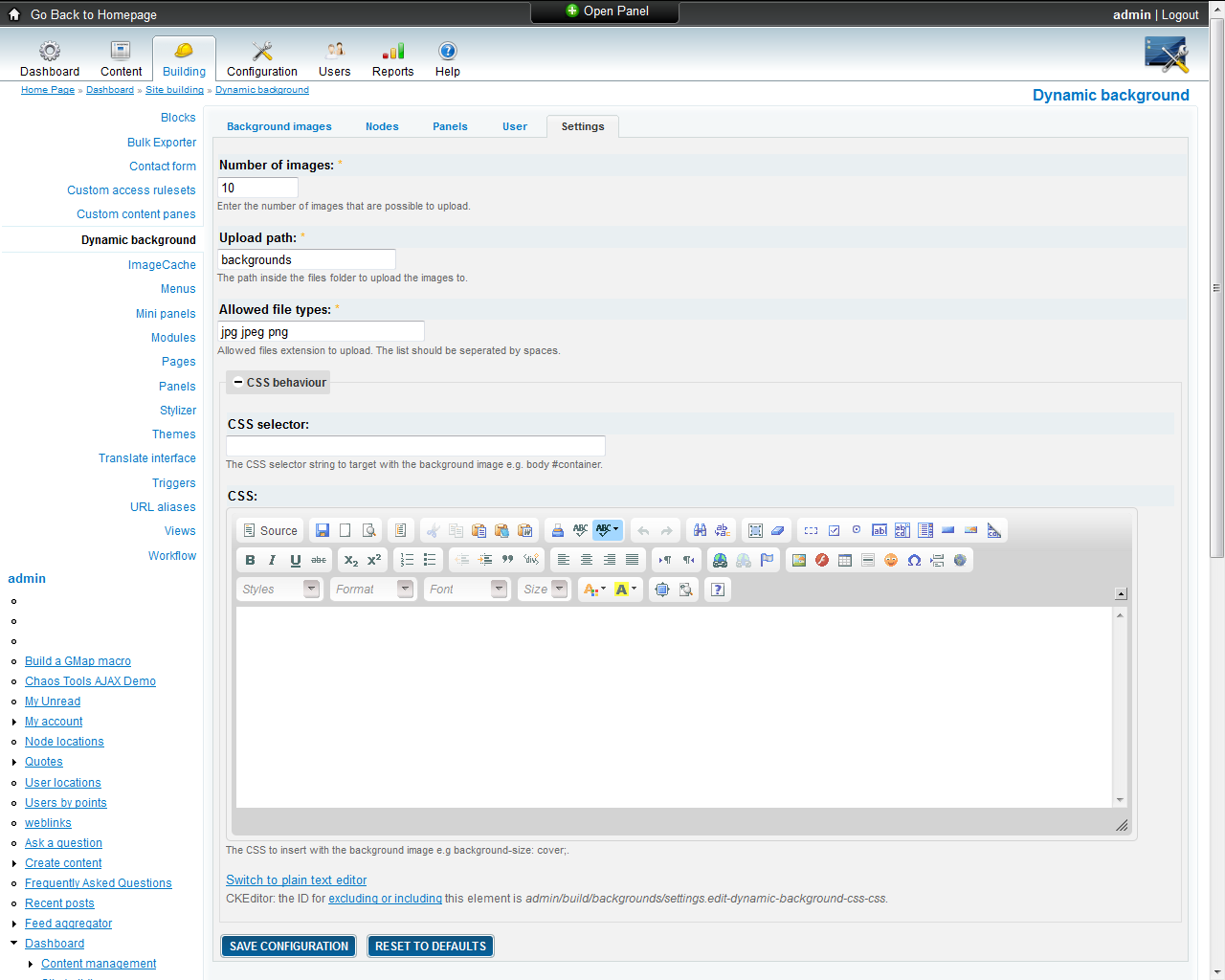
cableman0408 commentedHow do you insert the image, are you using the CSS behaviour fields in the administration interface for both the default image (admin/build/backgrounds/settings) and for the user extension (admin/build/backgrounds/user).
You should not use the $background variables in your page.tpl.php files as this will not work. The reason being that this can't be overridden by CSS on less the "!importent" keyword is used, which should be avoided.
Comment #16
adityadubay commentedHi,
Attached are some screen shots and some template files, If you have some time then please check and guide me where I am doing wrong configuration?
Thanks in advance
Regards,
Aditya
Comment #17
adityadubay commentedNo reply :(
Comment #18
cableman0408 commentedYou should use these steps.
1. Go to /admin/build/backgrounds/settings and set the "CSS selector" e.g.: body #container
2. Go to /admin/build/backgrounds/user and set the same "CSS selector" e.g.: body #container
3. Go to /admin/build/backgrounds and upload and select a default image.
4. Go to a user profile /user/1/backgrounds and select a background for that user.
You don't have to modify your theme to use dynamic background. You should upgrade to version 1.4, which has a minor bug-fix with selection of the first image.
Comment #19
adityadubay commentedI dont know why but it is not working for me :(
Comment #20
cableman0408 commentedThat is strange, have you tried with a clean Drupal installation. Just to test that it's not another module that conflicts with this module ?