

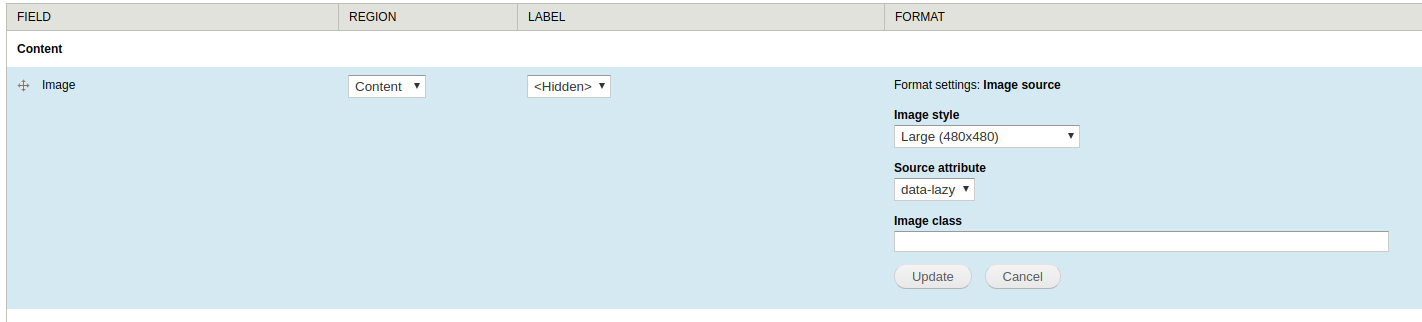
This module allows you to change the image data source attribute to "data-lazy" or "data-src" for some markup purposes or other functionality requirements.
Note: Image may not display if you change the source attribute to "data-lazy" or "data-src". This will just provide an image markup with the data source that you've selected on the settings.
Instruction
- Install and enable this module.
- Go to "Manage display" on the image that you want to change the data source.
- Set up the formatter to "Image source".
- Change the settings to what you wanted to be applied to the image.
- Then Save.
Supporting organizations:
Project information
 Seeking co-maintainer(s)
Maintainers are looking for help reviewing issues.- Project categories: Administration tools, Site structure
 2 sites report using this module
- Created by carlagno on , updated
 Stable releases for this project are covered by the security advisory policy.
There are currently no supported stable releases.

