


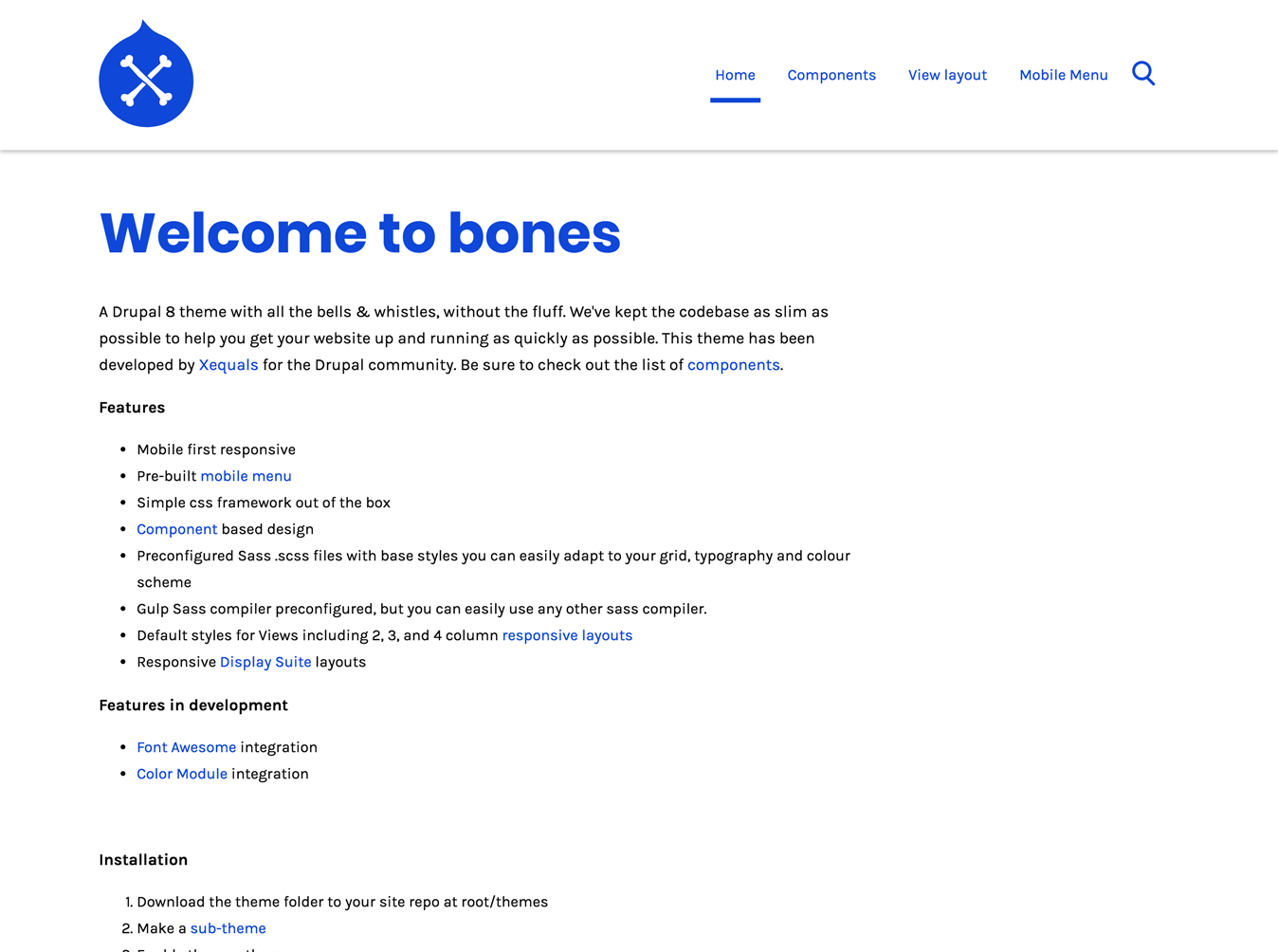
A Drupal theme with all the bells & whistles, without the fluff. We've kept the codebase as slim as possible to help you get your website up and running as quickly as possible. This theme has been developed by Xequals for the Drupal community.
Requirements
- Drupal 10.3 or later, Drupal 11 or Drupal 12.
- The Classy base theme (https://www.drupal.org/project/classy). Composer installs it with Bones.
- Node.js and npm, only to compile the Sass.
Features
- Mobile first responsive approach
- Simple css framework out of the box
- Component based design
- Preconfigured Sass .scss files with base styles you can easily adapt to your grid, typography and colour scheme
- Sass compiled with npm scripts, with Browser-Sync preconfigured, but you can easily use any other sass compiler
- Default styles for Views including 2, 3, and 4 column responsive layouts
- Responsive Display Suite styling for the most common layouts
- Theme settings to easily enable/disable:
- Fixed or regular heading style
- Pop-out search button
- Mobile menu with hamburger toggle
Installation
- Install Bones Theme with composer:
composer require drupal/bones_themeComposer places it in themes/contrib/bones_theme
- Make a sub-theme from the starterkit. Bones is a base theme: put your changes in a sub-theme, so that updates to Bones do not overwrite them.
- Copy the folder themes/contrib/bones_theme/starterkits/bones_subtheme to themes/custom, and rename the copy to your theme's machine name, for example my_theme.
- In the copy, rename every file whose name contains bones_subtheme, and replace bones_subtheme with my_theme inside every file.
- In my_theme.info.yml, change the name and description.
For example, on Linux, from the Drupal root (the folder that contains themes):
cp -r themes/contrib/bones_theme/starterkits/bones_subtheme themes/custom/my_theme
cd themes/custom/my_theme
for f in $(find . -name '*bones_subtheme*'); do mv "$f" "${f//bones_subtheme/my_theme}"; done
grep -rl bones_subtheme . | xargs sed -i 's/bones_subtheme/my_theme/g'
On macOS, use sed -i '' instead of sed -i.
Do not install the Bones Subtheme starterkit itself: it is a template for your sub-theme. - Install the sub-theme and set it as the default theme, on the Appearance page (admin/appearance) or with Drush:
drush theme:install my_theme
drush config:set system.theme default my_theme --yes
This installs Bones and Classy too.
Configuration
The sub-theme's settings page (admin/appearance/settings/my_theme) has a "Bones Theme Options" section, with all three options off at first:
- Use the Bones sticky header
- Use the Bones search box
- Use the Bones mobile menu
The sub-theme places the main menu in the Navigation region, and in the Mobile Navigation region for the mobile menu.
Compiling Sass
Bones compiles Sass with npm scripts, but you can use whatever preprocessor you like. In your sub-theme's folder:
- Run "npm install" to install the required packages.
- Add your styles to sass/my_theme.styles.scss. The sub-theme's CSS loads after the Bones CSS, so add only the rules that change or add to it. See sass/README.md.
- Run "npm run build" to compile css/my_theme.styles.css, or "npm run watch" to compile it on every save.
- Run "drush cache:rebuild", or clear the caches on the Performance page (admin/config/development/performance), to see the changes.
To use Browser-Sync, change the proxy address in the "browsersync" script in package.json to your local development address, then run "npm run dev". It compiles on every save and reloads the browser.
To compile the Bones theme's own CSS, after changing its Sass, run "npm install" and "npm run build" in the bones_theme folder.
Project information
 Minimally maintained
Maintainers monitor issues, but fast responses are not guaranteed.- Maintenance fixes only
Considered feature-complete by its maintainers.  68 sites report using this theme
- Created by thomasmurphy on , updated
 Stable releases for this project are covered by the security advisory policy.
Look for the shield icon below.


