

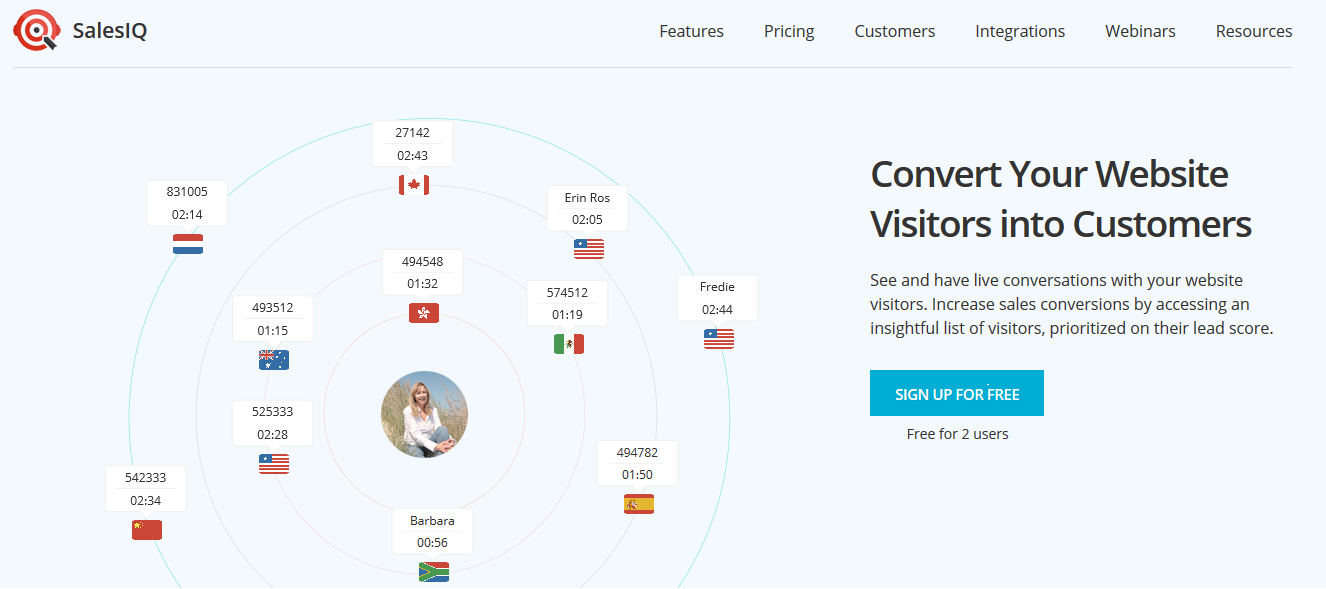
Integrates Zoho SalesIQ chat with your drupal site.
Installation
- Register to an account on Zoho SalesIQ
- Copy the embedname of your chat widget. Can find it here:
https://salesiq.zoho.com/XXXXXX/index#setting/embedchats - Goto to the configuration page
admin/config/development/zoho_salesiqand paste embed name. - Set proper permission to view and administer zoho salesiq
Configuration options
With this module the following configuration options are available:
- Select themes to load the widget.
- Select certain pages to load the widget
- Select how the widget will be loaded
Loading options
The widget behavior on your site is highly configurable, out of the box you can:
- Use standard float button
- Discard float button and use a JQuery trigger on any element of your site
- Activate the chat automatically once per session and use a JQuery trigger on any element of your site
Advanced options
For advanced user custom code could be inject using Zoho Javascript API. Sample code is provided
Supporting organizations:
Codding
Project information
 Maintenance fixes only
Considered feature-complete by its maintainers.- Project categories: E-commerce, Integrations
- Created by hatuhay on , updated
 Stable releases for this project are covered by the security advisory policy.
There are currently no supported stable releases.

